Your Central Hub for All 3D Assets
Browse ready-made assets, track production progress, explore variants, and access every file and render — all in one organized library.

A Stock-Like Library for All Your 3D Content
Whether your assets were created by the Vivid team or uploaded from your pipeline — everything automatically lands in the Asset Library.
See How Each Asset Moves Through Production
Track your asset’s creation journey at a glance: modeling, texturing, QA, approvals, and ready status.No need to open Manage — progress is visible directly in the library.


Smart Data Filtering
Browse your product library directly inside Studio.Adjust variants — colors, materials, finishes — with one click. All variant logic is pulled from Vivid.Build, so everything stays consistent across tools.


Everything About an Asset — In One Place
Opening an asset reveals the complete asset package, including: 3D formats, multi-render image bundles, variants connected from Vivid.Build

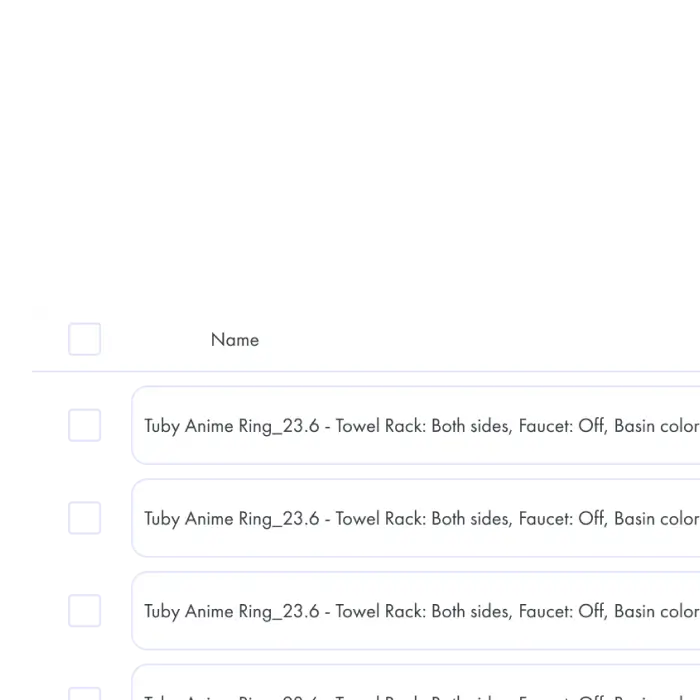
Variant Filtering Powered by Vivid.Build
When an asset has variants connected from Vivid.Build, the Library automatically shows a product-like configurator. Perfect for teams who need to find exact versions of a product asset.


Get started with Vivid
Stay in touch with our team