How 3D Modeling Is Reshaping Product Design and Sales in 2026
How 3D Modeling Is Reshaping Product Design and Sales in 2026
3D DAM Asset Operations
9 min
Technical blogger
Diego Santos
Updated:
June 17, 2026
Posted:
May 7, 2026
3D modeling has moved well past its origins as a specialist tool for engineers and animators. In 2026, it sits at the center of how physical products are conceived, refined, marketed, and sold - compressing timelines that used to span months, eliminating physical prototyping costs, and fundamentally changing the relationship between a product and its buyer. This guide covers how 3D modeling works across the full product lifecycle, what measurable business results it drives, and how manufacturers and retailers can apply it practically - from design workflow to sales channel.
Key Takeaways
3D modeling accelerates product development by replacing physical prototypes with digital iterations that can be tested, refined, and approved without manufacturing a single unit.
In sales and ecommerce, 3D product models directly drive measurable outcomes: Shopify research reports an average 94% conversion lift for products with interactive 3D content.
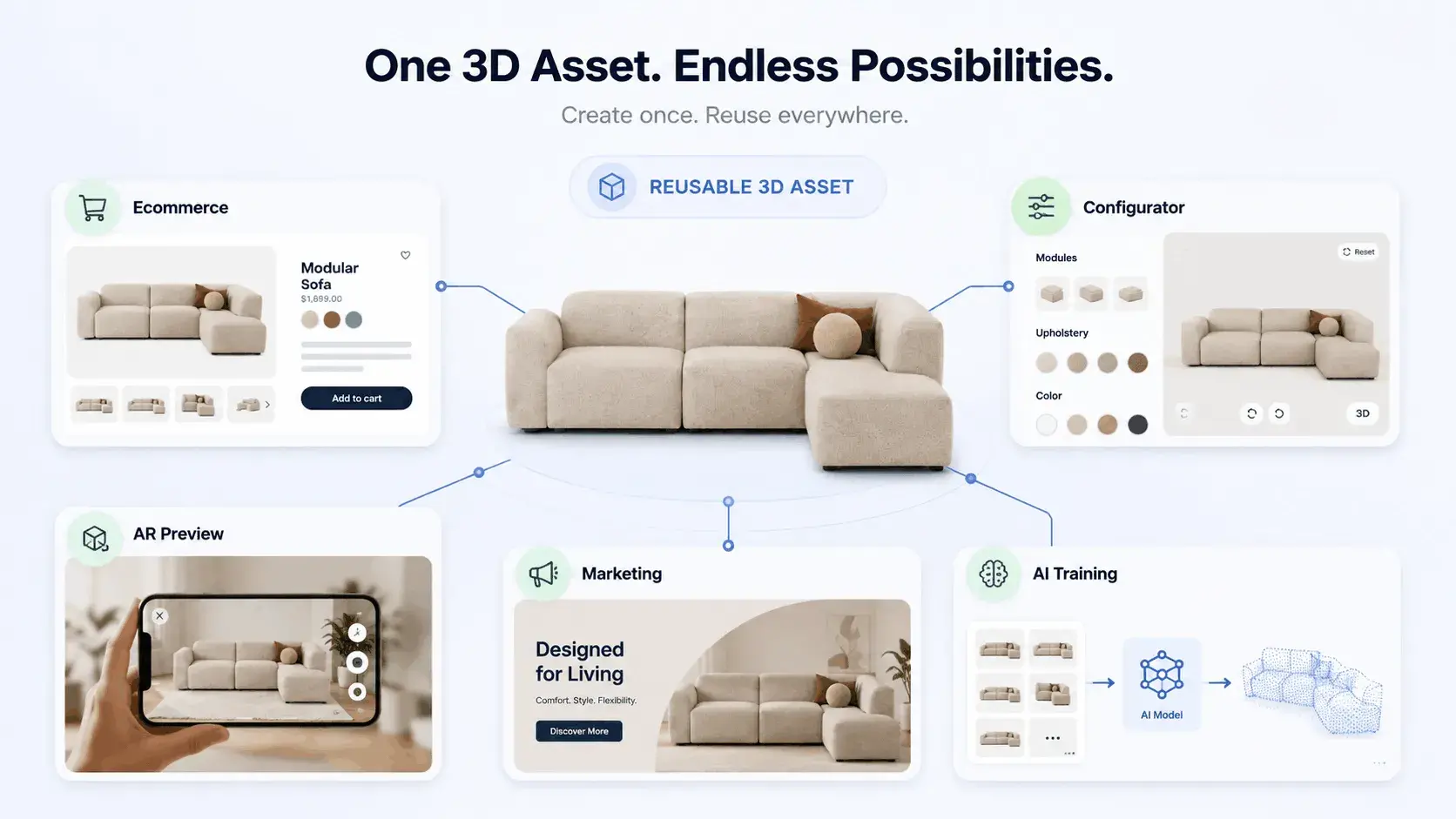
3D assets are reusable infrastructure - the same model that validates a design can render marketing images, power a product configurator, and generate AR previews for mobile buyers.
According to Business Research Insights, the 3D models market is valued at USD 2.09 billion in 2026 and projected to reach USD 7.42 billion by 2035 at a 15.1% CAGR, reflecting how broadly the technology is being adopted across industries.
Platforms like Vivid 3D treat 3D assets as governed, reusable infrastructure - connecting design, configuration, and commerce deployment in a single workflow.
What 3D Modeling Actually Means for Product Teams
At its core, 3D modeling is the process of creating a digital, three-dimensional representation of a product. But that definition undersells the operational shift it represents. A 3D model is not just a visualization - it is a data-rich object that carries geometry, material properties, structural relationships, and dimensional accuracy. It can be rendered into a photorealistic image, validated against engineering constraints, modified in hours rather than weeks, and published across every channel your business uses to sell.
For product teams, the practical shift is from a sequential design process - sketch, prototype, review, revise, prototype again - to a parallel one. 3D modeling allows design, engineering, and marketing to work from the same digital object simultaneously, eliminating the handoff delays and translation errors that inflate traditional development timelines.
3D Modeling in Product Design: The Development Workflow
From Concept to Digital Prototype
The design phase is where 3D modeling delivers its most immediate operational value. Instead of committing resources to a physical prototype to test form, fit, and proportion, teams build and iterate digitally. Changes that previously required weeks of tooling and manufacturing time can be made in hours. Materials can be swapped, dimensions adjusted, structural details refined - all without leaving the software environment.
CAD tools like Autodesk Fusion 360, SolidWorks, and Rhino handle the engineering precision layer, producing models that carry accurate dimensional and structural data. Blender, Cinema 4D, and Maya handle the visual and animation layer. In practice, many product pipelines use both: CAD for engineering validation, and a DCC (digital content creation) tool for visual refinement and rendering.
Validation Without Physical Tooling
One of the most commercially significant uses of 3D modeling in product development is pre-production validation. Design flaws that reach physical manufacturing are expensive - tooling costs, material waste, production delays. 3D models allow engineering teams to simulate assembly sequences, check component clearances, and identify structural problems before a single part is manufactured.
In industries with high regulatory or safety requirements - medical devices, automotive components, industrial equipment - this validation layer is not a productivity enhancement, it is a compliance requirement. The ability to document design decisions digitally and iterate rapidly without physical builds has compressed product development cycles across these sectors.
Cross-Team Collaboration
A 3D model is a shared language between teams that previously worked from different representations of the same product. Engineers see structural data. Designers see material and form. Marketing sees a renderable asset. Manufacturing sees a BOM source. When all of these views are derived from a single governed 3D file, the risk of version divergence - marketing selling a product that engineering has already revised, or production building to an outdated spec - drops significantly.
This is why asset governance is increasingly treated as a strategic capability, not just a file management problem. Platforms that provide version control, approval workflows, and structured access to 3D assets across teams eliminate a class of coordination failures that are common in organizations where 3D files circulate informally through email and shared drives.
3D Modeling in Sales: The Commercial Impact
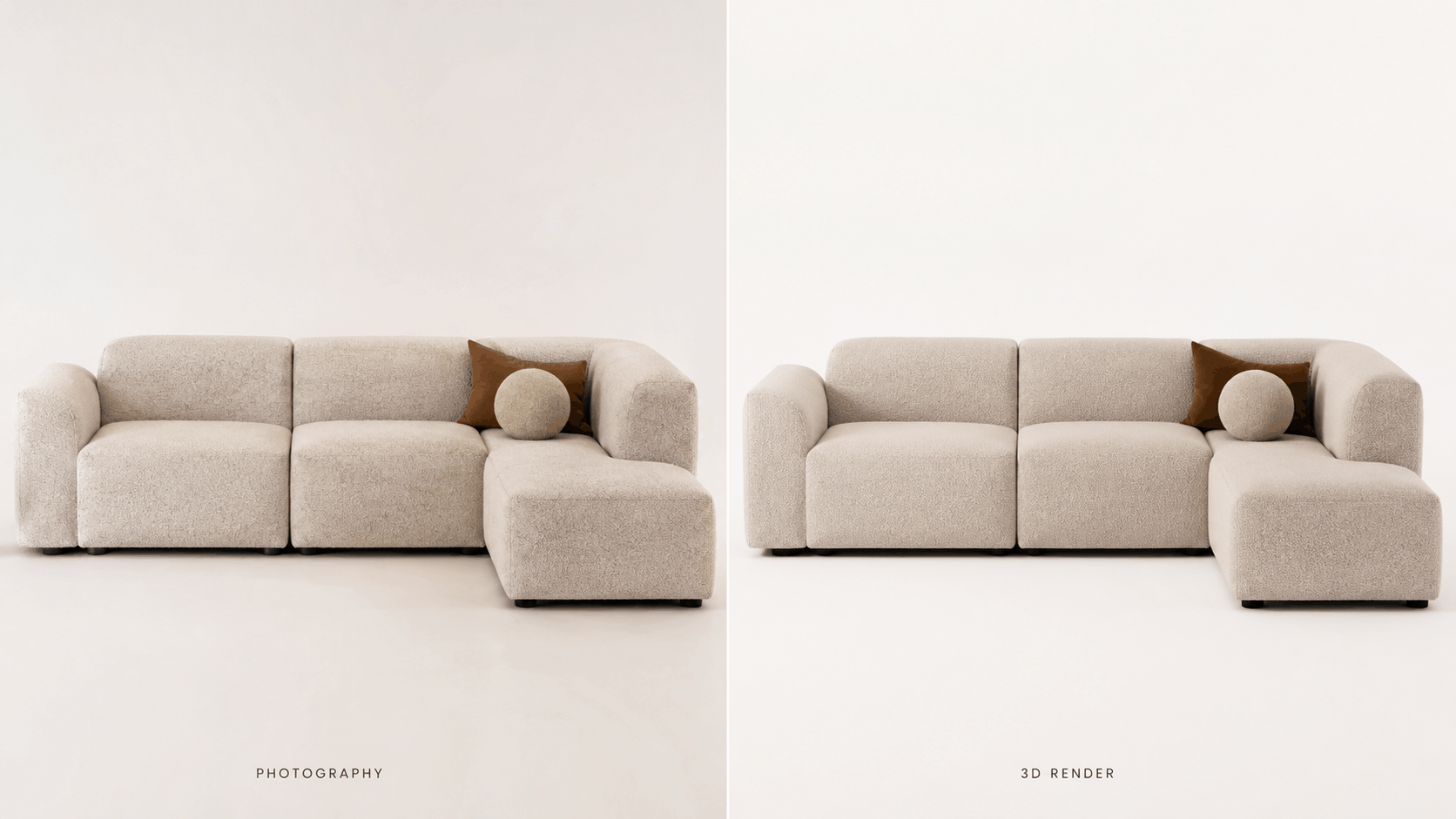
From Photography to 3D Rendering
Traditional product photography is expensive, slow, and structurally limited. A single photoshoot produces a fixed set of images - specific angles, specific materials, specific configurations. For products with multiple variants, the photography cost scales linearly with the number of options. For products that are frequently updated, every revision requires a new shoot.
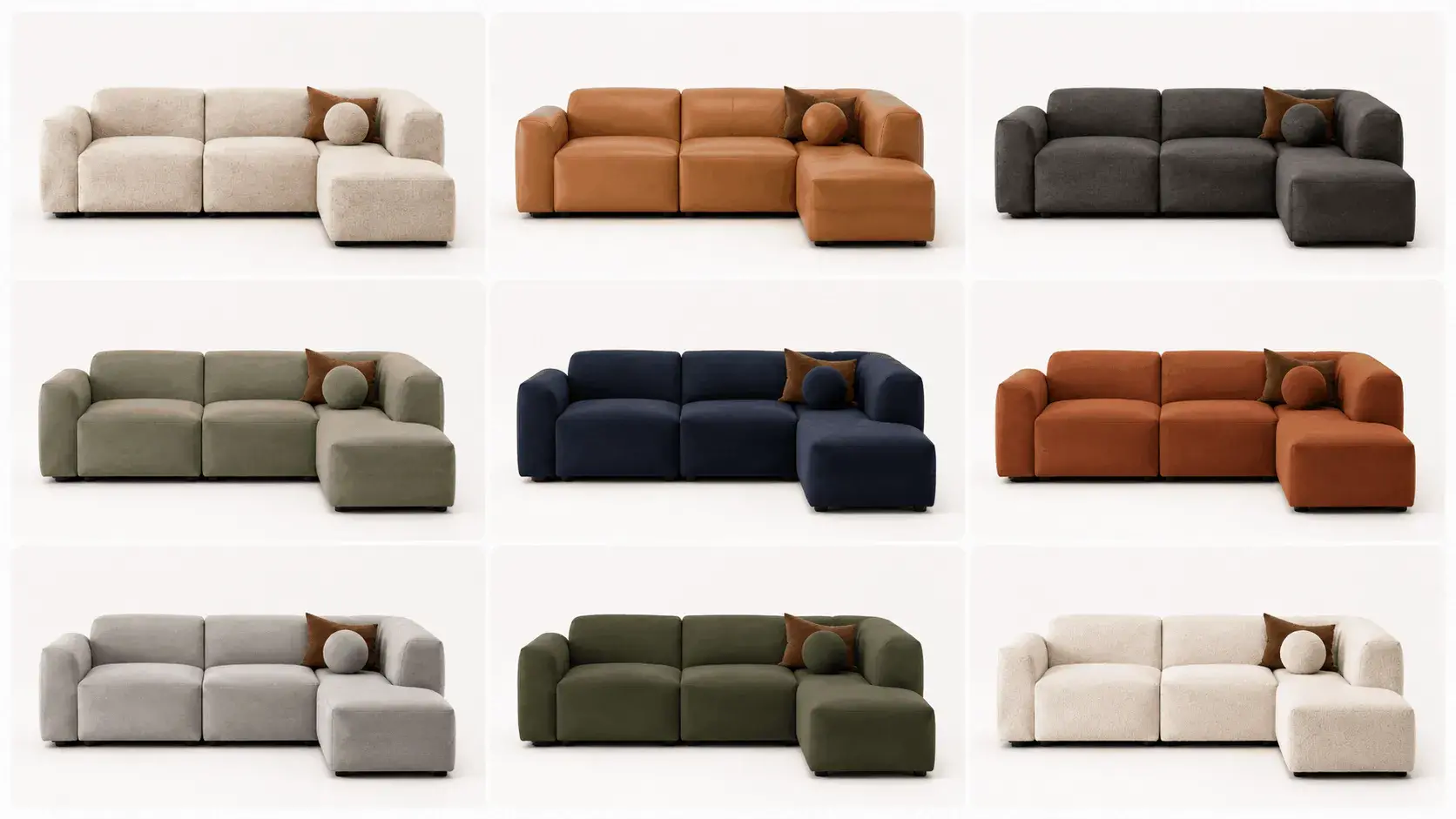
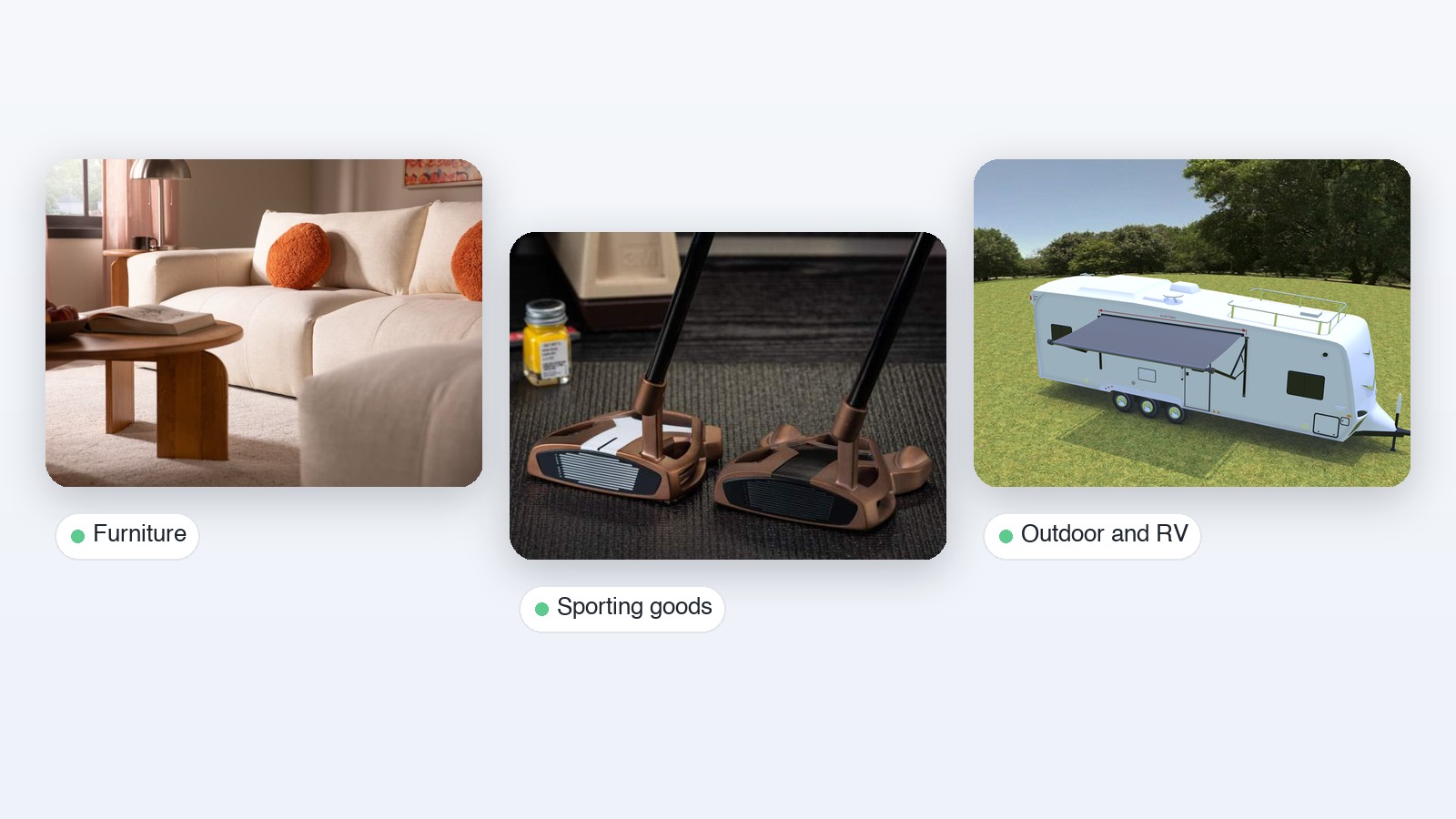
3D rendering inverts this economics. Once a product has a photorealistic 3D model, any angle, any material, any configuration can be rendered without a physical product present. New color options can be added to the catalog without a factory run. New markets can receive localized imagery without international logistics. The cost of the first asset is higher than a single product photo; the cost of every subsequent variant is a fraction of the equivalent photography.
The Conversion Impact of Interactive 3D
Static product imagery, however well-executed, creates a confidence gap: the buyer knows the image is a representation, not the thing itself. 3D visualization and AR close that gap. When a buyer can rotate a product, inspect material details up close, and place it in their actual space via AR, they are making a decision based on direct interaction rather than inference.
The conversion data is consistent across sources. Shopify's research on 3D and AR in ecommerce found an average 94% conversion lift for products with interactive 3D content. Industry data also shows that buyers using 3D and AR tools spend over 20% more time engaging with products and view significantly more items per session. DFS, the UK furniture retailer, reported a 22-fold return on investment from implementing 3D and AR, with shoppers using these tools being 19.8% more likely to purchase.
Return rates tell a complementary story. industry data - including coverage in Forbes - consistently shows a 40% reduction in returns after implementing 3D product content - a direct consequence of buyers having accurate spatial and material information before purchasing. For furniture, apparel, and home goods where return logistics are particularly costly, this reduction represents significant operational savings alongside the revenue upside.
Product Configurators as a Sales Channel
The most commercially advanced application of 3D modeling in sales is the product configurator: an interactive tool that lets buyers select colors, materials, modules, and dimensions, and immediately see their choices reflected in a photorealistic 3D render. The configured product - and its price - updates in real time with every selection.
Configurators solve two problems simultaneously. For buyers, they eliminate the uncertainty of purchasing a product they have only seen in a single standard configuration. For sellers, they allow a catalog of thousands of permutations to exist on a product page without the impossibility of photographing every combination. A single well-optimized 3D model, combined with a material library and a rule engine, generates visual coverage that no photography budget could match.
For manufacturers, the configurator also functions as an order processing layer: the buyer's final configuration generates a structured BOM and order payload that flows directly into the production system without manual re-entry. This closes the loop between the front-end customer experience and the back-end operational reality. For a technical breakdown of how to build this system, see our guide to building a 3D product configurator.
Industries Where 3D Modeling Has the Highest Impact
Industry
Design application
Sales application
Key benefit
Furniture & home goods
Modular product development, variant creation
3D configurator, AR room placement
Covers full variant space without photography; reduces returns
Consumer electronics
Industrial design validation, CMF exploration
Interactive product renders, lifestyle imagery
Faster time-to-market; marketing assets from design files
Automotive
Exterior and interior design, component simulation
Vehicle configurator, showroom visualization
Eliminates physical demo vehicles for most configurations
The most operationally sophisticated organizations in 2026 are not treating 3D models as one-off deliverables produced for a specific campaign or product launch. They are treating them as governed infrastructure: centrally managed, versioned, and redeployed across every channel that needs a visual representation of the product.
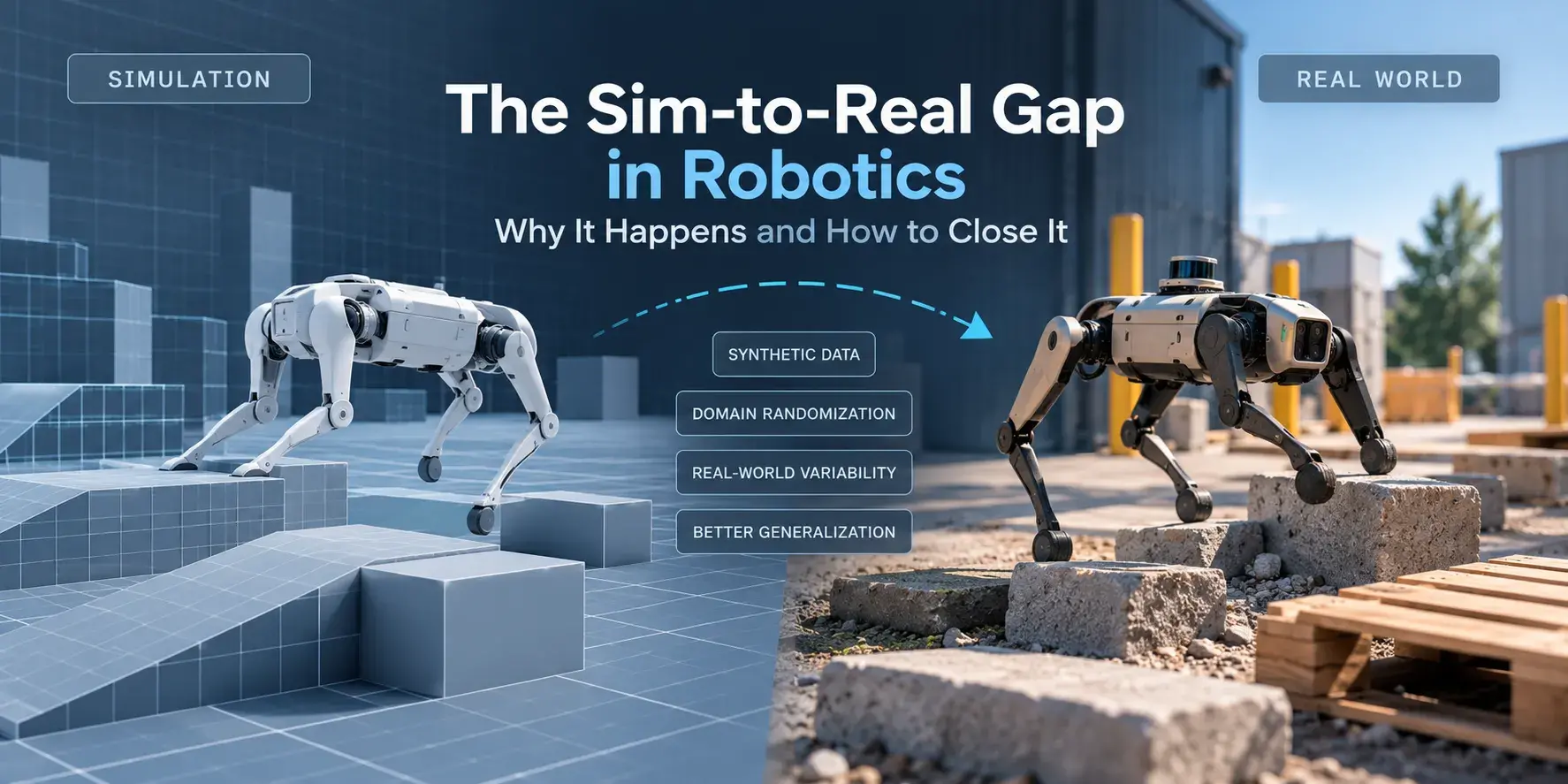
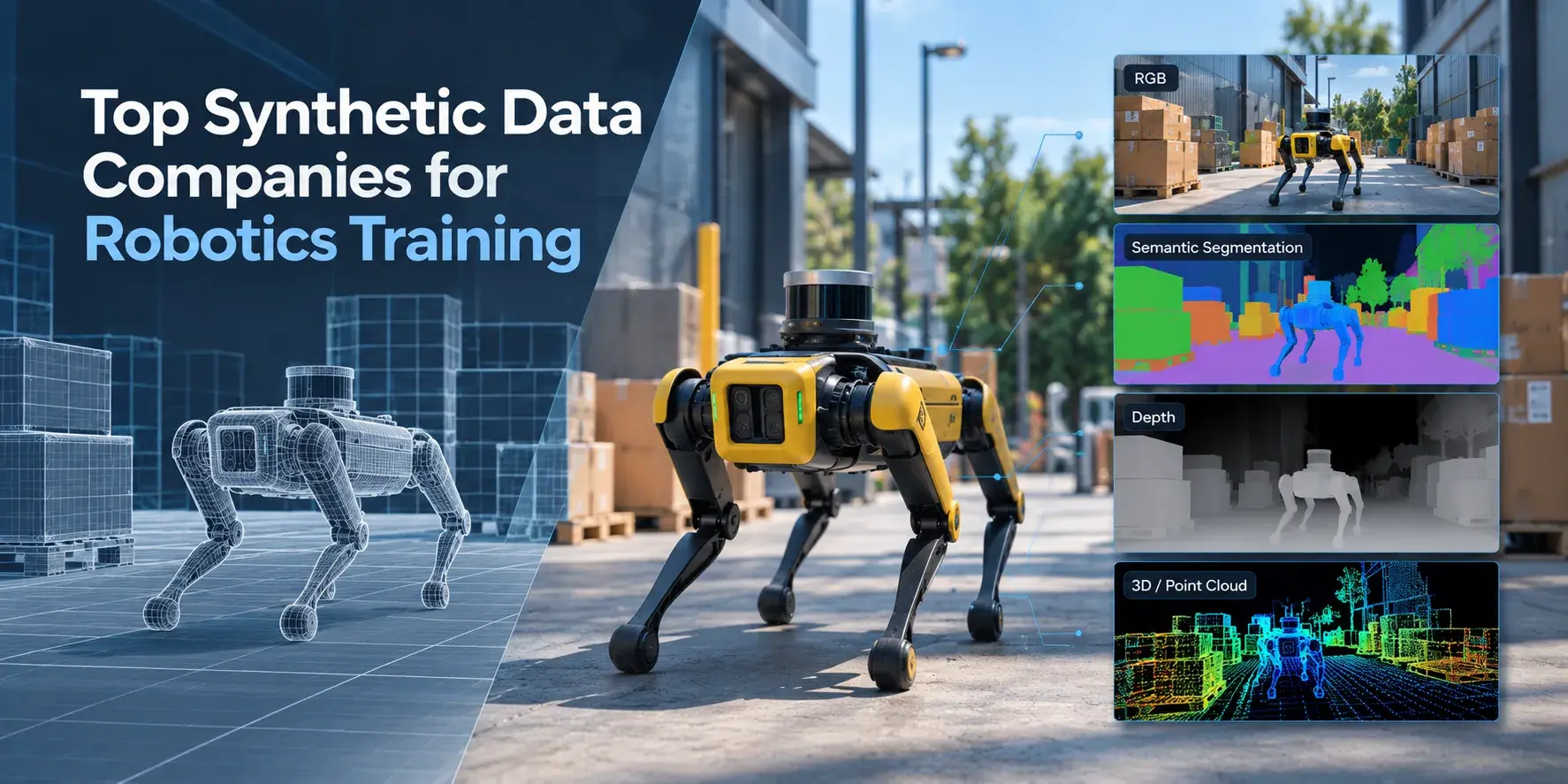
A single high-quality 3D model, properly structured and stored, can generate: product photography for ecommerce pages, lifestyle imagery for marketing campaigns, interactive configurator assets for the product page, AR assets for mobile buyers, sales presentation materials for B2B reps, training content for customer support, and - increasingly - synthetic training data for AI and computer vision models.
This reuse equation is what makes the unit economics of 3D modeling shift in favor of large catalogs. The marginal cost of generating a new render, a new variant, or a new channel deployment from an existing 3D asset approaches zero. The marginal cost of the equivalent photography does not.
Vivid 3D's platform is built explicitly around this model - connecting 3D asset creation, management, configurator publishing, and simulation data generation in a single system. Vivid.Studio handles scene creation and rendering, Vivid.Build powers product configuration, Vivid.Player manages deployment across channels, and Vivid.Simulation Generator extends the same asset library into synthetic data production for AI workflows. The result is a pipeline where 3D assets created for a product configurator can also serve downstream AI training use cases without duplication.
Getting Started: Practical Steps for Manufacturers and Retailers
Audit Your Current Asset Situation
Before investing in 3D modeling at scale, assess what you already have. Many manufacturers have CAD files for every product but have never converted them into web-ready 3D assets. Many retailers have invested in product photography but have no 3D files at all. The starting point determines the path: CAD-to-GLB conversion workflows differ significantly from building 3D models from photography reference.
Prioritize Products by Variant Complexity
Not all products benefit equally from 3D modeling investment. Products with high variant complexity - many color options, modular configurations, or customizable dimensions - generate the highest return on 3D asset investment because a single model covers a configuration space that photography cannot. Start with your highest-complexity, highest-revenue product lines.
Choose a Pipeline That Scales
The choice between in-house 3D production, outsourced studios, and Content-as-a-Service models depends on catalog size, update frequency, and internal capability. For large and frequently updated catalogs, a platform that provides both asset creation services and deployment infrastructure - where models are created to spec and published directly through the same system - eliminates the operational friction of managing separate vendors for production and delivery.
Measure What Matters
Set baseline metrics before deployment: conversion rate on key product pages, return rate by product category, time-to-market for new product variants, and - for B2B contexts - quote cycle time. 3D modeling investments are measurable; the categories above consistently show improvement in published industry data and platform case studies. Having baselines in place before launch allows you to demonstrate ROI rather than assert it.
FAQ
What software is used for 3D product modeling?
The most common tools depend on the use case. For engineering and manufacturing contexts: Autodesk Fusion 360, SolidWorks, Rhino, and CATIA. For visual product modeling and rendering: Blender (open source), Cinema 4D, Maya, and 3ds Max. For texture and material work: Adobe Substance 3D Painter and Sampler. Many production pipelines use CAD tools for engineering accuracy and DCC tools for visual refinement, exporting to GLB/GLTF for web delivery.
How much does 3D product modeling cost?
Cost varies significantly by complexity and quality requirements. Simple low-poly models for web use typically range from a few hundred dollars. Detailed photorealistic product models with full PBR materials range from $500 to several thousand dollars per model depending on complexity. At scale, Content-as-a-Service models - where a platform provides standardized 3D asset production as part of a broader deployment contract - often deliver better unit economics than commissioning individual models from studios.
What file format should 3D product models be in for web use?
GLB (binary GLTF) is the standard for web delivery and ecommerce. It is compact, widely supported by WebGL renderers, and compatible with all major platform players and 3D configurator frameworks. For AR on iOS devices, USDZ is required alongside GLB. A production pipeline should maintain a source file in the authoring tool of choice and export both formats as build outputs.
How does 3D modeling reduce product returns?
Most furniture and home goods returns are driven by expectation mismatches - the product looks different in person than it appeared online, or the dimensions were not as clear as expected. 3D visualization and AR address both problems: a photorealistic interactive render communicates material and finish accurately, and AR room placement gives buyers a direct spatial reference before purchase. Shopify's published data shows a 40% return rate reduction after implementing 3D product content.
Can existing CAD files be used for 3D product configurators?
Yes, with conversion and optimization. CAD files (from SolidWorks, Fusion 360, or similar tools) contain precise engineering geometry but are typically too polygon-heavy for real-time web rendering. The standard pipeline converts CAD geometry to a mesh, reduces polygon count to a web-appropriate target (typically under 100k triangles for mobile performance), and adds PBR materials before exporting to GLB. Many 3D platform providers offer this conversion as part of their onboarding service.
What is the difference between 3D rendering and 3D modeling?
3D modeling is the process of creating the digital three-dimensional object - defining its geometry, structure, and material slots. 3D rendering is the process of generating a two-dimensional image from that model using a rendering engine, applying lighting, shadows, and material properties to produce a final visual output. Both are steps in the same pipeline: you model first, then render. Interactive 3D viewers (in configurators and ecommerce) perform rendering in real time in the browser rather than pre-generating static images.