How to Implement AR on a Website in 2026 (Full Implementation Guide)
How to Implement AR on a Website in 2026 (Full Implementation Guide)
Realtime 3D, Web & AR
12 min
Technical writer
John Fresco
Updated:
13 Aug 2026
Posted:
14 Aug 2026
If you are searching for how to implement AR on a website, you likely want something specific: augmented reality that works in a real mobile browser, without forcing an app install, and without breaking when your product catalog grows. This is the practical Web AR implementation guide for 2026 — covering asset preparation, three distinct implementation paths, the technical blockers that kill most projects before launch, and the UX patterns that determine whether users actually engage with your AR experience once it is live.
Quick Summary: 5 Steps to Add AR to Your Website
Prepare two files per product: GLB for web and Android, USDZ for iOS Quick Look. Both are required for full mobile coverage.
Optimize for mobile first: Keep geometry under 100k triangles, compress textures with KTX2 or Draco. The 5-second loading rule applies on mobile data.
Choose your implementation path: A platform embed (Vivid 3D), Google's <model-viewer> web component, or a custom WebXR build — each suits a different team and use case.
Serve over HTTPS and handle camera permissions correctly: Camera-based AR will fail silently or be blocked entirely on HTTP. Permission timing is a UX decision, not just a technical one.
Test on real devices: iOS Safari, Android Chrome, and at least one mid-range phone. Tune plane detection and lighting before launch.
Why Web AR Is Replacing Native Apps in 2026
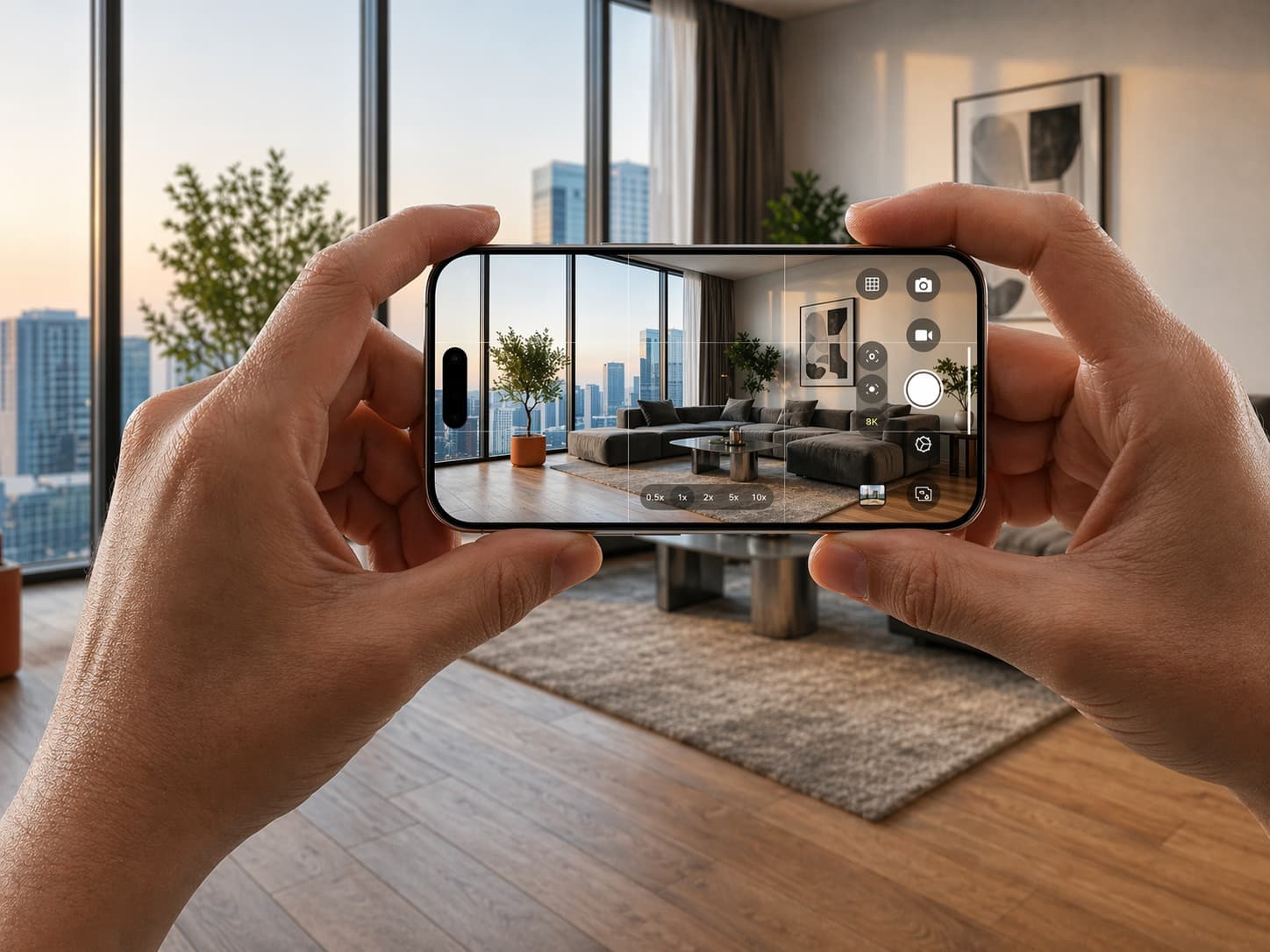
The core reason is friction. People do not download an app to answer a single purchase question — will this chair fit, is this watch too large, does this cabinet match my kitchen. They might download an app for a game. They will not do it for a checkout decision. Web AR cuts the interaction to a single tap: allow camera, place, decide.
The business case is well-established. Shopify's research on 3D and AR in ecommerce found that merchants adding interactive 3D content to their stores see conversion lifts averaging around 94% in some product categories. The mechanism is straightforward: when buyers can judge scale, fit, and finish in their actual environment with less guesswork, hesitation drops and purchase confidence rises.
Native AR apps still have advantages in raw capability — access to more device sensors, offline functionality, deeper AR tracking. But for the vast majority of ecommerce and commercial Web AR use cases in 2026, browser-native AR through WebXR, AR Quick Look, and Google Scene Viewer delivers results without the distribution and update overhead of an app store.
Phase 1: Preparing Your 3D Assets — The Foundation Everything Else Depends On
Most Web AR projects do not fail because of a difficult API. They fail because the 3D model is too heavy, the scale is wrong, or the materials look unconvincing in real-world lighting. Poor asset quality makes users assume the feature is broken — or worse, that the product itself is low quality.
File Formats: GLB vs. USDZ — You Need Both
GLB is the practical delivery format for web and Android. It is a binary container for the glTF standard — compact, widely supported, and what WebXR-based flows and Google Scene Viewer expect. USDZ is Apple's format, and it is what iOS Quick Look requires to deliver the native "place it in my room" AR experience on iPhone and iPad. Apple's documentation on AR Quick Look is explicit: Safari and other built-in iOS apps use Quick Look to display USDZ files.
If you want AR to work reliably on iPhones — which account for roughly half of mobile web traffic in most markets — USDZ is not optional. The practical pipeline in 2026 is to maintain one source-of-truth model (usually GLB or glTF), then generate USDZ as an automated build step. Validate both formats on real devices early, not at the end of the project.
One detail worth noting: if you plan to serve USDZ from your own server, make sure the server is configured with the correct MIME type (model/vnd.usdz+zip). Safari relies on the MIME type to recognize AR assets — incorrect configuration silently breaks the Quick Look trigger.
Optimization: Performance Is Everything on Mobile
Your mental target should be: a user taps "View in your space" and gets a usable, stable AR result quickly — even on mobile data, even on a mid-range device. You do not need perfect photorealism on day one. You need speed and stability first.
Polygon count: Keep geometry under roughly 100k triangles for smooth performance on mid-range Android and iPhone models. Complex furniture and industrial products can be challenging here — level-of-detail strategies help.
Texture compression: Use KTX2 or Basis Universal for textures. A single uncompressed 4K texture can destroy load time and exhaust memory on mobile. Match texture resolution to the product, not to what looks best on a desktop monitor.
Draco compression: Compresses geometry significantly with minimal visual loss. Supported natively by model-viewer and most platform players.
The 5-second rule: If your AR experience does not begin loading within 5 seconds on a typical mobile data connection, a significant portion of users will abandon before the experience starts.
Phase 2: Choosing Your Implementation Method
There are three well-defined paths to shipping Web AR in 2026. The right choice depends on your team's technical capacity, your catalog size, and how much interaction the AR experience requires. Choosing the wrong path for your context wastes weeks.
1. Platform Embeds — Recommended for Retail and Large Catalogs
If you operate a catalog with many SKUs, or your marketing team needs to publish AR experiences without waiting on engineering for every update, a managed platform approach is usually the most operationally sustainable choice.
With this approach, you publish 3D and AR-ready experiences through a universal web player that can be embedded across your site, CMS pages, and ecommerce product pages with a simple snippet or iframe. Vivid 3D's Vivid.Player is built around this model — a unified workflow that connects 3D content production, digital asset management, and deployment through a single embeddable player with integrations for major ecommerce platforms.
The tradeoff is that your interaction ceiling is lower than a custom WebXR build. The upside is that ongoing maintenance, asset optimization, and cross-platform delivery are handled by the platform rather than your team.
2. Google's <model-viewer> — The Developer Standard
If you have front-end developers and want a well-documented, open-source baseline, <model-viewer> is the most widely adopted starting point for Web AR. Google describes it as a web component that allows viewing and interacting with 3D models on the web, with a seamless transition to AR on supported devices.
<model-viewer src="/models/product.glb" ios-src="/models/product.usdz" ar ar-modes="webxr scene-viewer quick-look" camera-controls alt="3D model of the product"> </model-viewer>
Two details that prevent common confusion:
The ios-src attribute is what enables Quick Look on iOS using USDZ. Without it, iPhones fall back to a non-AR 3D viewer.
On Android, model-viewer will attempt WebXR in Chrome first, then fall back to Scene Viewer depending on device capabilities. The ar-modes attribute controls priority order.
3. Custom WebXR Builds — For Complex Interactions
If your AR experience needs more than "place and look," you will eventually outgrow platform embeds and model-viewer. Multi-step product builders in AR, measurement tools, configurators that change components while placed in space, interactive learning environments — all of these require a custom WebXR implementation using a rendering library like Three.js.
The advantage is total control over behavior, UI, and state management. The cost is that you own everything: cross-browser fallbacks, performance tuning, permission handling, device compatibility, and long-term maintenance. Plan for this like a product build, not a snippet integration.
One important technical requirement: model-viewer documentation explicitly notes that WebXR mode requires HTTPS, and if the viewer is embedded inside an iframe, the iframe must grant the xr-spatial-tracking permissions policy to your origin. This catches many teams when they embed AR inside a CMS — AR works on a standalone page but fails inside the embed.
Implementation Method Comparison
Method
Best fit
Time to ship
iOS path
Android path
Interaction ceiling
Maintenance
Platform embed (e.g. Vivid 3D)
Retail, large catalogs, non-technical teams
Fast and repeatable
Quick Look via USDZ
Scene Viewer / WebXR
Medium
Lower — handled by platform
Google model-viewer
Developers shipping product preview AR
Quick to launch
Quick Look with ios-src
WebXR or Scene Viewer
Low to medium
Medium
Custom WebXR
High-complexity AR interactions
Longer — full product build
Browser-dependent fallbacks
Best on Chrome + WebXR
High
High — you own everything
Phase 3: Technical Implementation — The Details That Kill Projects
The 3D viewer is rarely where Web AR projects break down. The failures happen in the infrastructure around it.
Step 1: HTTPS Is Non-Negotiable
Camera access and AR tracking both require a secure browser context. MDN's documentation on camera APIs is unambiguous: a secure context means a page loaded over HTTPS or localhost, and user permission is always required to access camera inputs. If your site is not HTTPS, AR will fail silently or display an error before a user ever sees your model. Fix this first — everything else is wasted effort until HTTPS is confirmed.
Step 2: Camera Permissions Are a UX Moment, Not Just a Prompt
Do not request camera access on page load. Asking for camera permission before a user has expressed any intent to use AR feels suspicious and drives high denial rates. Ask at the moment the user taps the AR entry point — at that moment, the permission request makes contextual sense.
Pair the permission request with a single explanatory sentence: something like "We use your camera to place the product in your space." That line alone meaningfully improves acceptance rates. It addresses the user's implicit question — why does a product page need my camera — before they ask it.
Step 3: Embed the Component Correctly
Whether you are using model-viewer, a platform player, or a custom component, the embed tag should go in the <body> where the AR experience will render. Load the component script as a module in the <head> or before the component tag. Avoid placing AR components inside deeply nested iframes without configuring the required permissions policy — as noted above, this is one of the most common production failures.
Step 4: Surface Detection and Placement Stability
In practice, users do not describe plane detection failures with technical language. They say "it's floating" or "it won't stay still." Both AR Quick Look on iOS and Google Scene Viewer on Android handle plane detection natively, which is one reason these paths are preferable to custom WebXR for simple placement use cases.
Practical habits that keep placement feeling stable:
Do not auto-place objects the moment AR opens. Let users tap to place — this gives ARKit and ARCore time to detect a valid surface.
Show a brief "move your phone slowly" hint on first use. This primes users to scan their environment before tapping.
If you are building a custom WebXR experience, implement hit testing against detected planes rather than placing objects at a fixed distance from the camera.
UX Best Practices: Reducing Friction After Launch
Perfect tracking and correct implementation do not guarantee that users will actually engage with your AR experience. Poor UX design is the most common reason technically solid AR implementations see low interaction rates.
Make the entry point obvious. Place the AR button near the primary product media, not buried in a tab or below the fold. The label matters more than the icon: "View in your space" significantly outperforms a small 3D cube icon in click-through rates.
Teach with one visual cue. A short animation of a phone scanning a floor is universally understood and takes less than two seconds. Users are already processing product information — AR should feel like a shortcut, not additional homework.
Make the loading state look intentional. A visible progress indicator reads as "loading." A blank screen with no feedback reads as "broken." This distinction alone affects whether users wait or leave.
Always provide a fallback. If AR is not supported on the user's device or browser, they should be able to rotate and inspect the product in 3D. Removing access entirely for non-AR devices damages the experience for a significant portion of your audience.
Light estimation matters. When a product's AR render uses generic ambient lighting rather than matching the real-world environment, it looks fake and undermines buyer confidence. Modern AR frameworks offer light estimation APIs — use them if your implementation allows it.
Real-World Use Cases: Where Web AR Delivers the Most Value
Furniture and home goods. The classic use case, and still the strongest. Scale is the problem that product photography cannot solve — a photo cannot tell a buyer whether a sofa will dominate a room or fit naturally. An AR placement experience answers that question directly, at the moment of purchase decision. This is where conversion and return rate improvements are most consistently documented.
Accessories and wearables. Virtual try-on for watches, jewelry, eyewear, and bags uses face or surface tracking to let buyers assess proportion and styling in real light, on their actual body or desk. The confidence gap between a product image and a real-world try-on is enormous in these categories.
Education and training. Interactive 3D models that users can examine from every angle replace static diagrams in ways that meaningfully improve comprehension. Medical, engineering, and scientific education contexts have documented engagement improvements with AR-enhanced content.
B2B and industrial. Sales representatives using Web AR to demonstrate equipment footprint, clearance requirements, and installation context during client meetings close faster than those relying on brochures or 2D renders. The same Web AR infrastructure that serves ecommerce can serve B2B sales enablement without a separate build.
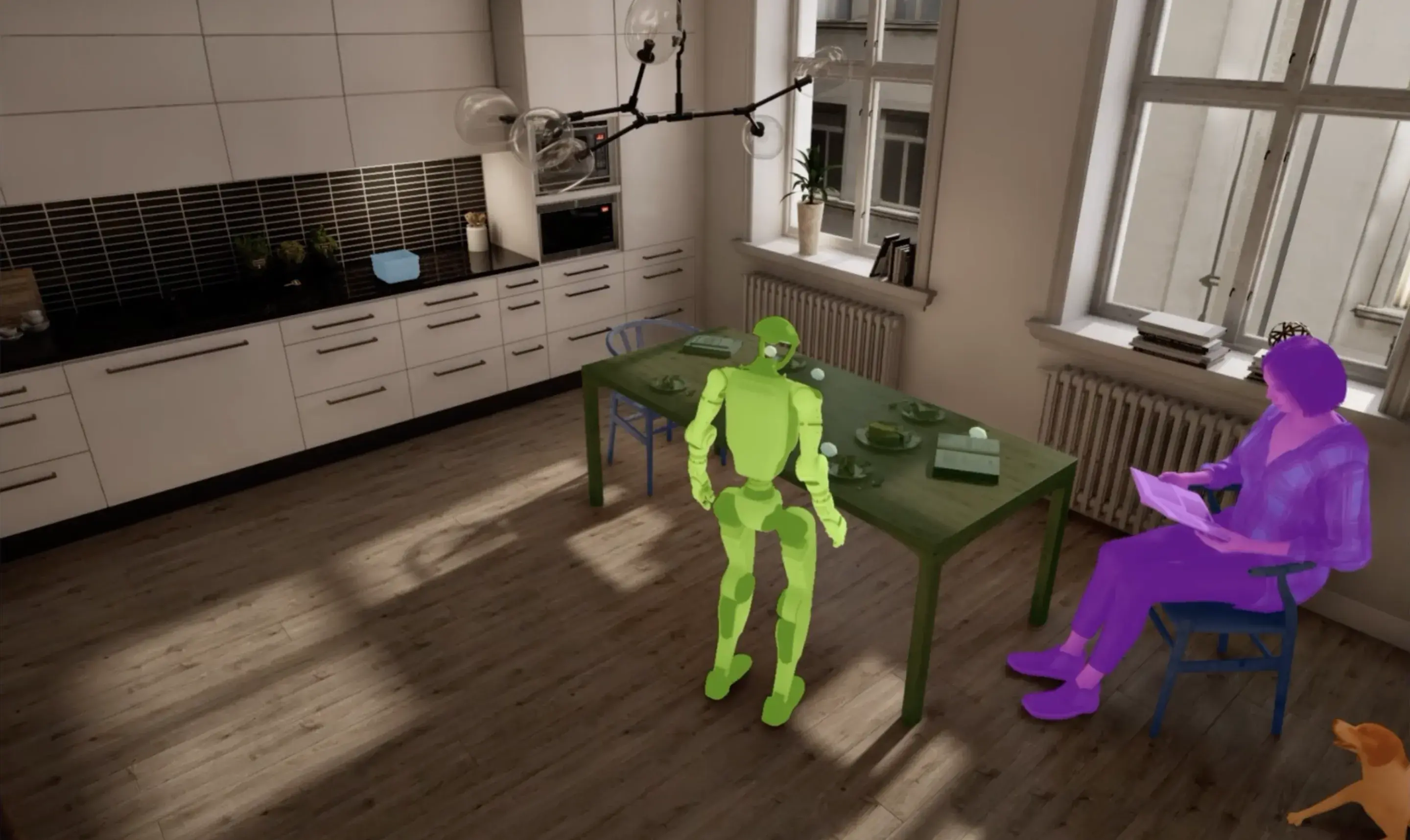
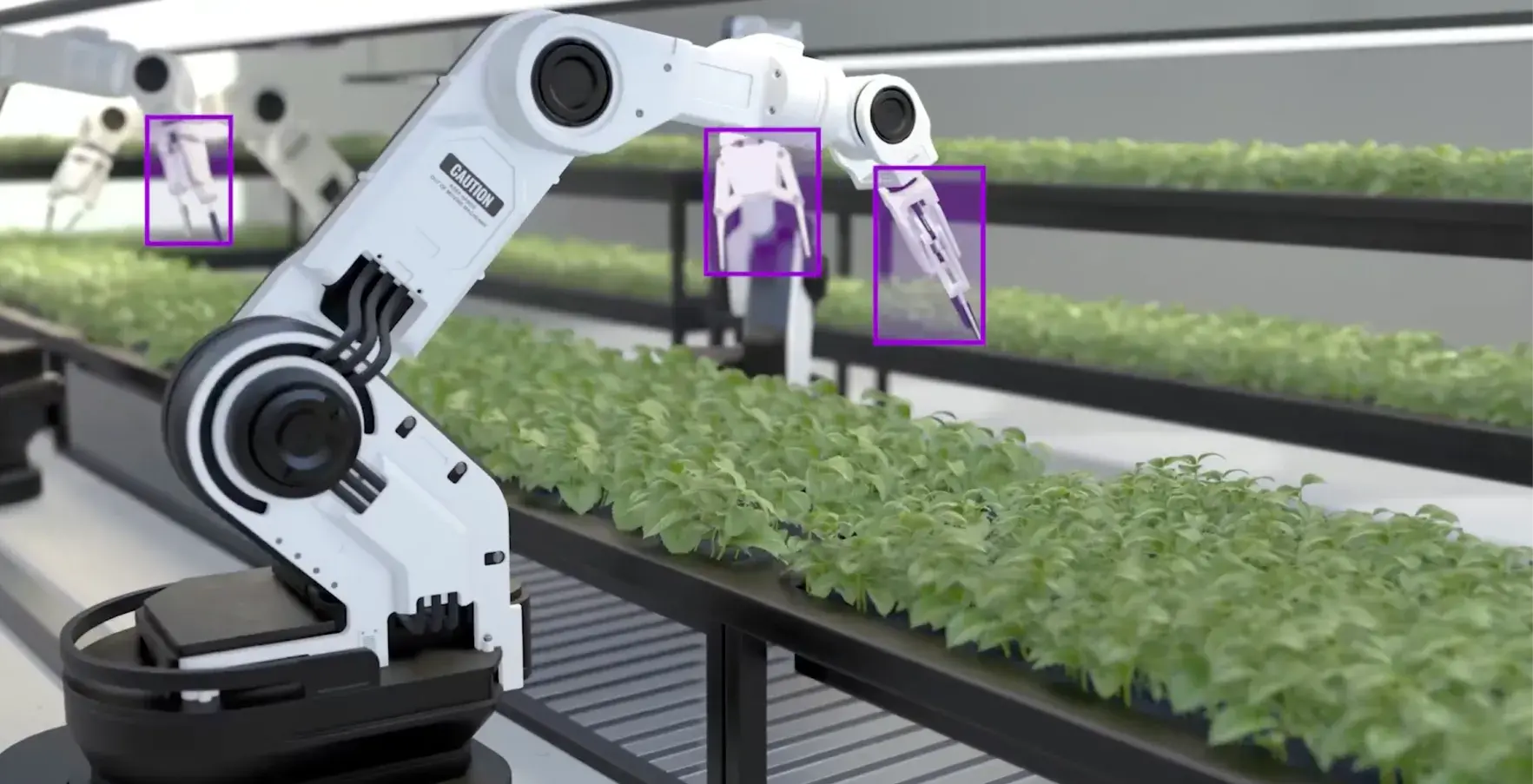
A broader pattern worth noting: Web AR is also beginning to close the gap between simulated training environments and real-world deployment — what researchers call sim-to-real transfer. The closer a digital representation is to physical reality, the fewer surprises arise when that product, machine, or space is encountered in the field. Well-implemented AR for omnichannel AR experiences compounds value beyond the initial ecommerce conversion use case.
Conclusion: The Future Is Browser-Based
Implementing AR on a website in 2026 is less about a flashy feature and more about building a reliable, maintainable path between your 3D assets and your users' cameras.
The foundation is consistent regardless of implementation method: two formats (GLB and USDZ), optimized geometry, HTTPS, and a permission flow that respects the user. Get those right, and the choice of delivery path becomes a question of team capacity and interaction requirements rather than a technical gamble.
If you want the fastest path to shipping and maintaining AR across a large product catalog, a platform approach — particularly one that connects 3D content production, asset management, and publishing in a single workflow — is usually the most operationally practical. Vivid 3D's Visual Data Platform is built around exactly this model, with Vivid.Player handling cross-platform AR delivery as part of a broader content infrastructure.
If you want a developer-standard baseline you can ship quickly and iterate on, model-viewer is the right starting point — its documentation covers AR modes, fallback behavior, and known requirements clearly.
If you need deep interaction and custom behavior in AR, WebXR with Three.js is where you will end up. Plan for it as a product build from the start, and account for the full maintenance surface you are taking on.
The browser-based future of AR is not winning because it is trendy. It is winning because it removes the last moment of doubt at the exact point where people decide to buy.
FAQ
What is the easiest way to add AR to a website?
For most ecommerce and retail use cases, a platform embed is the fastest path. Services like Vivid 3D provide embeddable AR players that handle cross-platform delivery, asset optimization, and updates without requiring custom development. For teams with front-end developers, Google's open-source <model-viewer> web component is the most widely used developer standard.
Does Web AR work on iPhone?
Yes, via iOS AR Quick Look in Safari. You need a USDZ file for the native iOS AR experience. GLB alone will display a 3D viewer on iPhone but will not trigger the full room-placement AR feature. Both formats should be prepared for full mobile coverage.
Do I need HTTPS to implement Web AR?
Yes, unconditionally. Camera access and AR tracking require a secure browser context. Web AR will fail silently or display a permissions error on HTTP. If your site is not on HTTPS, that must be resolved before any AR implementation work makes sense.
What 3D file format does Web AR use?
GLB (binary glTF) is the standard for web delivery and Android AR. USDZ is required for iOS AR Quick Look. A production pipeline should maintain a single source model and export both formats. Draco-compressed GLB files significantly reduce file size for faster mobile loading.
How do I embed AR in a CMS or Webflow?
For platform players like Vivid 3D, the embed is typically a standard iframe or script snippet that drops into any HTML block. For <model-viewer>, the component tag goes directly in a custom code block. If embedding inside an iframe, ensure the iframe includes the allow="xr-spatial-tracking" attribute — without it, WebXR-based AR will fail inside the embed even when HTTPS is configured correctly.
How long does it take to implement Web AR?
A platform embed with existing 3D assets can be live in hours. A model-viewer integration with prepared GLB and USDZ files typically takes one to three days including testing. A custom WebXR build for complex interaction requirements is a product-level effort measured in weeks to months, depending on scope.







.webp)
.webp)