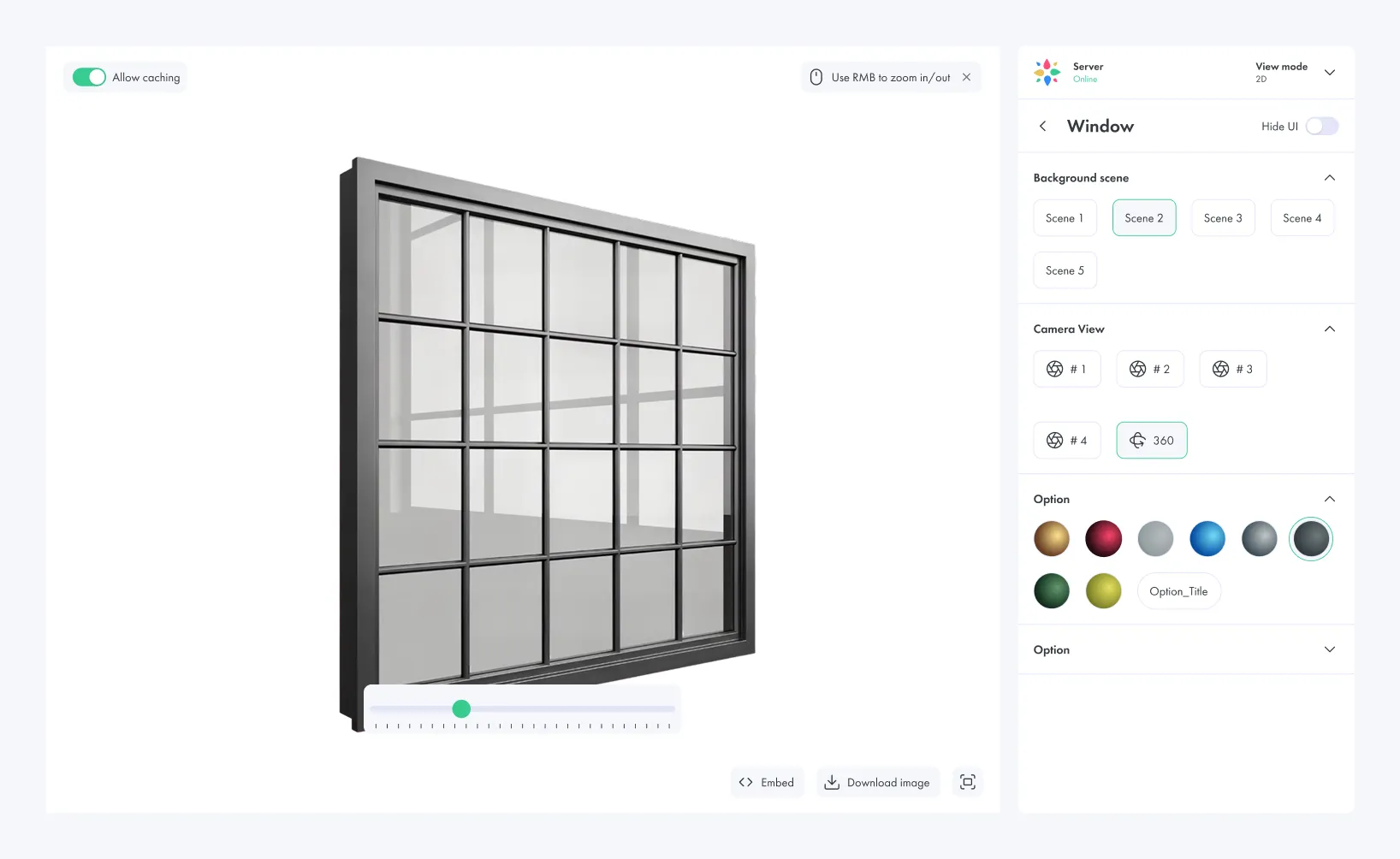
Window Configurator
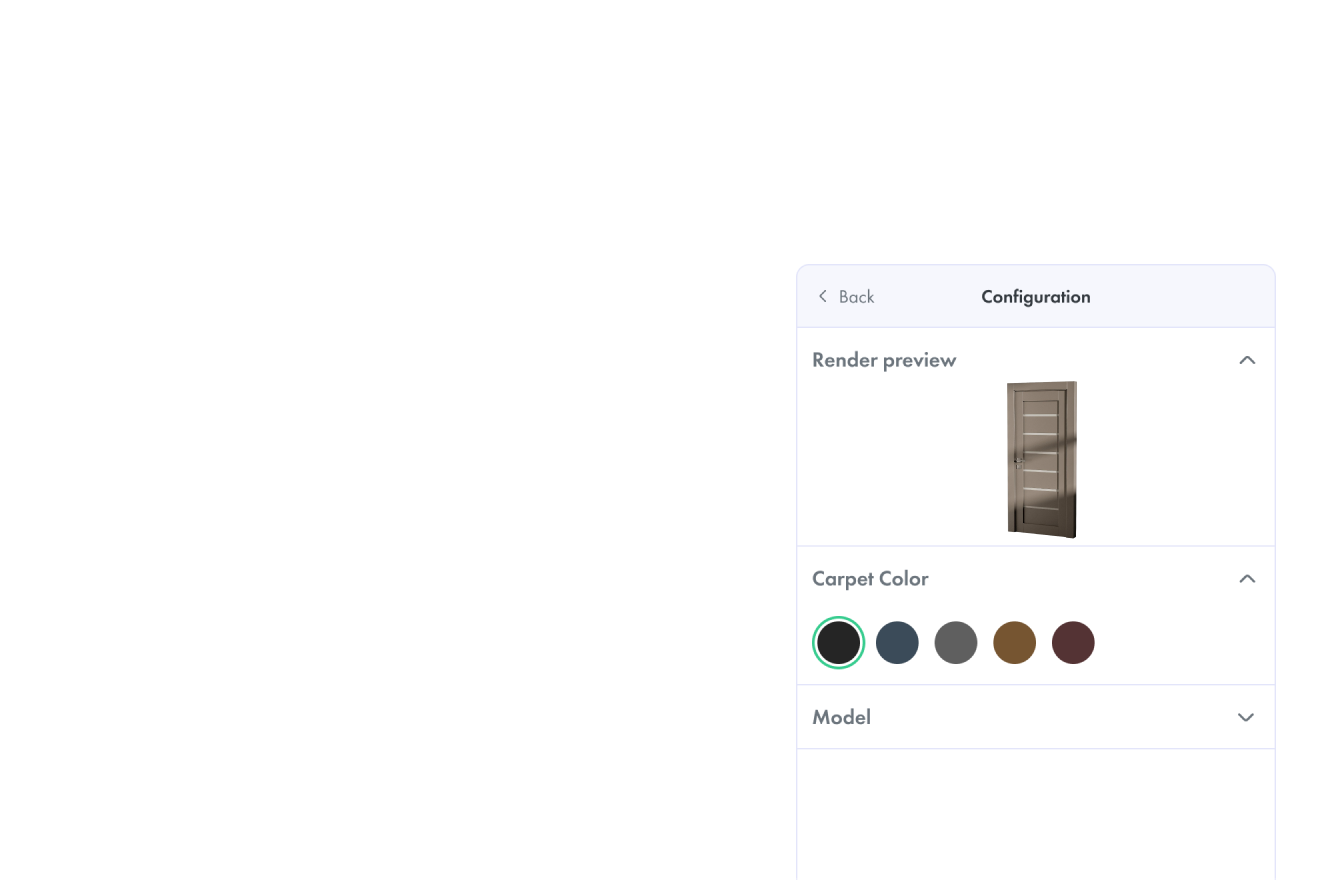
Door Configurator
Window Visualizer
Door Visualizer
Front Door Visualizer
Dealer Quote Portal
Visual CPQ
AR Door Viewer
AR Window Viewer

From Static Catalogs to Interactive
Window and Door Configuration

Window and door buyers want to see the final product before they request
a quote.

They want to compare styles, preview colors, switch frame systems, test glazing options, choose handles, understand opening types and see how
the product will look in a home, showroom or building project.

Dealers and sales teams need the same clarity. A visual configurator helps reduce misunderstandings, speed up quote conversations and turn product choices into structured configuration data.

Vivid 3D gives brands one visual platform to create 3D assets, manage configuration logic, publish configurators, generate renders and reuse the same visual data across websites, showrooms, dealer portals, marketing
and sales workflows.
Book a Demo

Why Windows and Doors Need a Visual Configurator

Too Many Product Options

Frames, colors, panels, glazing, grids, handles, locks, thresholds, hinges and hardware
create thousands of possible combinations.
Complex Dimensions and Opening Types
Every order can depend on size, frame depth, wall context, opening direction, installation
type and product constraints.
Static Photos Cannot Show Every Variant
Static catalogs cannot show every door, window, finish, glass type, handle, panel, grid or
hardware combination at scale.
Buyers Struggle to Imagine the Final Product
When customers cannot see the final result, they hesitate, ask more questions and depend
heavily on sales teams.
Quote Requests Need Cleaner Product Data
Dealers and sales teams need selected options, dimensions and product rules to move from
visual choice to quote-ready configuration.
Dealer Workflows Need Better Sales Tools
Dealers often rely on PDFs, brochures, spreadsheets and manual forms. A 3D configurator
gives them a clearer way to guide customers through product choices.

Window and Door Visualizer for Buyers, Dealers
and Showrooms

Upload your own 3D models or use bundled assets from Vivid. Arrange them inside ready-made room templates,
customize product variants, and create realistic compositions for marketing, e-commerce, or internal approvals.

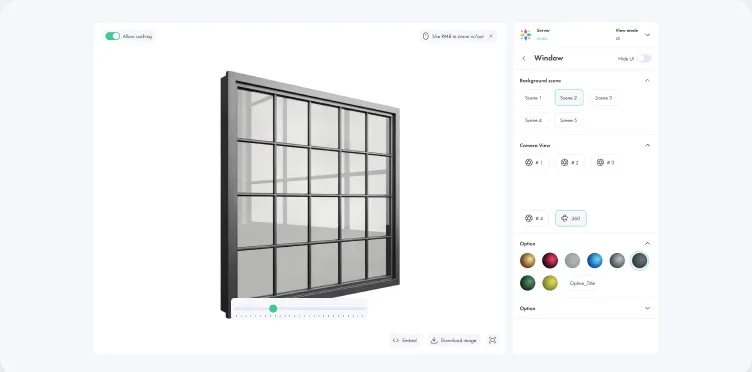
Window Visualizer

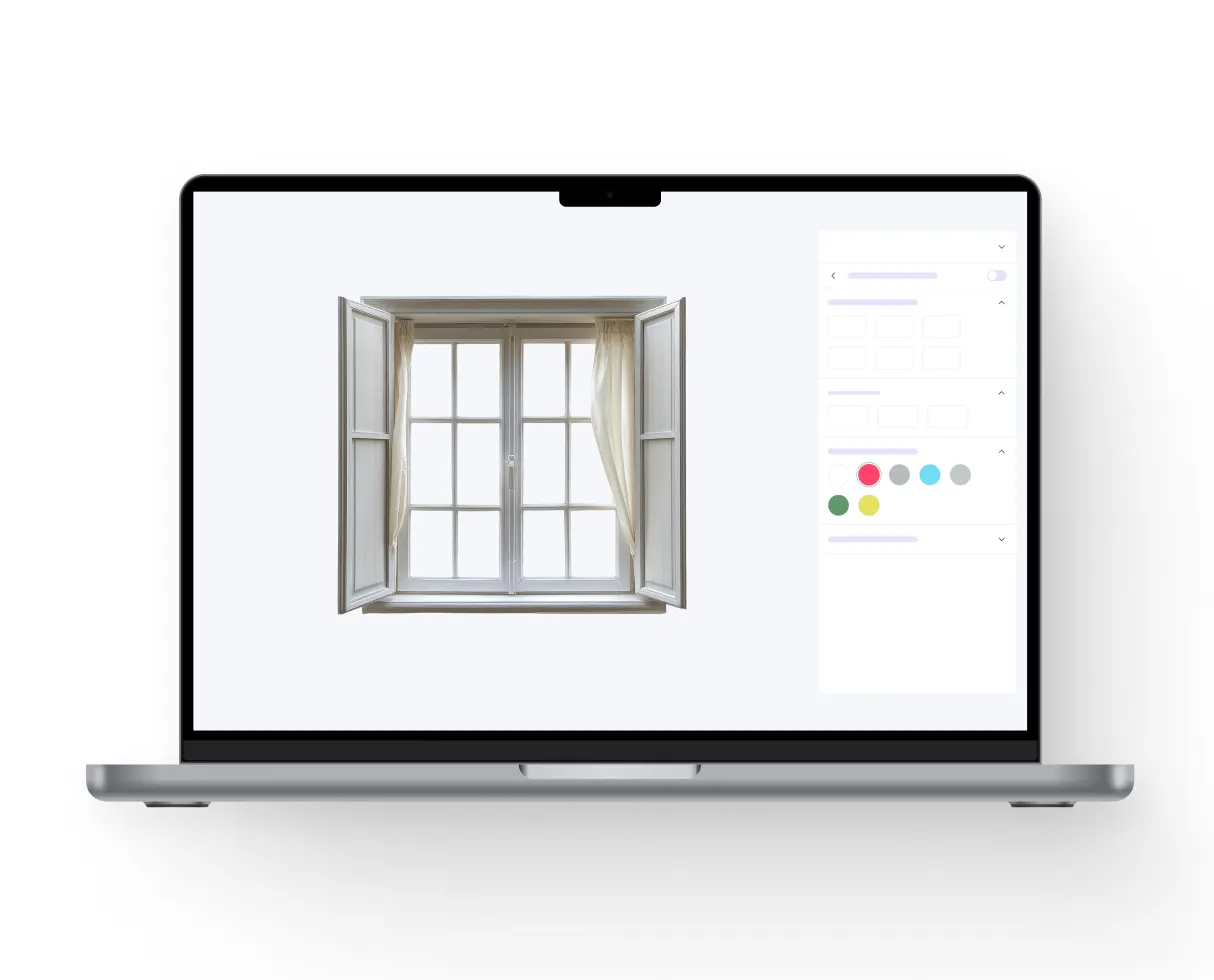
Let buyers preview frame styles, colors, grids, glass packages and opening types in a clear visual interface.
Support replacement window visualizer experiences for buyers comparing new styles, frame colors, glazing and exterior appearance before requesting a quote.

Front Door Visualizer

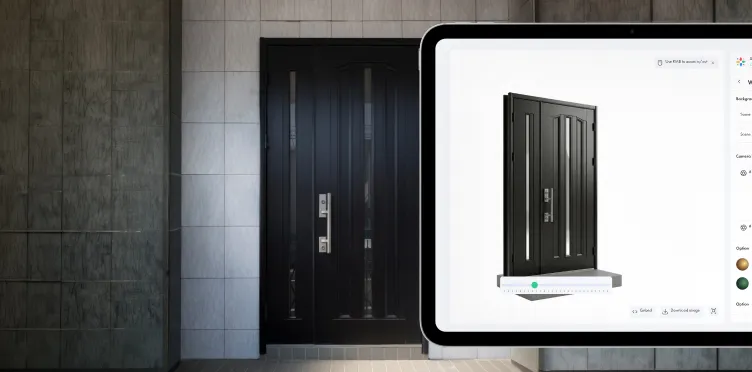
Support high-intent front door searches with visual color previews, handle options, glass inserts, panels, sidelites and exterior style combinations.
Support front door color visualizer workflows where buyers compare paint colors, panels, glass inserts and hardware before choosing a final style.

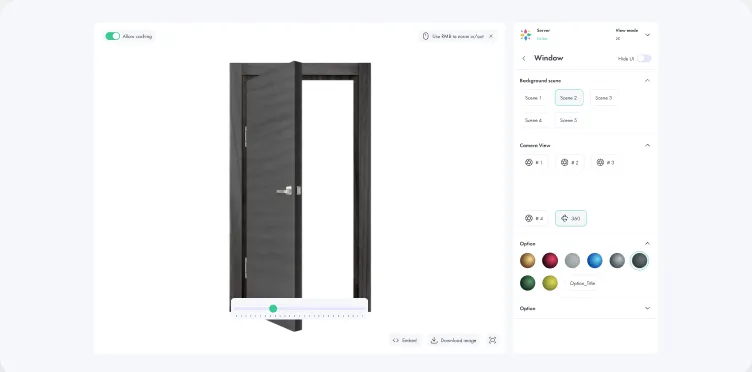
Door Visualizer

Help customers customize front doors, entry doors, interior doors, patio doors, sliding systems and bi-fold doors with panels, glass, handles, locks and finishes.

AR Door and Window Viewer

Let customers preview products in context using mobile-ready AR or exterior visualization before they request a quote.

Built for Window and Door Sales,
Not Just 3D Viewing

Vivid 3D connects interactive product visualization with the sales workflows behind it.
Product Discovery
Help buyers compare window systems, door styles, frame materials, glass packages, colors, handles and installation options before they contact sales.
Dealer and Showroom Enablement
Give sales teams a visual tool for tablets, showroom screens, dealer portals, events and distributor conversations.
Quote-Ready Configuration
Turn selected options into structured configuration data that can support pricing, visual CPQ, dealer handoff or sales follow-up.
Configuration Analytics
Track selected products, colors, materials, glazing options, saved configurations, quote requests and high-intent interactions to understand what buyers want before they speak to sales.

Built for Window, Door and Building Product Teams

Vivid 3D supports brands that sell configurable building products through websites, dealers,
distributors, showrooms and sales teams.
Window brands
Door brands
Front door manufacturers
Patio door and sliding door brands
Glass and glazing companies
Aluminum system brands
PVC and uPVC window brands
Wood window and door brands
Dealer networks
Building product retailers
Showroom teams
Contractor sales teams

Recommended Solutions for Window and Door Configurators

Book a Demo
Vivid 3D Door Visualizer
Let buyers customize doors visually before they request a quote. Support front doors, entry doors, interior doors, sliding doors, patio doors and bi-fold systems.
Panel, glass and hardware visualization
Front door color preview
Handle, lock and threshold options
Interior and exterior door styles
Patio, sliding and bi-fold door support
Vivid 3D Window and Door Configurator
Turn your product catalog into an interactive 3D configuration experience. Customers and dealers can configure dimensions, frame materials, colors, opening types, glazing, hardware, handles, grids and finishes while seeing the final product in real time.
Real-time 3D window and door visualization
Frame, material, color and hardware switching
Support for dimensions and product rules
Guided logic for valid configurations
Desktop, mobile, showroom and dealer-ready experience
Vivid 3D Visual CPQ and Quote Flow
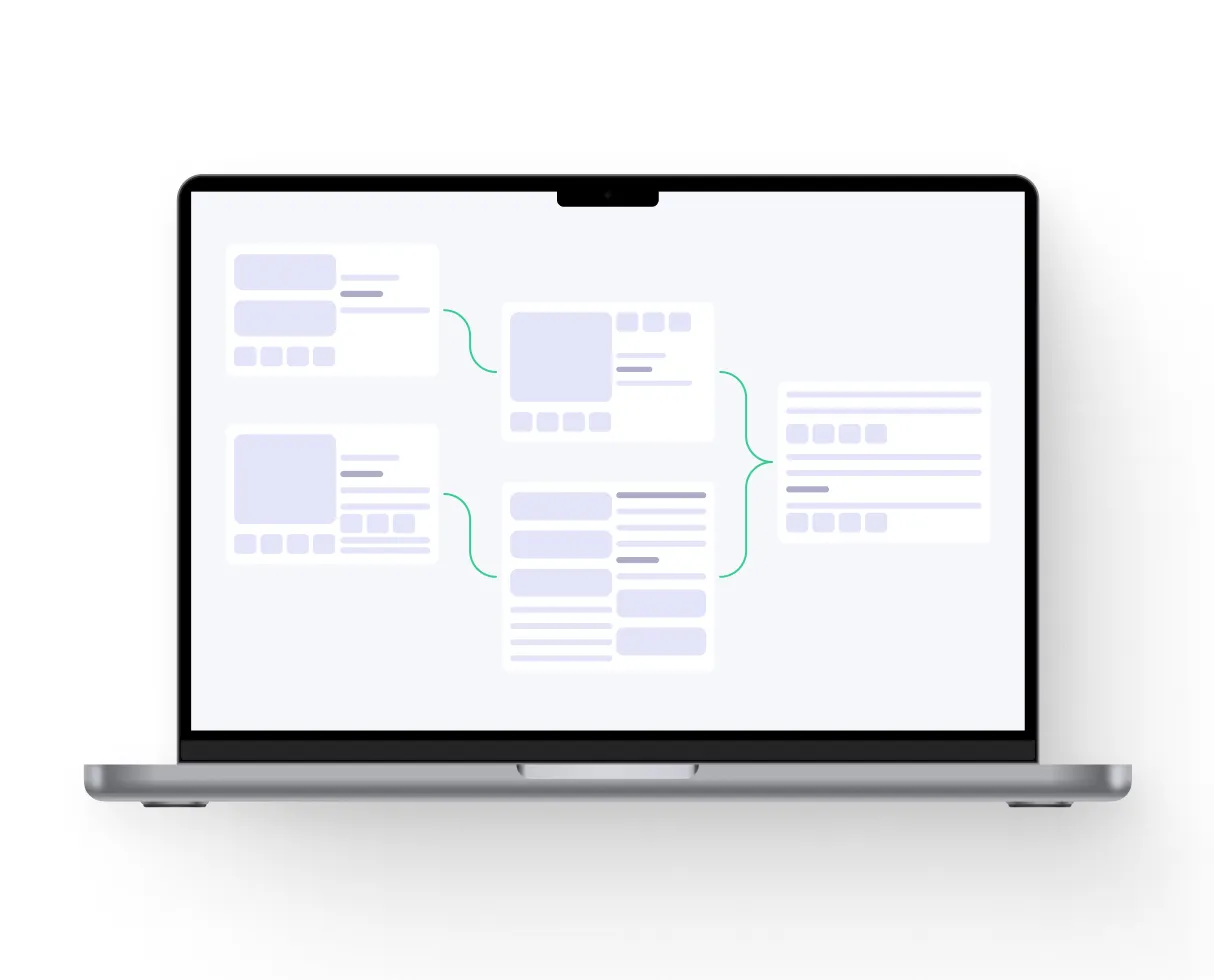
Connect visual configuration with business logic. Vivid 3D can support pricing, quoting, option dependencies, dealer handoff and integration with existing CPQ, CRM, PIM, ERP or eCommerce systems.
Quote-ready product configuration
Option dependencies and validation
Dealer quote flow support
Saved configuration IDs
PDF summaries and configuration outputs
Integration-ready architecture
Vivid 3D Window Visualizer
Create a visual product experience for window systems, replacement windows, custom windows and glazing packages.
Frame and sash style preview
Grid, glazing and glass package visualization
Color and material switching
Replacement window visualization
Exterior and home context previews
Vivid 3D Dealer Portal Experience
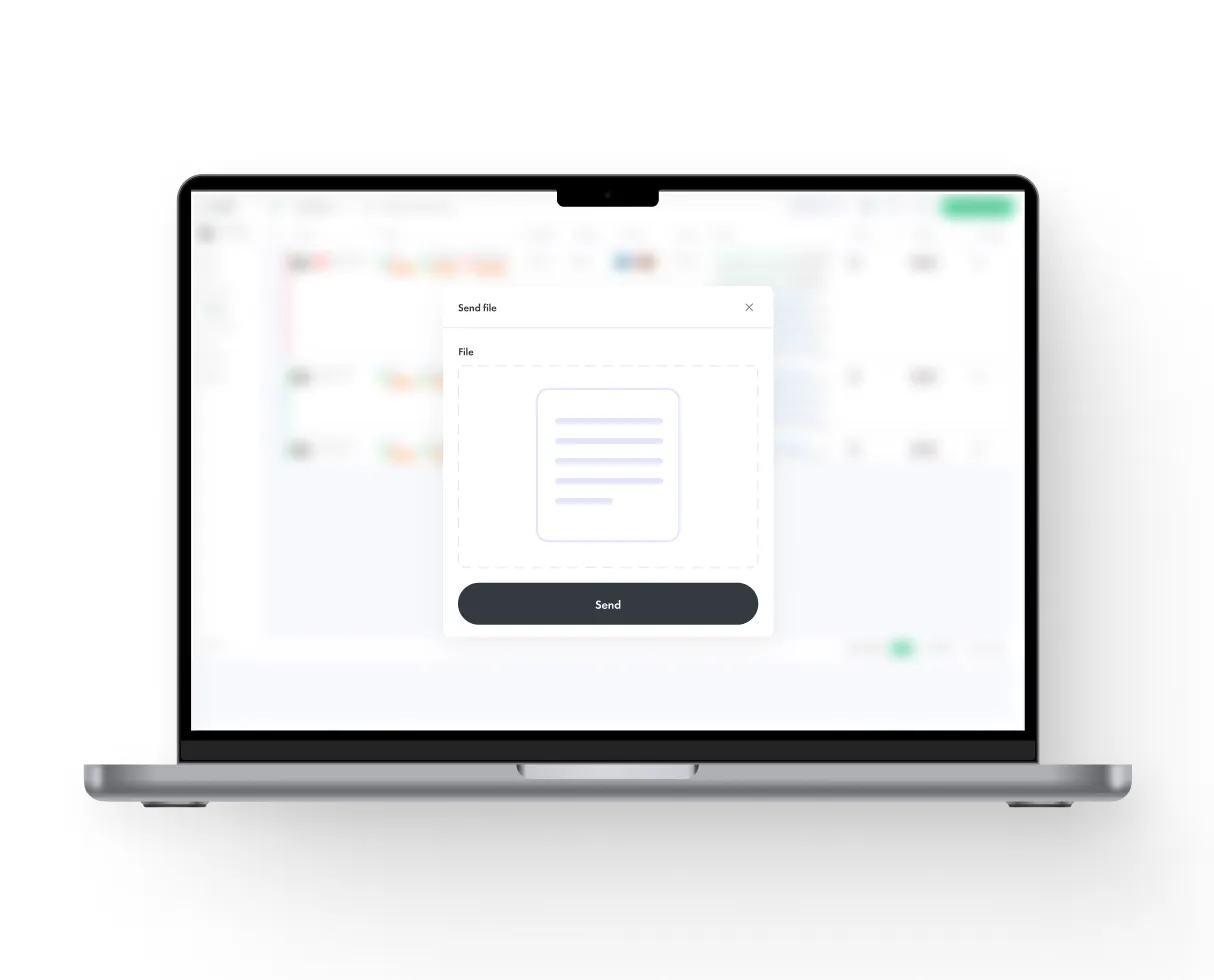
Give dealers and resellers a guided visual sales tool. Instead of relying only on PDFs and catalogs, sales teams can build configurations with customers, explain options visually and create cleaner quote handoffs.
Dealer-ready guided configuration
Product logic and valid option control
Quote request and lead capture support
Saved configurations
Shareable build links
Online and showroom sales support
Vivid 3D AR Door and Window Viewer
Let customers preview doors, windows and exterior products in their real environment. AR helps buyers understand scale, style, color, glass, frame proportion and how the product will look on a home or building.
True-to-scale AR preview
Mobile-ready experience
Useful for front doors, windows and patio doors
Helps customers validate style before quote request
Confidence step before purchase
Vivid 3D Studio for Product Renders
Scale premium visuals without producing new photography for every window, door, color, panel, glass or hardware combination. Generate consistent renders from one reusable 3D asset base.
Configured product renders on demand
Consistent visuals across PDPs, ads and dealer tools
Fast iteration for new finishes and product lines
One asset base for many content formats

Reduced dependency on physical sample photography

Vivid 3D Door Visualizer

Let buyers customize doors visually before they request a quote. Support front doors, entry doors, interior doors, sliding doors, patio doors and bi-fold systems.
Panel, glass and hardware visualization
Front door color preview
Handle, lock and threshold options
Interior and exterior door styles
Patio, sliding and bi-fold door support

Vivid 3D Window and Door Configurator

Turn your product catalog into an interactive 3D configuration experience. Customers and dealers can configure dimensions, frame materials, colors, opening types, glazing, hardware, handles, grids and finishes while seeing the final product in real time.
Real-time 3D window and door visualization
Frame, material, color and hardware switching
Support for dimensions and product rules
Guided logic for valid configurations
Desktop, mobile, showroom and dealer-ready experience

Vivid 3D Visual CPQ and Quote Flow

Connect visual configuration with business logic. Vivid 3D can support pricing, quoting, option dependencies, dealer handoff and integration with existing CPQ, CRM, PIM, ERP or eCommerce systems.
Quote-ready product configuration
Option dependencies and validation
Dealer quote flow support
Saved configuration IDs
PDF summaries and configuration outputs
Integration-ready architecture

Vivid 3D Window Visualizer

Create a visual product experience for window systems, replacement windows, custom windows and glazing packages.
Frame and sash style preview
Grid, glazing and glass package visualization
Color and material switching
Replacement window visualization
Exterior and home context previews

Vivid 3D Dealer Portal Experience

Give dealers and resellers a guided visual sales tool. Instead of relying only on PDFs and catalogs, sales teams can build configurations with customers, explain options visually and create cleaner quote handoffs.
Dealer-ready guided configuration
Product logic and valid option control
Quote request and lead capture support
Saved configurations
Shareable build links
Online and showroom sales support

Vivid 3D AR Door and Window Viewer

Let customers preview doors, windows and exterior products in their real environment. AR helps buyers understand scale, style, color, glass, frame proportion and how the product will look on a home or building.
True-to-scale AR preview
Mobile-ready experience
Useful for front doors, windows and patio doors
Helps customers validate style before quote request
Confidence step before purchase

Vivid 3D Studio for Product Renders

Scale premium visuals without producing new photography for every window, door, color, panel, glass or hardware combination. Generate consistent renders from one reusable 3D asset base.
Configured product renders on demand
Consistent visuals across PDPs, ads and dealer tools
Fast iteration for new finishes and product lines
One asset base for many content formats
Reduced dependency on physical sample photography

Use Cases for Window and Door Configurator Software

Window Configurator
Launch a 3D window configurator for PVC, uPVC, wood, aluminum or hybrid systems. Let users configure size, frame type, sash style, glazing, grids, opening direction, colors and handles.
Door Configurator
Create a 3D door configurator for front doors, interior doors, patio doors, sliding systems, bi-fold doors and aluminum door systems. Let buyers customize panels, glass, handles, locks, finishes and hardware.
Front Door Visualizer
Help buyers preview front door colors, panels, glass inserts, handles, locks, sidelites and exterior style combinations before they request a quote.
Window and Door Visualizer
Let homeowners, dealers and contractors preview products visually instead of relying only on static catalogs, samples or PDFs.
Dealer Quote Portal
Give dealers a branded visual portal for configuring products, preparing quote requests, saving projects and communicating options clearly with homeowners, architects or contractors.
Showroom Sales Tool
Use the configurator on tablets, touchscreens or showroom displays. Sales teams can explain product differences visually and guide customers through styles, sizes, materials and price-impacting options.

Window and Door Configurator Applications

Front Door Configurator

A visual configurator for front doors with panels, glass inserts, handles, locks, thresholds, finishes and hardware options.

Window Quote Portal

A guided 3D configurator for custom window dimensions, frame types, opening directions, glazing packages, colors and grids.

Patio and Sliding Door Builder

A visual builder for sliding doors, patio doors, bi-fold systems and large openings where buyers need to understand scale, movement and finish options.

AR Home Exterior Visualizer

A mobile-ready AR or exterior visualization experience that lets customers preview windows and doors in context before requesting a quote.

From Product Catalog to Live 3D Configurator

Step 1 Upload or Create 3D Product Models
Submit existing CAD files, 3D models, product specs, drawings, photos or technical catalogs. Vivid 3D assesses what is ready, what needs optimization and what should be created from scratch.
Assets can be organized in the Vivid 3D asset library for reuse across configurators, AR, renders, dealer tools and future workflows.
Step 2 Configure Rules, Dimensions and Options
Define product types, sizes, frame systems, glass packages, panels, materials, colors, hardware, handles, opening directions, installation options and valid combinations.Vivid 3D helps translate complex product logic into a clean visual configuration experience.
Step 3 Connect Quote and Dealer Workflows
Connect the configurator to your quote request flow, dealer portal, CRM, CPQ, ERP, PIM, eCommerce platform or custom backend through integration workflows.
Step 4 Launch the 3D Configurator
Deploy the configurator on your website, dealer portal, sales platform, showroom screen or product page. Customers can personalize products, save the build and request a quote or handoff to sales.
Step 5 Scale Across Products, Dealers and Markets
After the pilot is live, expand across more products, dealers, regions, languages, materials, finishes and sales channels using the same 3D asset base and configuration logic.

Works with Your Existing Window and Door Sales Stack

Vivid 3D can support brands, retailers and dealer networks working across sales, marketing,
product, dealer operations, distribution and technical systems.
Supported workflows can include:
Lead capture
Dealer routing
3D asset management
Web 3D configurators
Window visualizers
Door visualizers
Front door visualizers
Custom APIs
AR door and window viewers
Dealer portals
Quote request flows
PIM integration
Render generation
Saved configurations
Shareable build links
PDF configuration summaries
Distributor workflows
Visual CPQ integration
CRM integration
eCommerce integration
ERP integration
Analytics-ready events
Realtime pricing
Cart integration
Technical configuration outputs
Order-ready configuration data

How to Get Started with Vivid 3D

Book a Demo
Step 1
Share Your Product Catalog
Send product specs, CAD files, drawings, option lists, material data, existing 3D files or reference images. Vivid 3D assesses what is ready and what needs preparation.
Step 2
Define Your First Configurator Use Case
Choose the first scenario that matters most: window configurator, door configurator, front door visualizer, dealer portal, AR viewer, showroom tool, quote request flow or render pipeline.
Step 3
Launch a Configurator Pilot
Start with one product family, one door line, one window system or one dealer workflow. Go live with a focused pilot and validate the experience with customers, dealers, distributors or sales teams.
Step 4
Scale Across the Catalog
Expand across more product types, materials, finishes, regions, dealers, languages and channels using the same Vivid 3D platform

Why Window and Door Brands Choose
Vivid 3D Over the Alternatives

Custom In-House Build
Custom configurators can require long timelines, 3D engineers, front-end development, product rule logic, rendering infrastructure, asset optimization and ongoing maintenance.
Vivid 3D gives window and door teams a visual platform, 3D production workflow and implementation support without building everything from scratch.
Back-Office Fenestration Systems
Back-office fenestration systems can support estimating, production and operations, but they are not always designed for premium customer-facing visualization.
Vivid 3D works as the visual configurator layer that connects product discovery, dealer quotes and downstream systems.
Static Catalogs and PDFs
Catalogs cannot show every size, finish, panel, glazing package, handle, grid or hardware option at scale.
Vivid 3D turns complex product catalogs into interactive visual experiences that help buyers understand the final result.
Generic 3D or AR Tools
Generic 3D tools can display a model, but windows and doors require dimensions, profiles, glazing, hardware, installation logic, quote rules and dealer workflows.
Vivid 3D is built for complex configurable products, not just basic 3D viewing.
Basic Window or Door Visualizers
Basic visualizers help customers preview a product, but they often lack product rules, valid combinations, quote handoff, dealer workflows and scalable 3D asset management.
Vivid 3D combines visualization with configuration logic, asset management and integration-ready workflows.
Doing Nothing
When customers cannot see the final product, they hesitate, ask more questions and rely more heavily on sales teams.
Vivid 3D helps buyers configure, visualize and request quotes with more confidence.
Results Window and Door Teams Can Target with Vivid 3D
More confident quote requests
Better online product visualization
Faster quote preparation
Lower dependency on static catalogs
Fewer configuration misunderstandings
Better dealer and distributor sales conversations
Saved builds for sales follow-up
Better insight into buyer preferences
More scalable product visualization
Consistent visuals across channels
Reduced manual back and forth
Reusable 3D content for marketing
One visual asset base for many product lines
Book a Demo
Trusted by teams building 3D and AI ready pipelines

FAQ

What is a 3D window and door configurator?

A 3D window and door configurator is an interactive tool that lets customers, dealers or sales teams customize windows and doors online or in a showroom. Users can change dimensions, frame materials, colors, glazing, grids, handles, hardware and opening types while seeing the result visually.

What is the difference between a window visualizer and a window configurator?

A window visualizer helps users preview how a window may look with different styles, colors or finishes. A window configurator goes further by adding product rules, dimensions, valid options, saved configurations and quote-ready outputs.

Can Vivid 3D support door visualizers and front door visualizers?

Yes. Vivid 3D can support visualizers and configurators for front doors, entry doors, interior doors, patio doors, sliding doors, bi-fold systems and related exterior products.

Can customers save a configuration and request a quote?

Yes. Vivid 3D can support saved configurations, quote-ready summaries, dealer handoff, lead capture and follow-up workflows depending on the project requirements.

Can Vivid 3D handle dimensions and product rules?

Yes. Vivid 3D can support guided configuration logic, dimensions, valid combinations, product constraints and quote-ready outputs depending on project requirements.

Can the configurator connect with CPQ, CRM, PIM, ERP or eCommerce systems?

Yes. Vivid 3D can support integrations with existing business systems through APIs and custom implementation workflows, including quote handoff, pricing logic, cart integration and order-ready configuration data.
Need a 3D window and
door configurator?
Launch interactive window configurators, door configurators,
visualizers, AR previews, dealer quote portals and visual CPQ
workflows with Vivid 3D.