
.jpg)














.webp)
.webp)
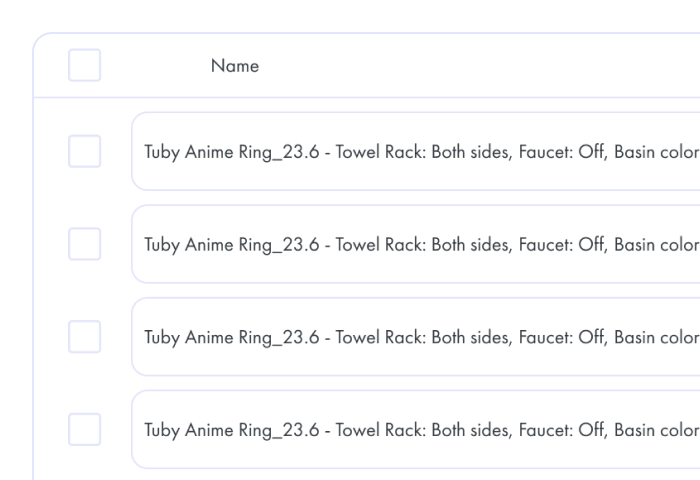
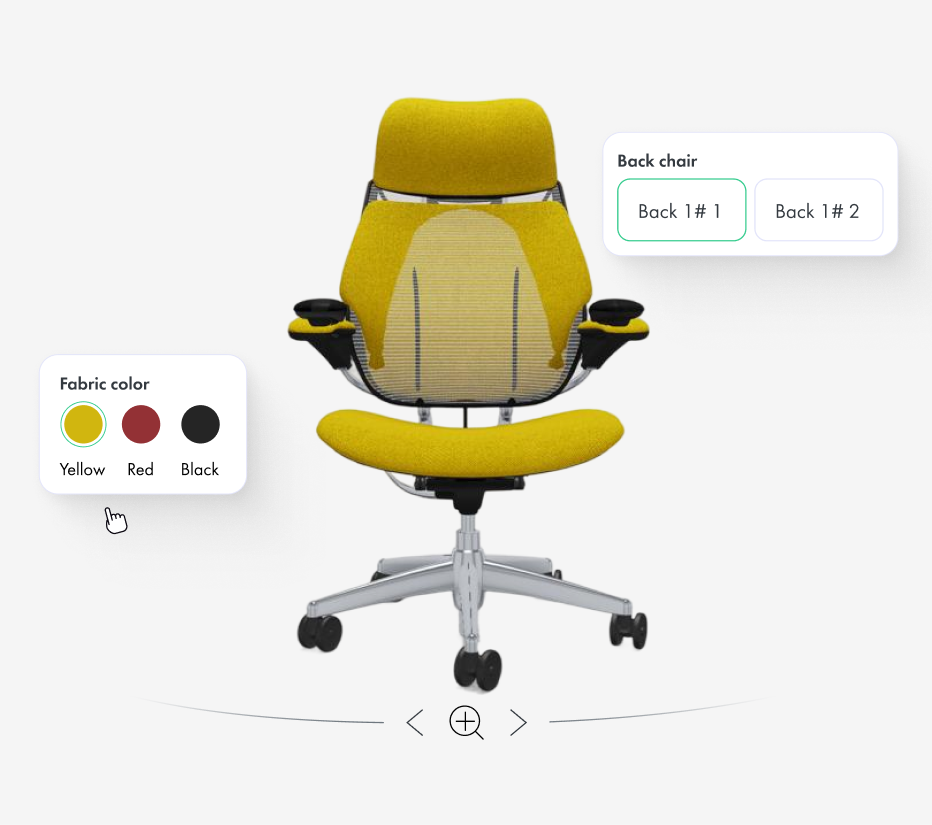
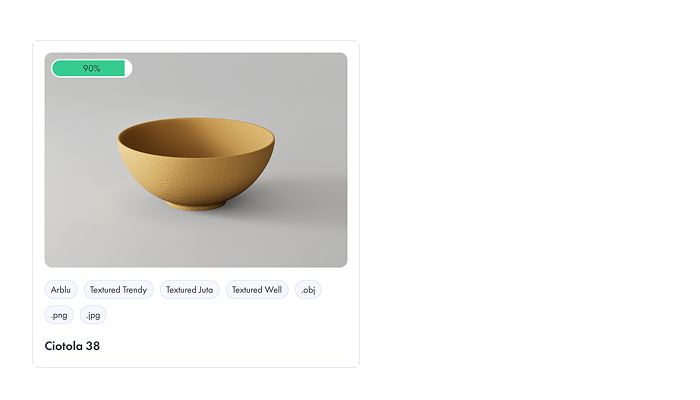
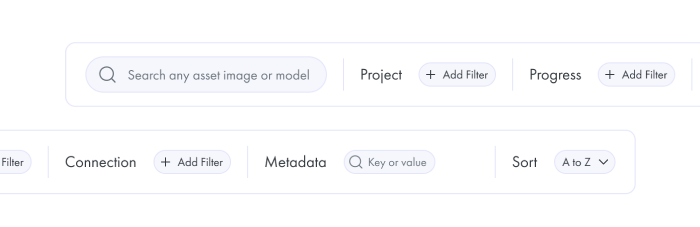
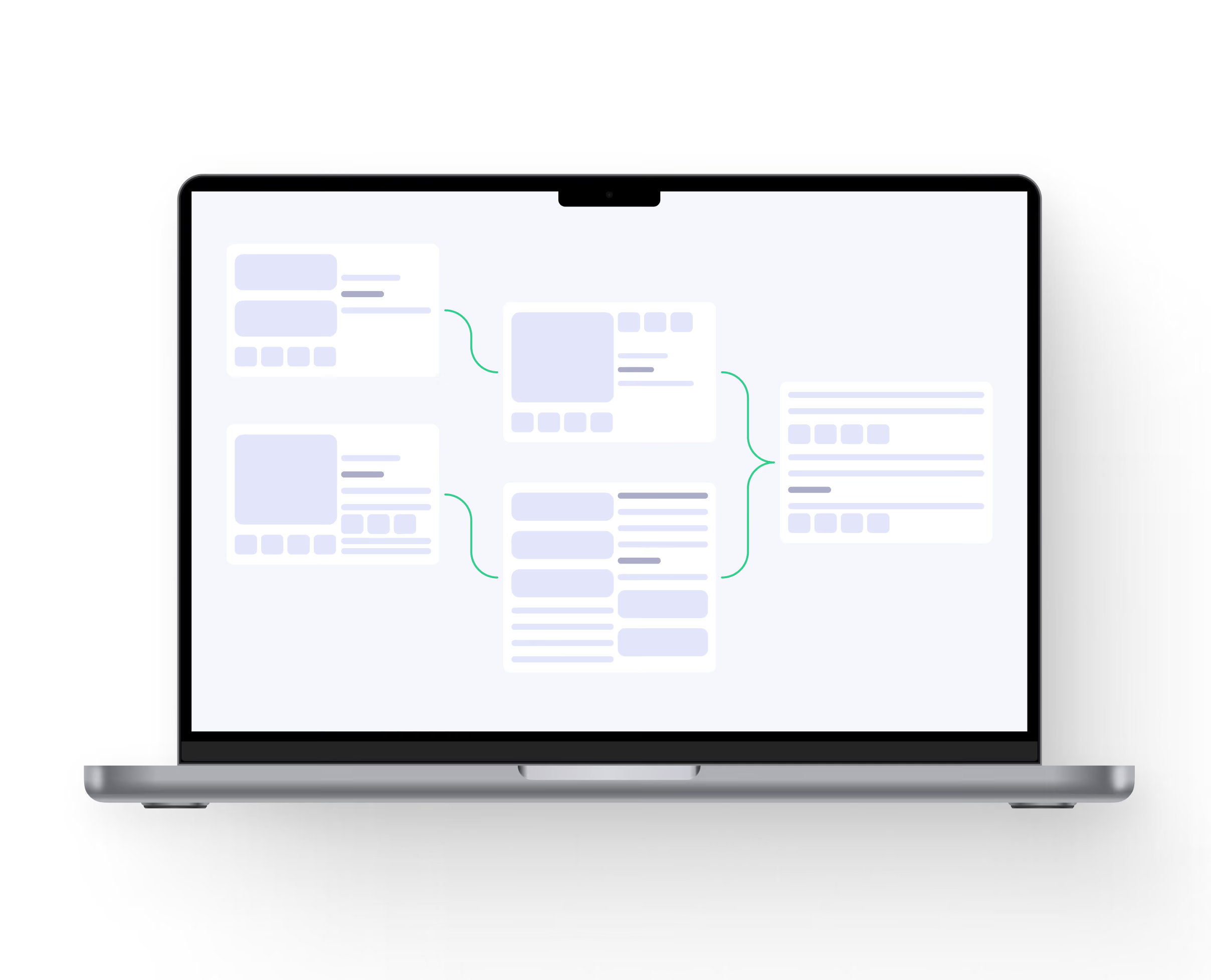
Connect 3D assets with real product data instead of managing every colour or material as an unrelated file. When a product is connected with Vivid.Build, the Asset Library can display its materials, finishes, components and configuration options as part of the same product record.
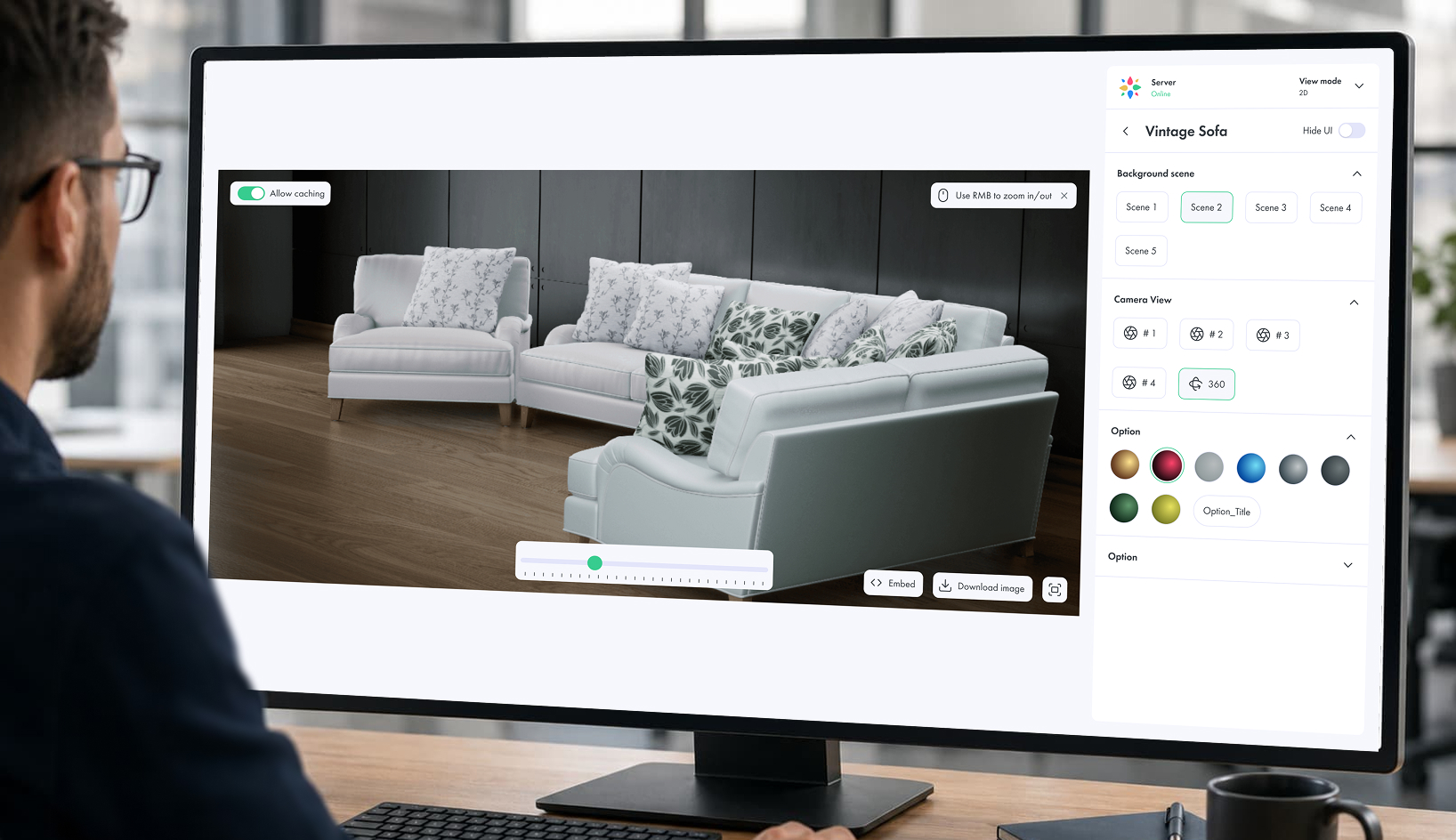
Filter assets by colour, material, finish, size or configuration, preview visual options without a separate application, and keep renders, optimized models and customer-facing experiences connected to the correct product option.
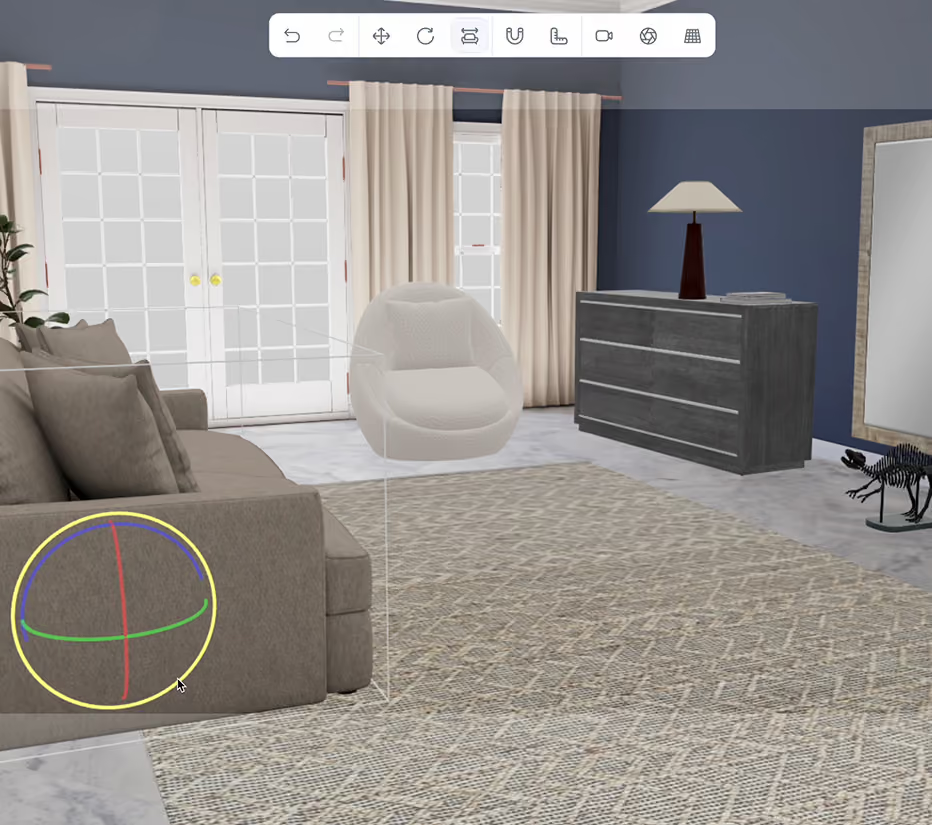
Reuse the same product and variant structure across Vivid 3D. Studio, Vivid 3D. Player and configurable product experiences.
Filter assets by colour, material, finish, size or configuration, preview visual options without a separate application, and keep renders, optimized models and customer-facing experiences connected to the correct product option.
Reuse the same product and variant structure across Vivid 3D. Studio, Vivid 3D. Player and configurable product experiences.










.svg)