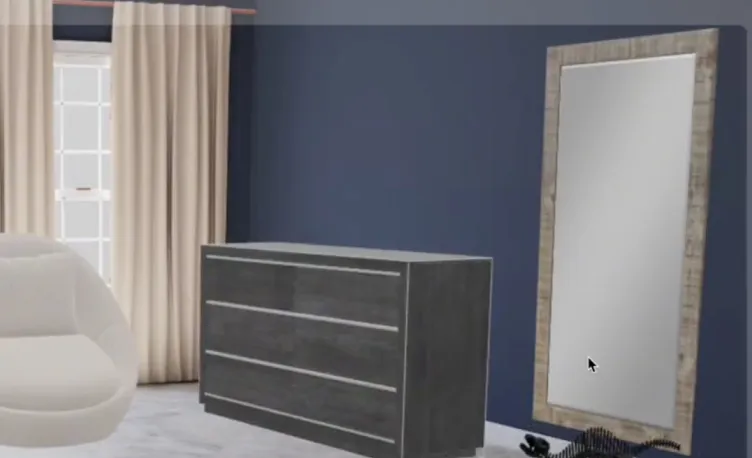
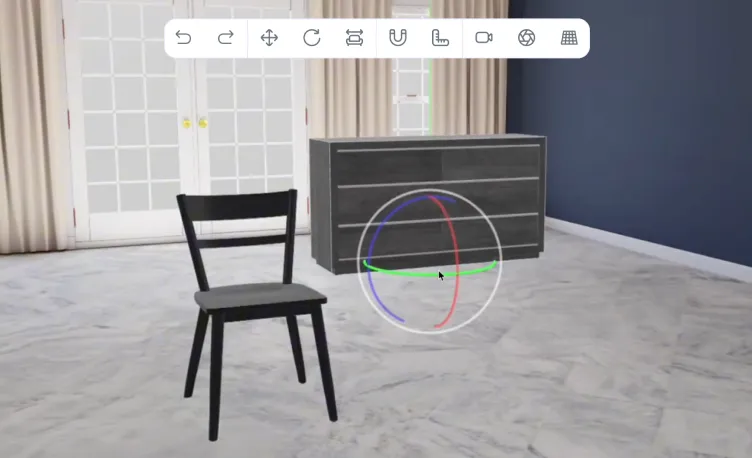
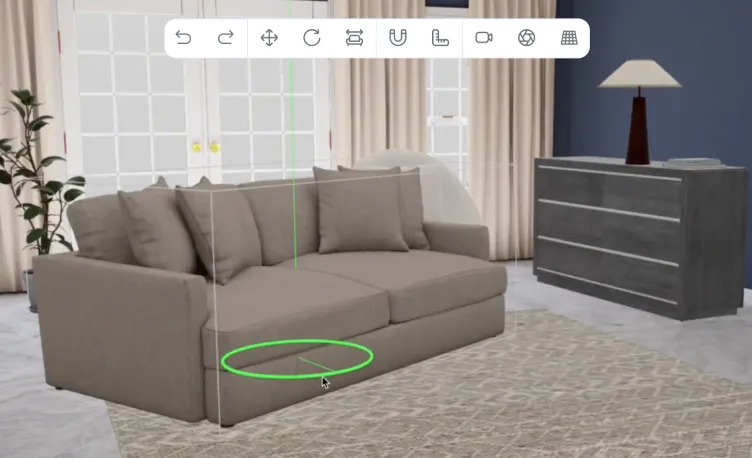
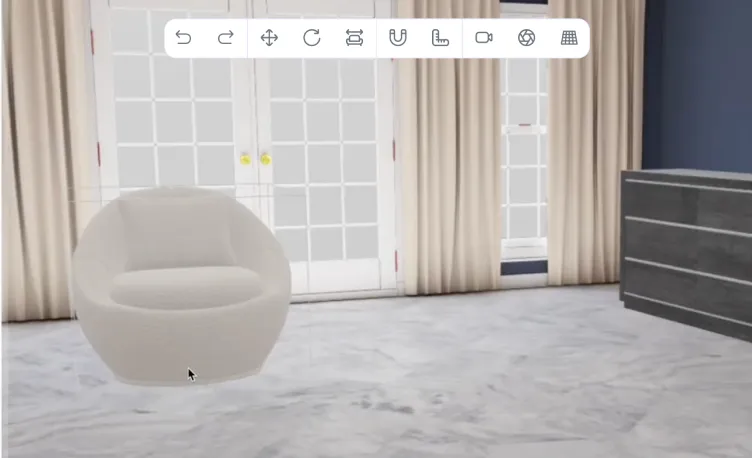
Vivid 3D.Studio is a browser-based virtual photography studio that lets your team place 3D products into realistic environments, configure variants, adjust lighting and cameras, and render photorealistic visuals for eCommerce, marketing and internal approvals. Set up a scene once, then reuse it across products, campaigns and channels instead of booking a new shoot every time a colour, finish or layout changes.
Trusted by teams managing complex 3D product catalogues
No Studio, No Shoot
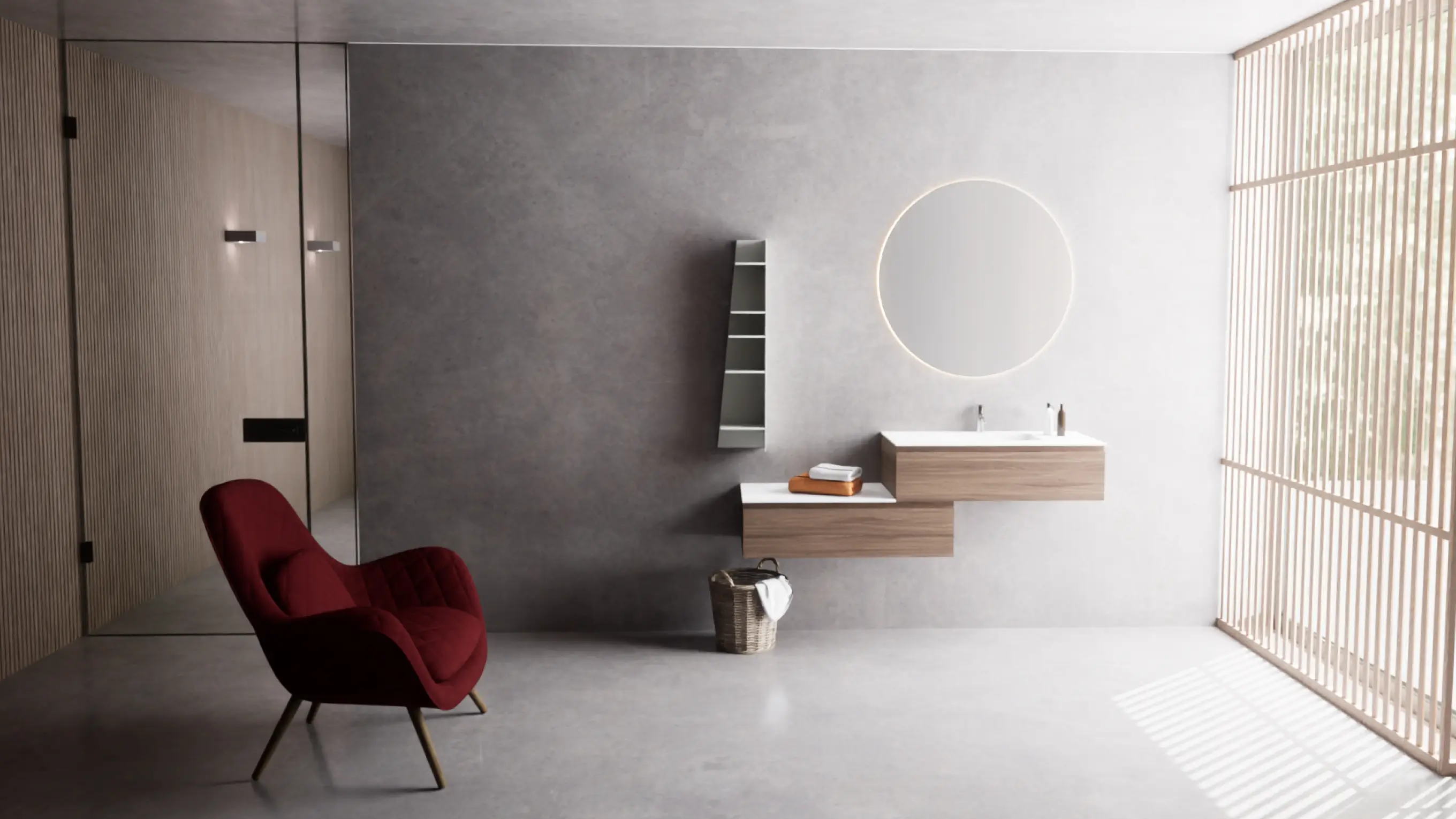
Photorealistic product images created entirely in 3D
Browser-Based
Build scenes and render without desktop 3D software
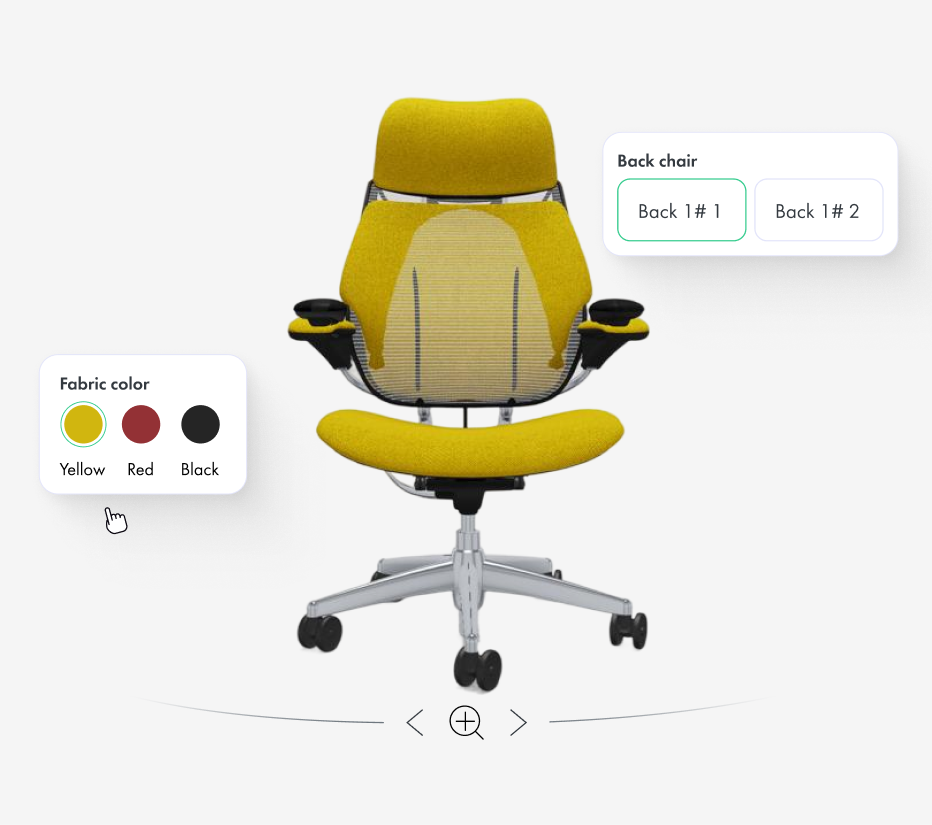
Configurable Variants
Colours, materials and finishes pulled from Vivid.Build
Export-Ready Outputs
PNG, JPG and WebP in multiple resolutions and aspect ratios
A virtual photography studio replaces traditional product photoshoots with photorealistic images created from 3D models. Powered by Vivid.Studio, the Vivid 3D platform lets teams place products into realistic scenes, configure variants, control lighting and cameras, and export production-ready product images for eCommerce, catalogues and marketing - directly in a browser, without a physical set, samples or specialist 3D software.
Produce consistent, high-quality product imagery faster and at a lower cost than repeated physical photoshoots.
Cut Photography Cost and Production Time
Reuse one 3D asset across every colour, material, angle and scene instead of organising a new shoot for each product variation. Create images before physical samples exist and update them whenever a product changes.
Consistent, On-Brand Imagery at Scale
Apply the same environments, lighting and camera setups across an entire catalogue, so every product page and campaign looks consistent. Avoid the variation that comes with different photographers, locations and shoot conditions.
No Physical Set, No 3D Expertise
Build scenes in a browser without a studio, props or specialist 3D software. Product, marketing and content teams can create finished visuals themselves and hand off only the work that truly needs a specialist.
Build Any Scene in Your Browser
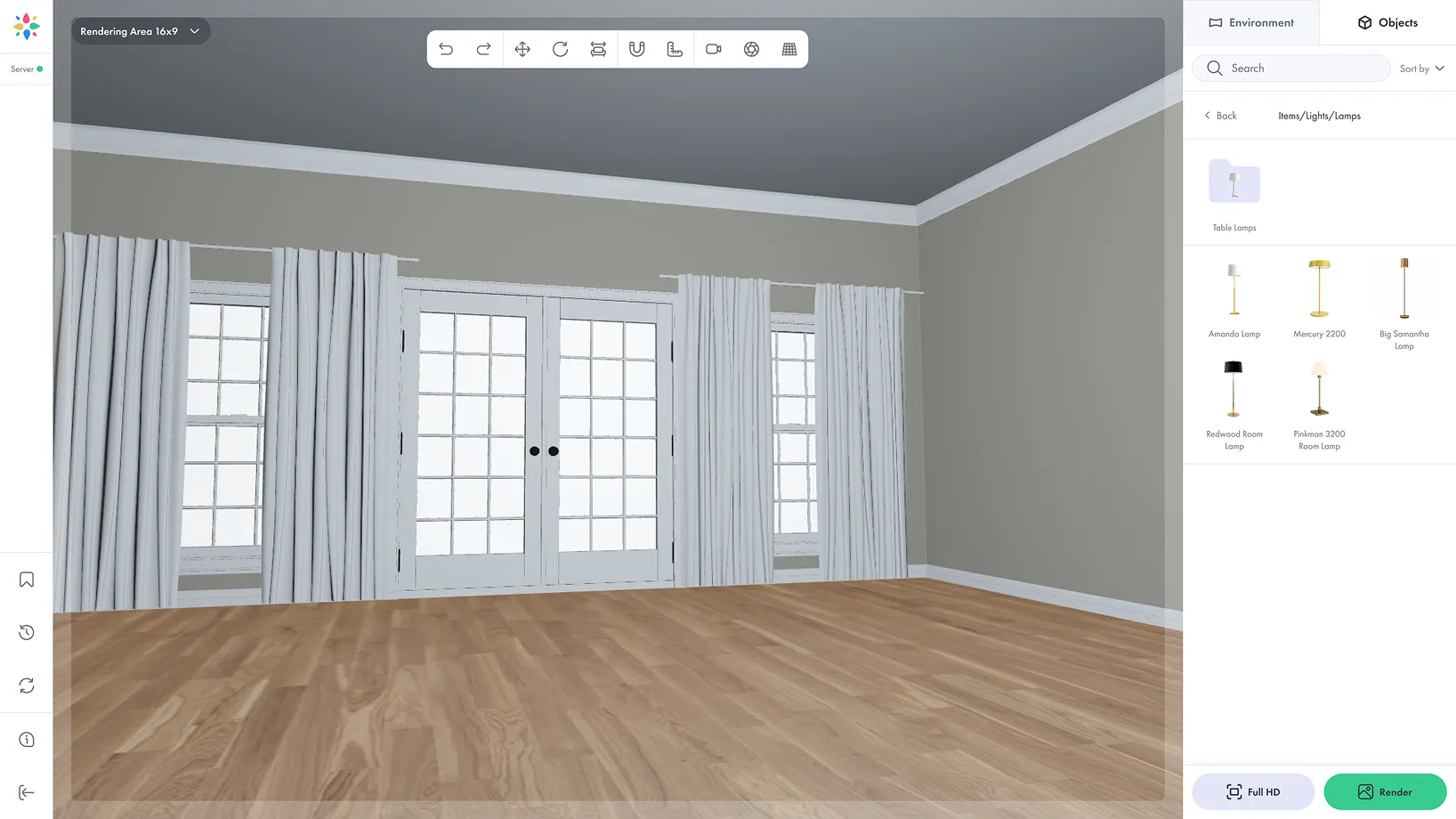
Move from a bare 3D model to a finished product image without leaving the browser.
Send your vehicle data
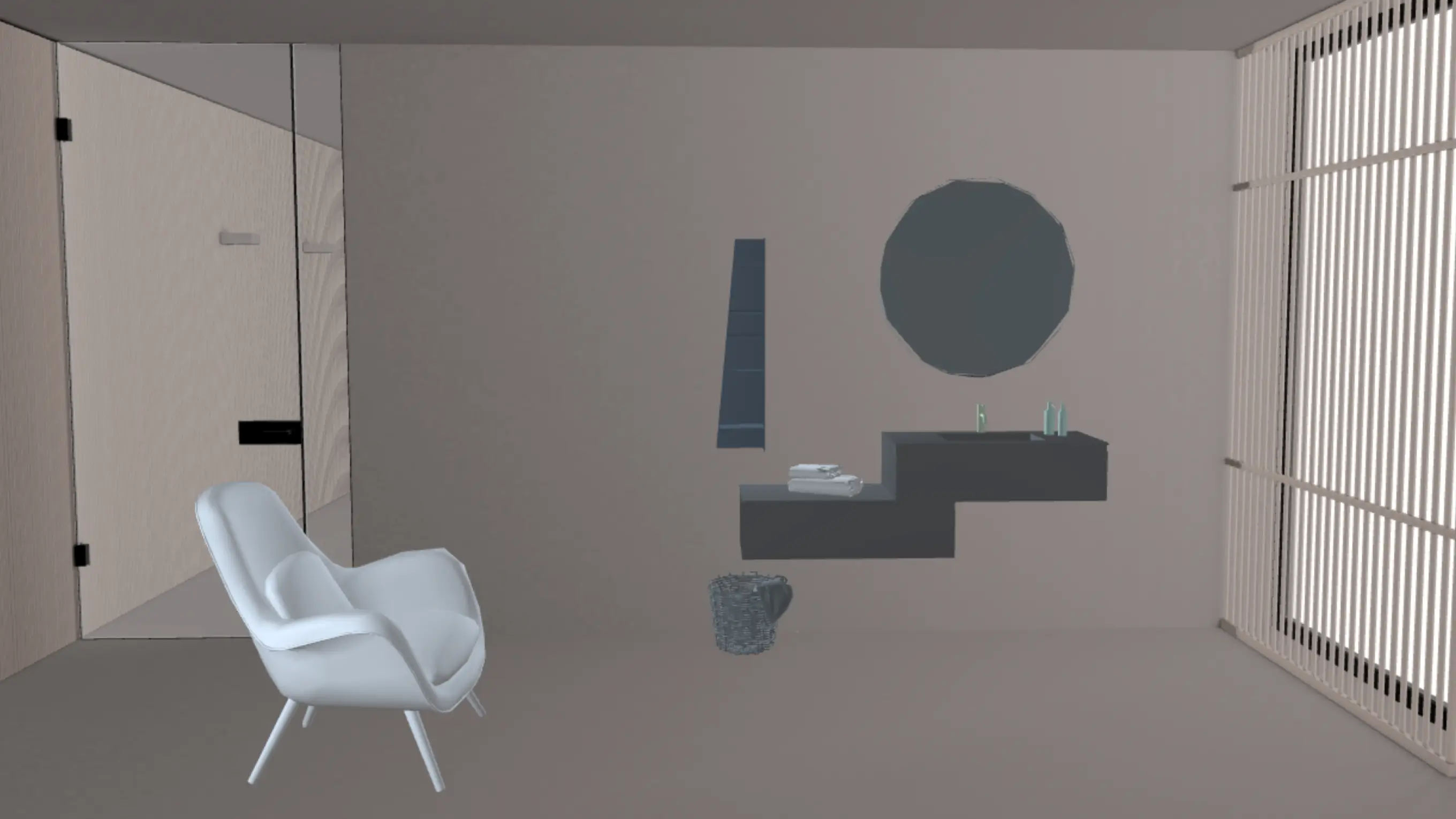
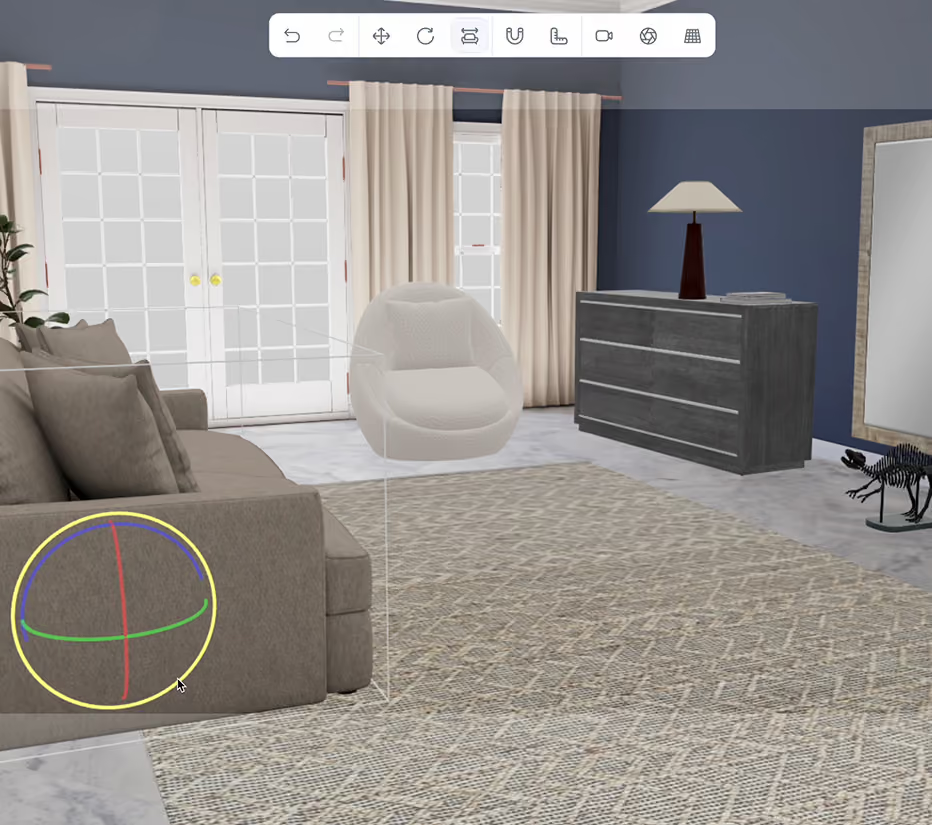
Switch between pre-built rooms, studio setups and lighting presets. Products automatically adapt to the selected scene, so teams can test different styles and moods instantly - like a real photography studio, but fully virtual.
Your Product Catalogue, Fully Configurable
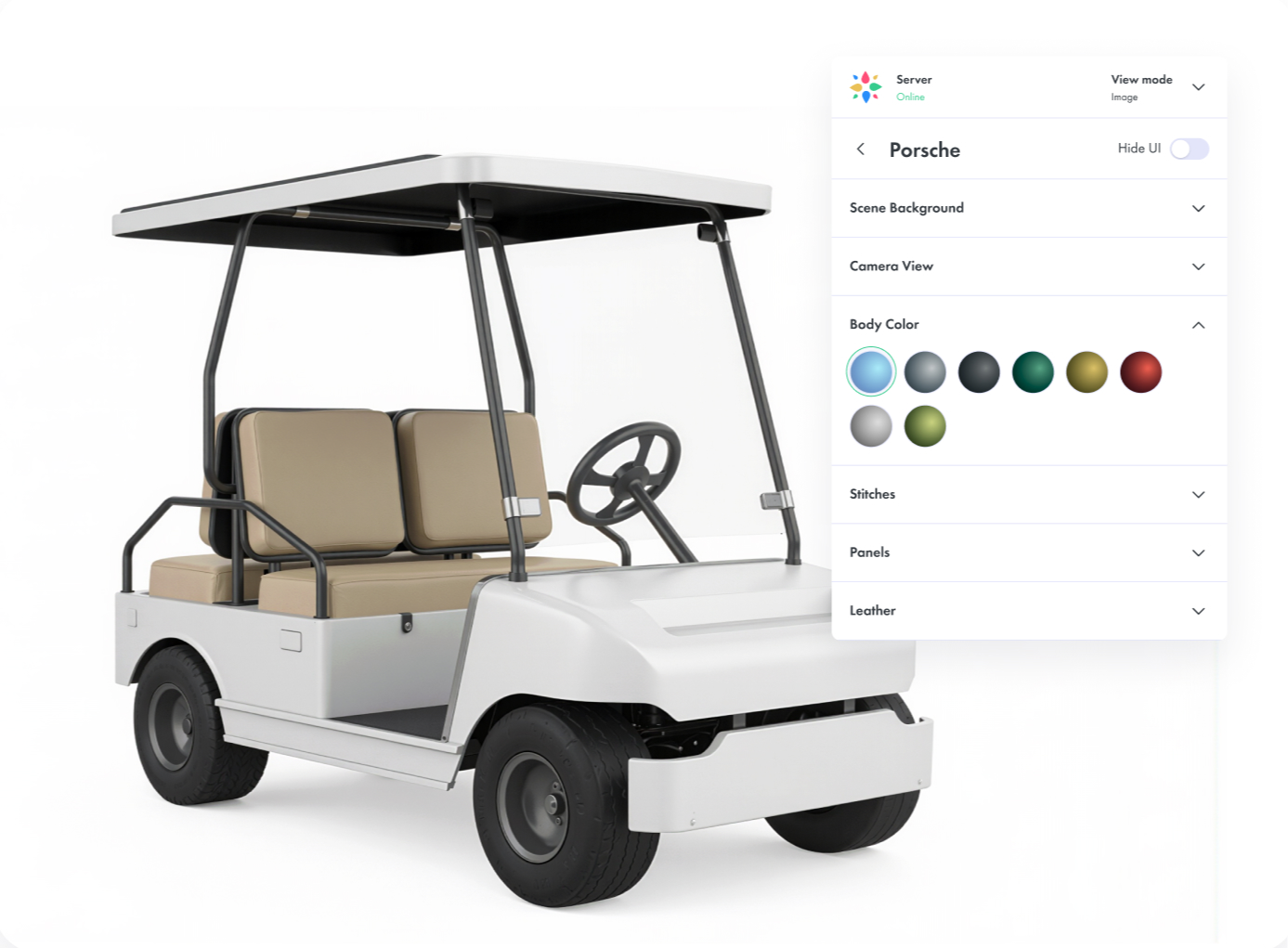
Browse your product library directly inside Studio and adjust variants - colours, materials and finishes - with one click. Variant logic is pulled from Vivid 3D.Build, so everything stays consistent across tools.
Save and Reuse Scenes
Create reusable templates for campaigns, product shots, room sets and client presentations. Saved scenes stay synchronised with product updates from Vivid.Build, so refreshing imagery does not mean rebuilding the shot.
High-Quality Rendering,Export-Ready Outputs
Upload your own 3D models or use bundled assets from Vivid. Arrange them inside ready-made room templates, customize product variants, and create realistic compositions for marketing, e-commerce, or internal approvals.
Render finished product and lifestyle images in multiple quality levels, resolutions and aspect ratios, and export PNG, JPG and WebP for product pages, catalogues, marketplaces, presentations and social media. Browse and download renders from a built-in gallery. Contextual link: Manage product content in the 3D Asset Library
All the Tools You Expect from a Modern 3D Workspace
Upload your own 3D models or use bundled assets from Vivid. Arrange them inside ready-made room templates, customize product variants, and create realistic compositions for marketing, e-commerce, or internal approvals.
Snap products to floors and walls
Scenes, Cameras and Stages
Copy, paste and duplicate objects
Set camera angle, field of view and position
One Product Asset. Every Marketing Visual.
Vivid.Studio is the content-creation layer of the wider Vivid 3D platform. Create a product asset once, then reuse it everywhere:
Lifestyle and catalogue images
Place products in realistic rooms and studio setups for marketing and eCommerce
Configurable product shots
Render every colour, material and finish from the same model, synced with Vivid.Build
Interactive experiences
Reuse the same assets in Vivid 3D.Player viewers and configurators
Visual data
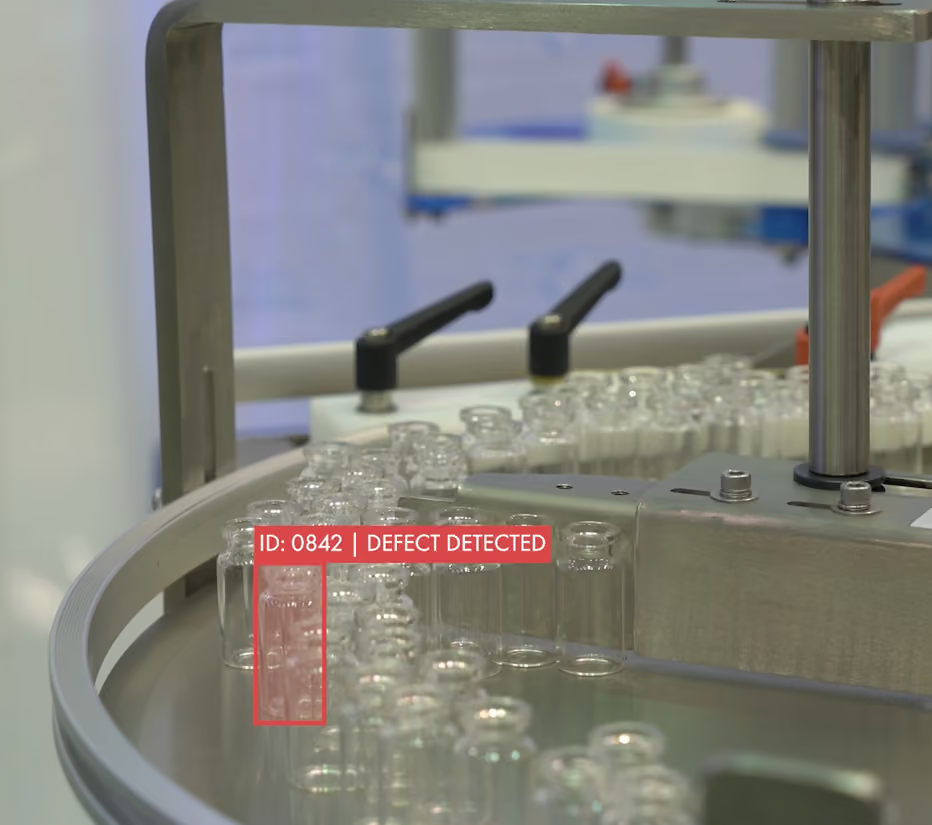
Extend optimised assets into AR, simulation and computer vision workflows
Upload your own 3D model, use bundled Vivid assets, or pull a configurable product from your catalogue. No production-ready model yet? The Vivid 3D content team can create and optimise it.
Step 2
Build the Scene
Place the product in a room or studio environment, choose lighting, set the camera, and switch colours, materials and finishes as needed.
Step 3
Render and Export
Render in the required resolution and aspect ratio, then export PNG, JPG or WebP from the built-in gallery, and save the scene as a reusable template.
Why Vivid 3D
More than a render tool. A connected platform for creating, configuring and reusing product imagery.
Fast and Accessible
Build scenes in a browser without specialist 3D software, so product and marketing teams create finished visuals themselves and scale imagery without a physical studio.
Built to Scale
Produce imagery across large catalogues, thousands of variants and multiple channels, reusing scenes and assets instead of recreating content for every product and campaign.
Connected to Your Product Data
Variant logic, product models and approved assets stay synchronised with Vivid 3D.Build and the 3D Asset Library, keeping imagery consistent with the current product record.
Virtual Photography Case Studies
See how teams use 3D scenes, configuration and scalable rendering to produce product imagery without repeated photoshoots.
3D pipeline
Configurator
eCommerce integration
WebGL
Lippert Furrion Awning Builder
3D Web experience for the personalization of the Jonathan Louis furniture. Webgl experience powered by the Threekit engine. SFCC integration. 3D content pipeline and digital asset management using Vivid.
3D pipeline
Configurator
eCommerce integration
WebGL
Configurator
eCommerce integration
WebGL
12+ super configurable 3D sheds
Threekit
Ulrich Barns 3D shed builder
3D Web experience for the personalization of the Jonathan Louis furniture. Webgl experience powered by the Threekit engine. SFCC integration. 3D content pipeline and digital asset management using Vivid.
Configurator
eCommerce integration
WebGL
3D pipeline
Configurator
eCommerce integration
Render at scale
WebGL
100+ 3D models
750+ 3D materials
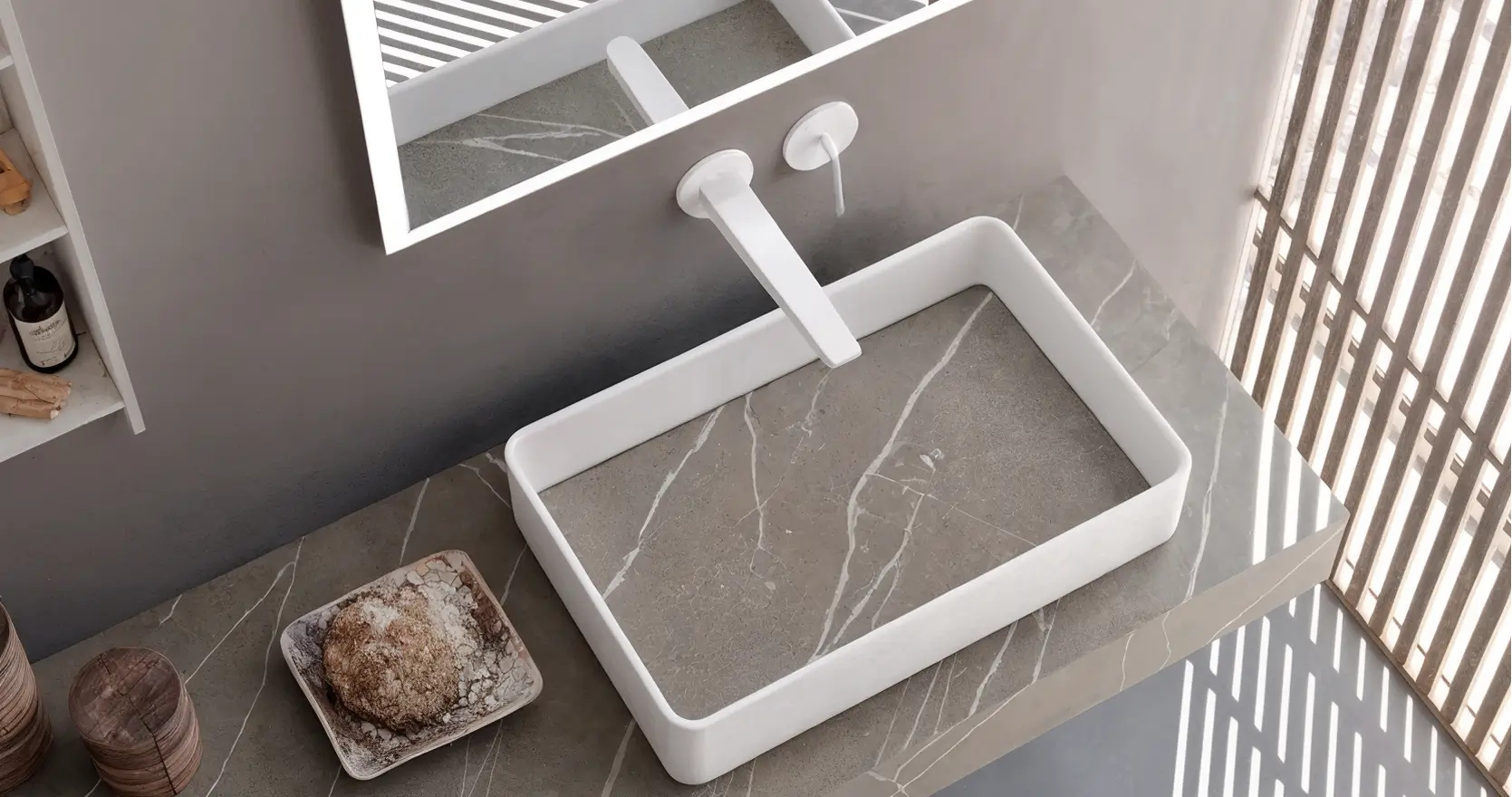
Hastings Bath Collection
3D Web experience for the personalization of the Jonathan Louis furniture. Webgl experience powered by the Threekit engine. SFCC integration. 3D content pipeline and digital asset management using Vivid.
3D pipeline
Configurator
eCommerce integration
Render at scale
WebGL
Use Cases by Industry
eCommerce & Retail
Product models, renders and variants for pages and catalogues
A virtual photography studio creates product images from 3D models instead of a physical photoshoot. Products are placed into digital scenes with controlled lighting and cameras, then rendered into photorealistic images for eCommerce, catalogues and marketing.
How is virtual photography different from traditional product photography?
Traditional photography requires physical samples, a set, equipment and a photographer for each product and variation. Virtual photography reuses one 3D model to produce unlimited angles, colours, materials and scenes, and images can be updated whenever a product changes.
Do I need 3D expertise to use Vivid.Studio?
No. Vivid.Studio runs in a browser with a simple editor for placing products, choosing environments and setting cameras. Product and marketing teams can create finished visuals themselves, with specialist support available when needed.
Can I use my own 3D models and product catalogue?
Yes. Upload your own 3D models, use bundled Vivid assets, or pull configurable products from your catalogue. Variant logic is synchronised with Vivid.Build so colours, materials and finishes stay consistent.
Which image formats and sizes can I export?
Render in multiple quality levels, resolutions and aspect ratios, and export PNG, JPG and WebP, including transparent backgrounds, for product pages, catalogues, marketplaces and social media.
Can I create lifestyle and marketing images, not just plain product shots?
Yes. Place products into realistic room and studio environments to create lifestyle imagery for campaigns and product pages, or use clean backgrounds for catalogue and eCommerce shots.
Vivid.Player is the publishing layer of the wider Vivid 3D Visual Data Platform.
Product assets, variants and outputs are managed centrally and reused across channels instead of being recreated for every application.