








3D Digital Asset Management Software

Organize models, textures, renders, product variants, versions and production files in one searchable 3D asset management platform. Track every asset
from creation and review to approval, publishing and reuse across Vivid.Studio, Vivid.Player, product configurators, eCommerce and visual AI workflows.
3D Digital Asset Management Software
Trusted by teams managing complex 3D product catalogues

Interactive 3D by the numbers

1
Central Library
Every model, texture, render, variant and supporting file
8
Production Stages
From brief and modeling to approval and publishing
5+
Core 3D Formats
Web-ready, source and AR assets in one system
Vivid 3D helps enterprise teams manage growing 3D content libraries with
clearer structure, control and visibility. Keep assets organized, track
production status and revisions, and make approved content easier to find
and use across commerce, visualization, simulation and visual AI workflows.

Why You Need a 3D Asset Management System

As 3D catalogues grow, generic folders, spreadsheets and disconnected project tools make it harder to find the correct asset,
control versions and publish content consistently.
One Source of Truth for All 3D Assets
Keep source models, optimized files, textures, renders, product variants and supporting documents connected to the same product record, so teams identify the approved asset without searching across multiple drives, folders or chat tools.
Faster Reuse Across Teams and Channels
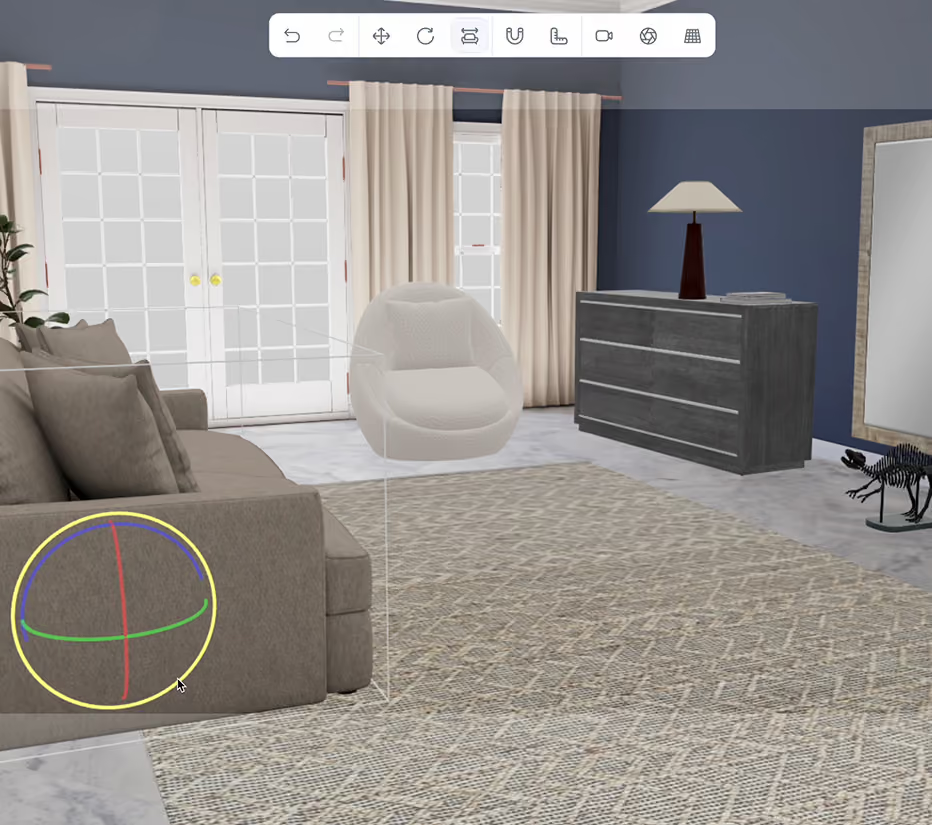
Reuse approved assets across product pages, configurators, marketing renders, sales tools, Vivid 3D. Studio scenes, Vivid 3D. Player experiences and selected visual AI applications, instead of recreating the same content for every campaign, market or channel.
Consistency and Brand Control
Keep product names, materials, visual standards, configuration data and approved versions aligned across teams, reducing the risk of outdated or incorrect assets reaching a customer-facing experience.

Who Is It For?

eCommerce & Retail

Product models, renders and variants for pages and catalogues
eCommerce & Retail
Explore

Furniture & Homeware

 Collections, materials, lifestyle renders, configurable options
Furniture & Homeware
Explore

Manufacturing & Industrial

CAD-derived models, technical assets, sales content
Manufacturing & Industrial
Explore

Robotics & Physical AI

Objects, environments and training assets for visual AI
Robotics & Physical AI
Explore

Organize, Store and Reuse Every 3D Asset

Centralized 3D Library
Bring models created by the Vivid 3D team, internal artists, agencies and existing pipelines into one searchable library: source and optimized models, textures and materials, renders, thumbnails, product variants, technical references, scene files and delivery packages. Every file stays connected to the product, project, client and workflow it belongs to. Contextual link: Explore 3D Content Workflows
Tags, Search and Metadata
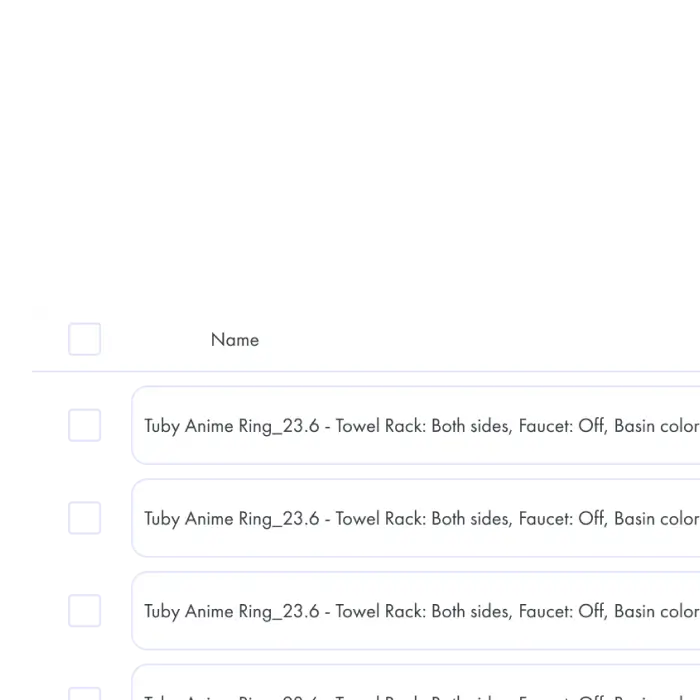
Find the right asset using product names, SKUs, collections, categories, materials, file types, projects, owners and production status. Use structured metadata and saved views (for example Awaiting client review, Approved web assets, Ready for publishing) to organize large catalogues and keep naming consistent.
Previews and Full Asset Records
Open supported 3D assets directly in the browser - rotate, zoom and review the model alongside its metadata, textures, variants and related renders. Open any product record to access its complete package through tabs like Overview, 3D Files, Renders, Variants, Versions and Activity. Contextual link: Explore the 3D Product Viewer

Product-Aware Variant Management

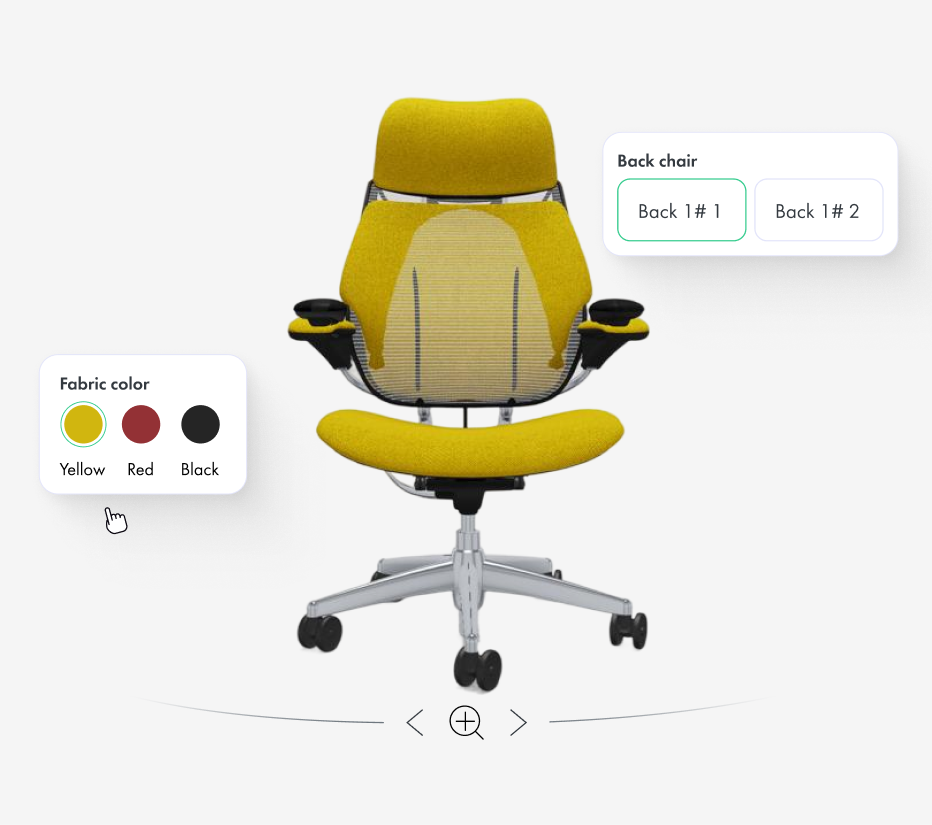
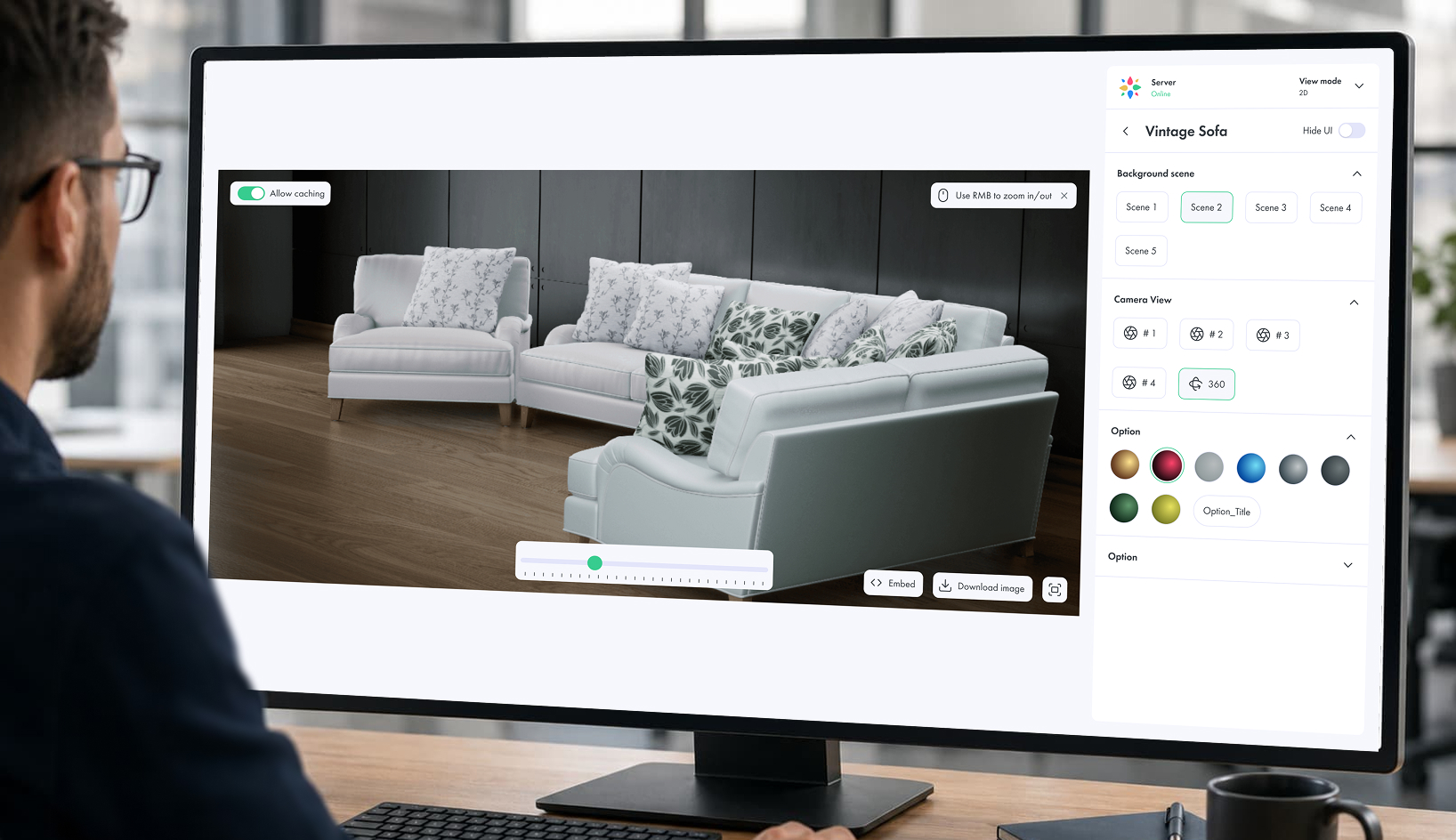
Connect 3D assets with real product data instead of managing every colour or material as an unrelated file. When a product is connected with Vivid.Build, the Asset Library can display its materials, finishes, components and configuration options as part of the same product record.

Filter assets by colour, material, finish, size or configuration, preview visual options without a separate application, and keep renders, optimized models and customer-facing experiences connected to the correct product option.


Reuse the same product and variant structure across Vivid 3D. Studio, Vivid 3D. Player and configurable product experiences.
Book a Demo
What Is Visual CPQ

Collaboration, Review and Team Access

Keep every review, decision and responsibility visible inside the same workspace, so internal teams,
external partners and clients can collaborate without losing context.
In-Context Review
Review 3D assets directly alongside the product information and production context. Leave comments, request changes and keep feedback attached to the relevant asset instead of moving discussionsbetween email, chat and screenshots.
Clear Approval Process
Assign reviewers, track whether an asset 
is awaiting review, requires changes or is approved, and give teams a clear understanding of what is ready for the next stage.
Team and Client Access
Give internal teams, external artists and clients access to the content relevant to their role or project. Control who can view, contribute, review or manage assets while keeping unrelated projects and content separated.

Integrations &
‍Supported Formats

Bring source files, web-ready models, rendered outputs and product data into one connected workflow through APIs, imports, exports, embeds or custom implementation.
Supported 3D formats:
GLB
glTF
OBJ
FBX
USDZ
Supported CAD conversion
Image & render formats:
 PNG
JPG
WebP
Transparent backgrounds
Multi-angle render bundles
Connected Vivid 3D products:
Vivid 3D. Studio
Vivid 3D. Player
Vivid 3D. Build
3D Content Workflows
Publishing and Integration
Synthetic Data for Computer Vision
Connected systems:
PIM
DAM
PLM
CPQ
ERP
CMS
Сloud storage
Internal product databases
Platforms & destinations:
Shopify
Adobe Commerce
WooCommerce
Salesforce Commerce Cloud
PIM/CMS
Unity
Unreal Engine
Blender
Maya
Сustom WebGL
Сustom APIs

Supported 3D formats:

GLB
glTF
OBJ
FBX
USDZ
Supported CAD conversion

Image & render formats:

 PNG
JPG
WebP
Transparent backgrounds
Multi-angle render bundles

Connected Vivid 3D products:

Vivid 3D. Studio
Vivid 3D. Player
Vivid 3D. Build
3D Content Workflows
Publishing and Integration
Synthetic Data for Computer Vision

Connected systems:

PIM
DAM
PLM
CPQ
ERP
CMS
Сloud storage
Internal product databases

Platforms & destinations:

Shopify
Adobe Commerce
WooCommerce
Salesforce Commerce Cloud
PIM/CMS
Unity
Unreal Engine
Blender
Maya
Сustom WebGL
Сustom APIs

How 3D Asset Management Works

Book a Demo
Step 1

Upload and Organize

Upload existing models, production files and references, or receive assets created through the Vivid 3D content pipeline, and add product data, tags, metadata, project info and responsible team members.
Step 2

Manage and Version

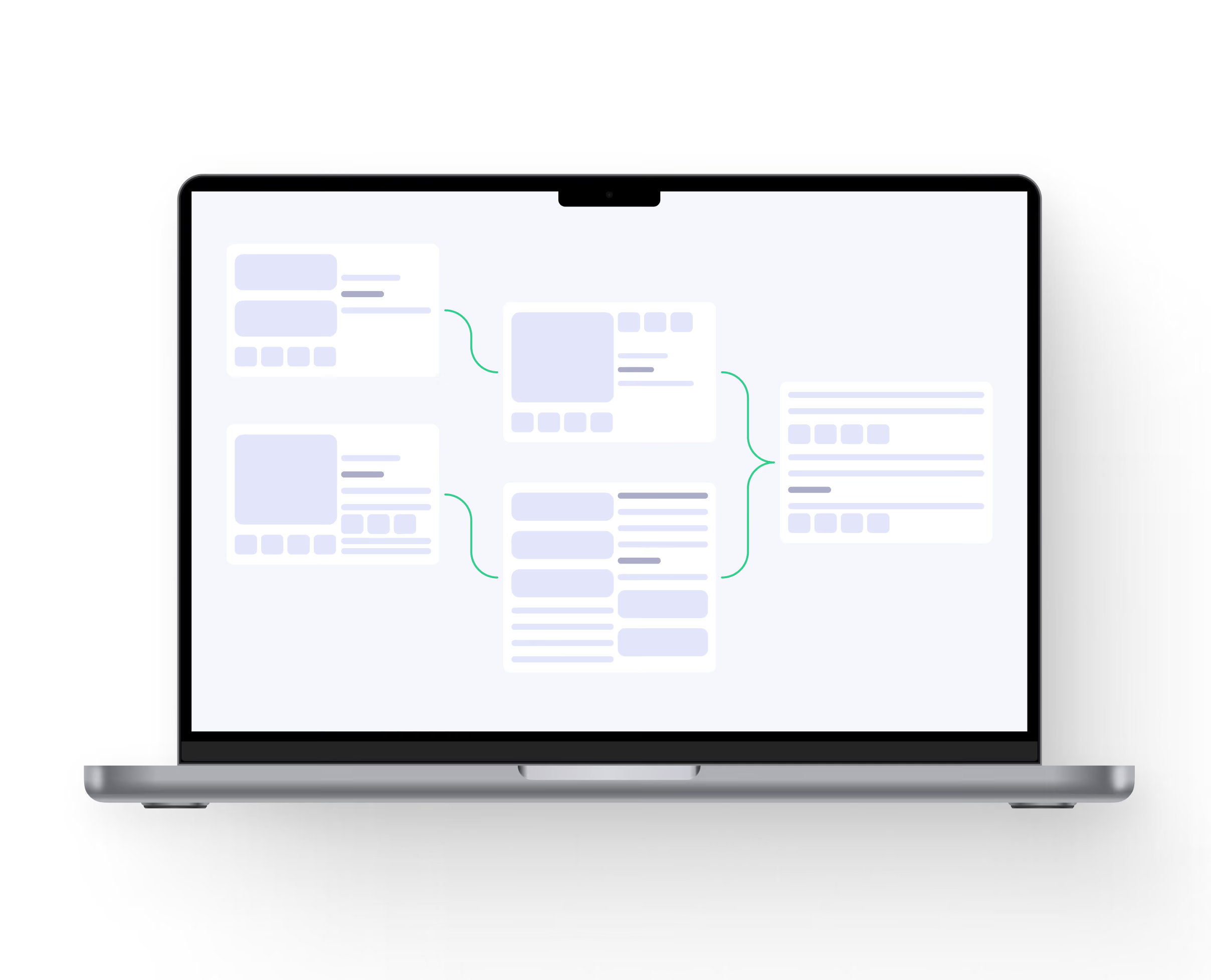
Track modeling, texturing, QA, review and approval, keeping revisions, comments, materials, renders and product variants connected to the correct asset.
Step 3

Distribute and Publish

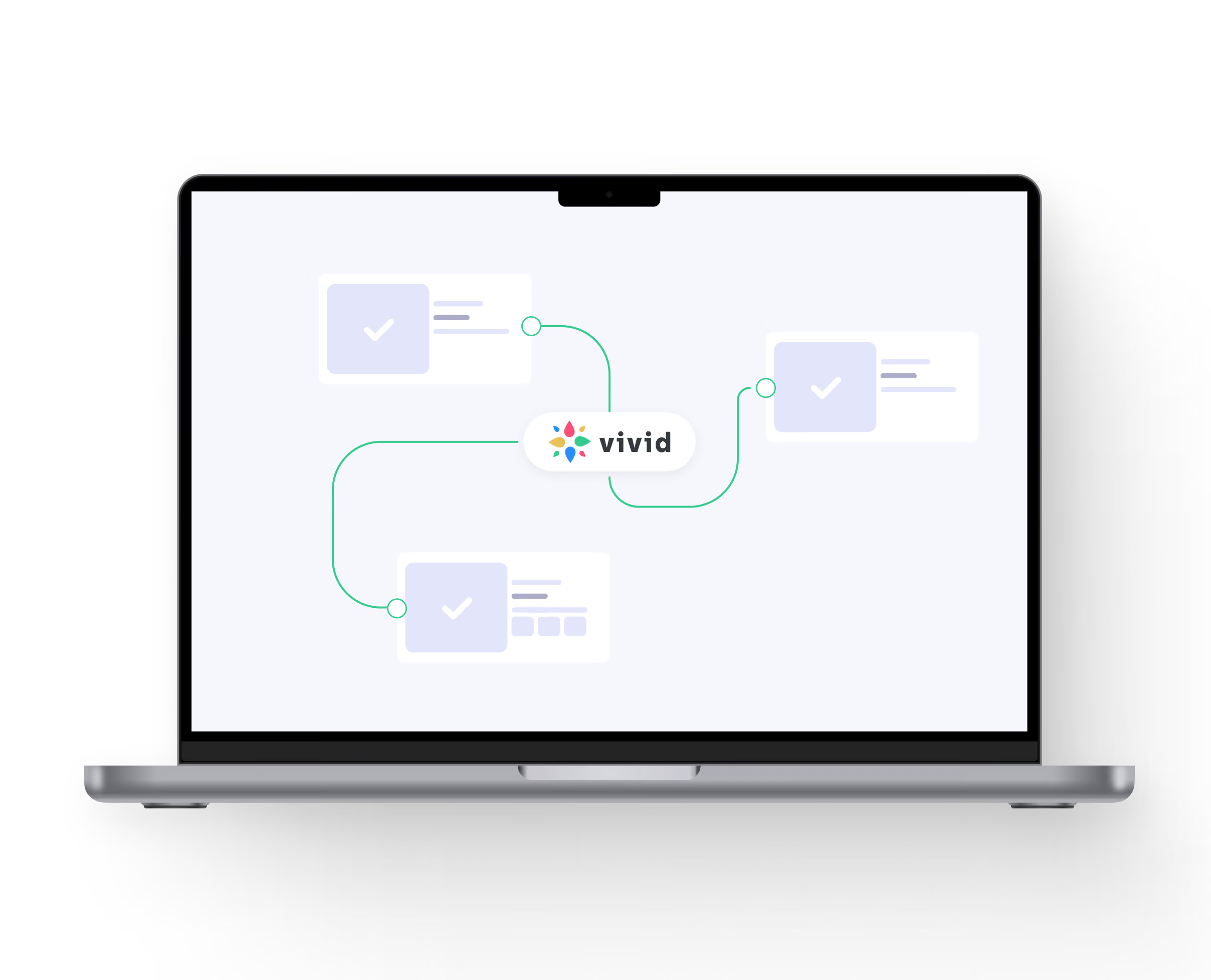
Use approved assets in Vivid.Studio, Vivid.Player, product configurators, eCommerce, marketing content and selected visual AI workflows.

Why Vivid 3D

A product-aware 3D DAM connected to content production, configuration, visualization and AI workflows.
Built to Scale
Manage individual product lines or large catalogues with thousands of assets, variants and outputs, using structured metadata, production statuses and repeatable workflows across internal teams, external artists and multiple projects.
Secure and Reliable
Keep models, textures, renders and project information inside one controlled workspace, managing access by team and project while retaining version and activity records.
Fits Your Workflow
Connect Vivid 3D with product data, commerce systems,
creative tools and custom applications through APIs, imports, exports and implementation support, adapting production stages, metadata and delivery to each organization.

Use Cases by Industry

FAQ

What is 3D digital asset management?

3D digital asset management is the process of organizing, storing, versioning, reviewing and distributing 3D models and related content. A 3D DAM keeps models, textures, renders, metadata, product variants and production information connected in one searchable system.

How is 3D DAM different from a regular DAM?

A regular DAM primarily manages images, videos and documents. A 3D DAM is designed to handle 3D formats, interactive previews, textures, materials, model versions, product variants and specialized production workflows.

How is a 3D asset library different from cloud storage?

Cloud storage organizes files and folders. A 3D asset library also provides searchable metadata, browser previews, version history, production status, product relationships, review workflows and publishing connections.

How do I manage 3D assets?

Start by creating a central asset structure, defining naming and metadata standards, assigning production statuses and connecting every model with its textures, renders, variants and versions. A 3D asset management platform helps teams apply this structure consistently at scale.

Does Vivid 3D support 3D asset versioning?

The platform can keep revisions and production history connected to the same asset. Teams can identify the current approved version and retain access to earlier files and change information.

Which 3D formats are supported?

Common workflows can include GLB, glTF, OBJ, FBX, USDZ and supported CAD source formats. The exact upload, preview, conversion and export options depend on the selected workflow and should be confirmed for each implementation.
Need training data
or visual data at scale?