Simulation-Ready 3D Assets for Robotics & Physical AI

Turn existing 3D models into assets ready for robotics simulation.
Vivid 3D specialists prepare polygonal 3D assets for robotics simulation, from collision geometry and physics properties to moving parts and semantic metadata. We work from existing models or CAD references, with production and approvals coordinated in Vivid Manage.
Start with a few representative assets and a clearly defined simulation task.
Discuss Your Asset Requirements

Why Most 3D Assets Aren't Ready for Simulation

A model can look correct in a renderer and still behave incorrectly when a robot touches 
it. The gap is usually in the details that visual models were never built to carry.
Collision Geometry
Highly detailed meshes are often inefficient for collision detection. We prepare contact geometry for the surfaces and interactions that matter.
Physics Properties
Mass, inertia, friction and contact settings affect whether simulated objects move and respond as expected.
Joints and Motion
Doors, drawers and mechanisms need component hierarchies, joint definitions and motion limits, not just separate meshes.

From 3D Models to Simulation Assets

The preparation depends on the task. A warehouse shelf, a loose object 
and a cabinet with moving doors need different levels of detail.
3D Asset Foundation
Clean polygonal geometry, correct scale, a logical hierarchy and visual materials give every asset a consistent starting point.
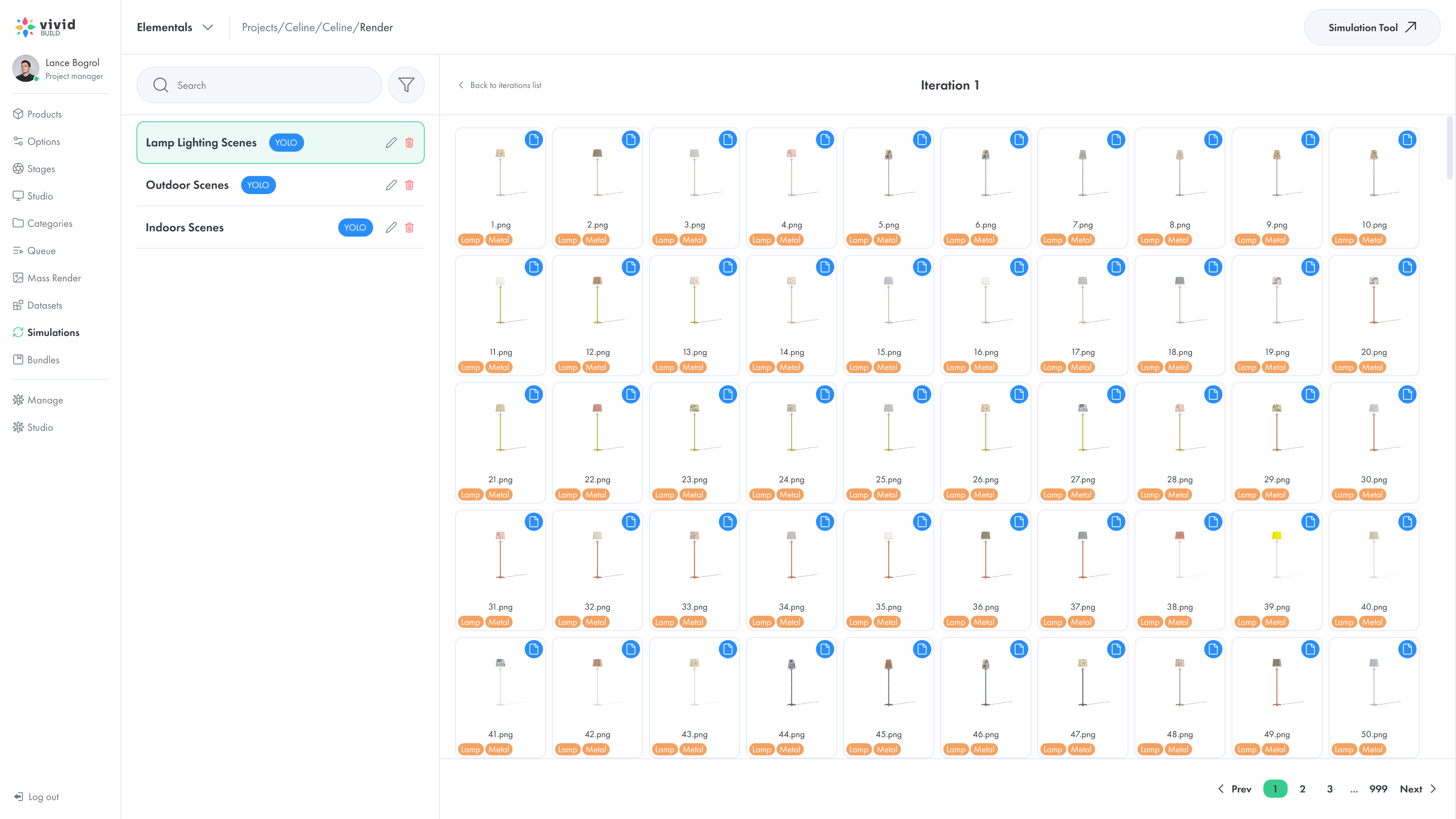
Synthetic data generation interface with labeled scenes
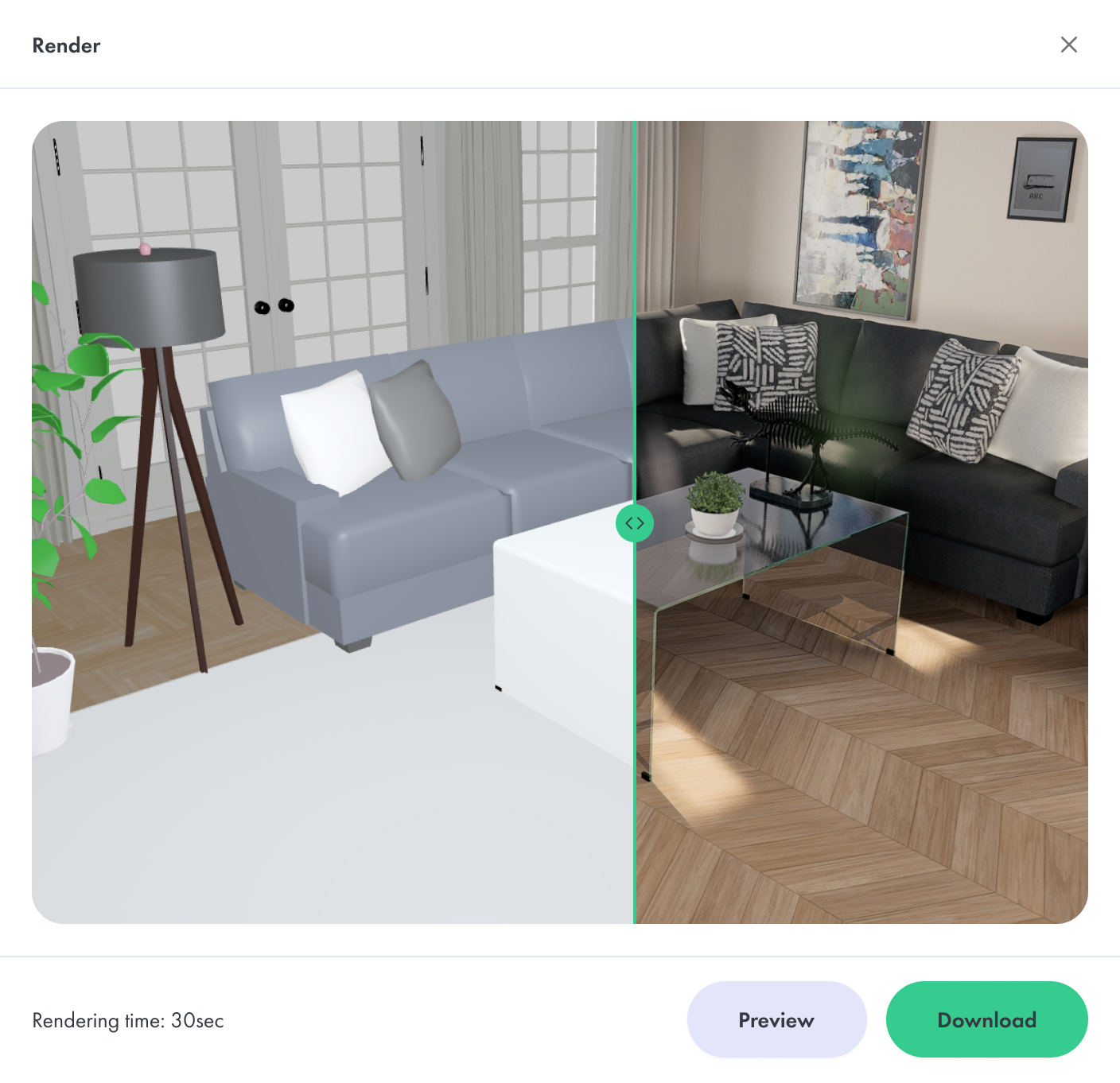
3D interior scene with simulation-ready furniture assets
Simulation-Ready Assets
Collision geometry, physics properties and articulated behavior prepare assets for defined robotics interactions.
Synthetic Data and Computer Vision
The same assets can be placed in controlled scenes with domain randomization to generate labeled visual training data. This work is scoped as a separate project.

What Is Included in Simulation Asset Preparation

Geometry Validation and Optimization
We review topology, hierarchy, dimensions and mesh quality, then fix or simplify geometry where the task requires it. Watertight and manifold checks are included when the collision method depends on them.
Collision Geometry
Primitive shapes, convex decomposition or custom collision meshes, chosen by object shape, contact surfaces and planned interactions.
Physics Materials and Properties
Mass, density, center of mass, inertia, friction and restitution, defined from engineering specifications, material references or documented estimates.
Articulated Mechanisms
Movable parts, joint types, axes and motion limits for doors, drawers, valves and equipment.
Scale and Semantic Metadata
Consistent units and real-world dimensions, plus organized names, part identifiers and labels that make assets easy to integrate and reuse.
Export for Your Workflow
Polygonal files and supporting data in the formats your team needs. Simulation validation currently runs in Unreal Engine; requirements for other environments are confirmed during scoping.

Assets for Different Types of Physical Interaction

Rigid Objects
Boxes, tools, products and containers: collision shapes and physics properties for object handling.
Articulated Objects
Cabinets, doors, drawers and mechanical assemblies: component hierarchies, joints and permitted motion.
Deformable Objects
Fabric, cables and soft materials require solver-specific preparation. Feasibility is evaluated for each project.

Robotics Simulation Use Cases

Robotic Manipulation and Grasping
Tools, products and containers with collision geometry and physics properties for grasping, picking and placement simulations.
Navigation and Mobile Robotics
For path testing and obstacle interactions, shelves, fixtures and equipment arrive with consistent scale and collision geometry.
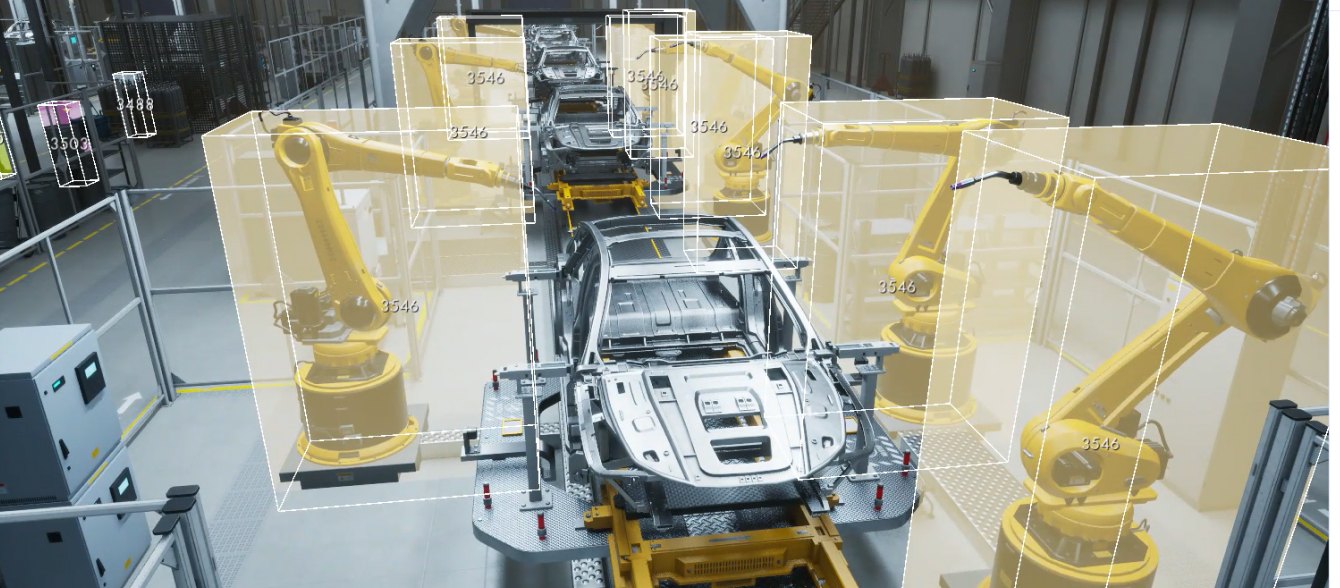
Robotic arms on a simulated car assembly line
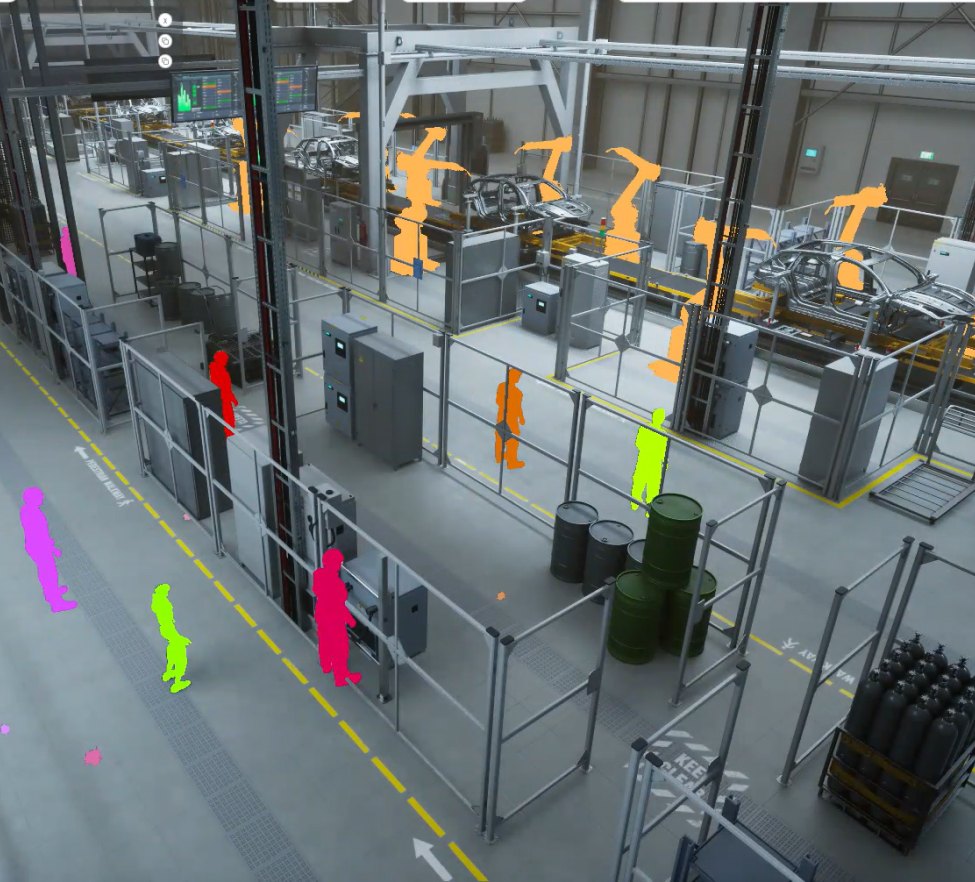
Simulated factory floor with segmented robots and workers
Warehouse and Logistics
Pallets, bins, cartons and product models set up for simulated picking, sorting and warehouse handling.
Industrial Equipment and Mechanisms
Machinery, valves and drawers get defined joints and motion limits, so robots can operate them in equipment and inspection scenarios.

How We Prepare Your Assets

Step 1: Review Source Files
Share existing 3D models or CAD references, the target environment and the interactions you want to test. We define preparation requirements and acceptance criteria.
Step 2: Prepare Geometry and Physics
Our specialists work on polygonal geometry, collision representations, physics properties and joint structures where needed.
Step 3: Review Simulation Behavior
If validation is part of the project, we check collisions, scale, stability and movement in Unreal Engine.
Step 4: Deliver and Reuse
You receive the model files and supporting data, with review and approval managed in Vivid Manage. The finished assets can later feed synthetic dataset generation.
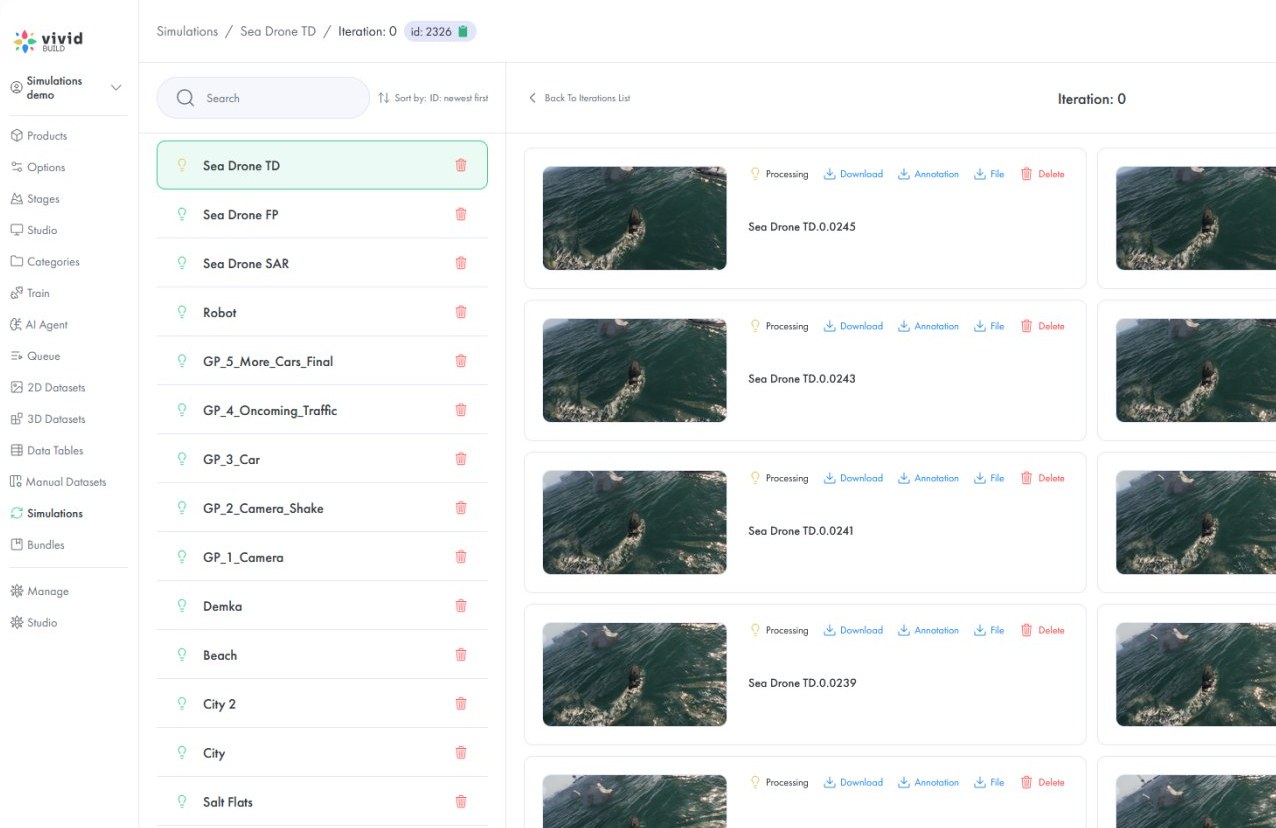
Vivid Manage asset library with simulation projects

What You Receive

Each delivery is scoped to the asset and simulator. The package can include prepared polygonal models, collision meshes, physics settings, component hierarchies, semantic metadata and joint information. Validated projects also include test notes and known limitations.
Prepared 3D asset placed in a simulation scene
Typical polygonal delivery formats include .max, .fbx, .glb.

Example: Preparing an Articulated Cabinet

The Challenge
A robotics team has a detailed cabinet model, but its doors cannot be tested in a physics simulation.
Preparation
Our specialists separate the movable components, build collision geometry and set up the hinges and motion limits for the intended interaction.
Result
The team receives a reusable asset for testing door opening and closing. The same cabinet can later appear in synthetic training scenes.

Vivid 3D Platform and Asset Management

Vivid Manage coordinates source files, specialist tasks, versions, feedback and approvals. Prepared assets stay in one library and can be reused across projects.
When a project needs more, the broader Vivid 3D platform covers scene variation, rendering, synthetic datasets and computer vision services.
Robot hands picking fruit in a synthetic training scene
Synthetic Data for Robotics Training
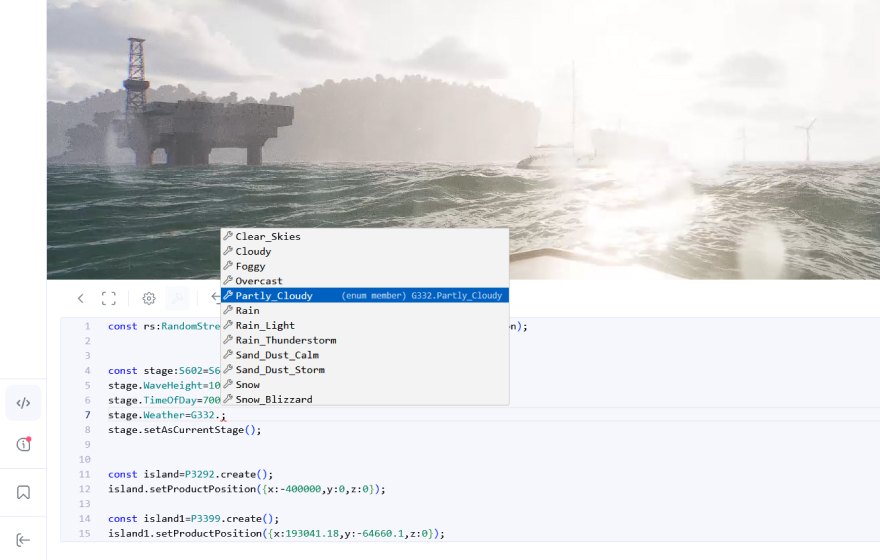
Offshore platform scene with scene configuration code
Synthetic Data for Computer Vision

Why Teams Work with Vivid 3D

Built Around Your Own Assets
Prepare proprietary products and equipment that generic asset libraries may not contain.
Specialist-Led Preparation
A dedicated team handles geometry and asset production while your engineers define the simulation requirements.
A Reusable Library of 3D Assets
Prepared models and metadata stay available for future simulation tasks and visual AI work.
Simulated airport scene with labeled aircraft

Start with a Simulation-Ready Asset Pilot

Send a small sample of models or CAD references and describe one robotics interaction. We review the source material, confirm the preparation scope and deliverables, and define validation criteria before a larger rollout.
Pricing and timing depend on model complexity, required physics and articulation, validation and any data services.
Discuss Your Asset Requirements

FAQ

What makes a 3D asset simulation-ready?

It has the geometry and task-specific properties needed for its intended simulation, such as collision shapes, scale, mass, inertia, friction or joints. An asset that looks correct in a renderer is not necessarily ready for physics-based simulation.

Can you work from existing CAD files?

Yes. CAD files can be used as source references. Specialists manually prepare the required polygonal assets; Vivid Manage coordinates the production workflow rather than automatically converting CAD.

Which formats and simulation engines do you support?

Polygonal deliverables can include .max, .fbx and .glb. Our current validation workflow uses Unreal Engine. A file format alone does not guarantee physics compatibility with a given simulator, so support for other environments is checked for each project.

Can you deliver assets in USD or URDF?

These formats are not part of our standard delivery today. If your pipeline requires USD, URDF or another robotics format, share the requirements during scoping and we will confirm what can be delivered.

Are the assets NVIDIA SimReady compliant?

Not automatically. NVIDIA SimReady refers to specific OpenUSD-based requirements and profiles. Any formal conformance would need separate confirmation.

Do you validate simulation behavior before delivery?

When validation is included in the project, we review the relevant interactions in Unreal Engine. Checks can include collision response, scale, stability and joint movement. Tests and acceptance criteria are confirmed during scoping.

Can you prepare articulated or deformable assets?

Rigid and articulated assets are prepared according to project requirements. Deformable assets need additional solver-specific work and are assessed individually.

Can these assets support synthetic data generation?

Yes. Prepared assets can be placed in controlled scenes to generate labeled images with automatic ground truth for object detection and segmentation. Datasets can be exported in COCO, YOLO, KITTI or custom formats.

Can you create custom assets if our library is incomplete?

Yes. We can create or refine polygonal 3D assets from available models, drawings, CAD references or images, then prepare them to the same simulation requirements.

How long does preparation take?

It depends on source quality, geometry complexity, physics and validation needs. A small pilot helps establish realistic delivery estimates.

Make Your 3D Library Ready for Physical AI

Share a few sample assets, your target environment and the interactions you need to test. We will help 
define the preparation work and a practical pilot.