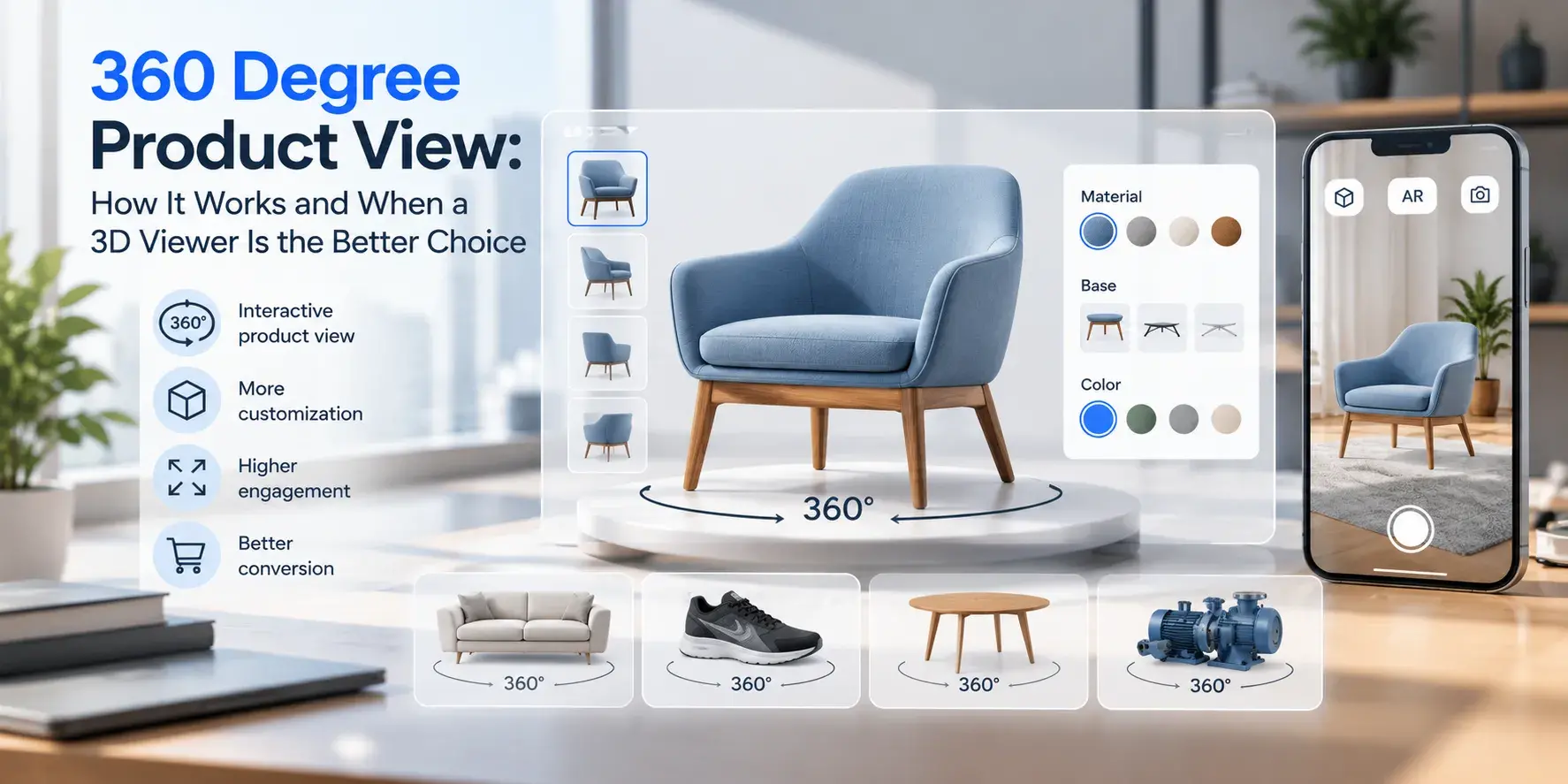
A 360 degree product view lets a shopper drag a product around on screen and see it from every side. Most of the time, what looks like a rotating object is a sequence of photos played in order, like a flipbook. That's the key difference from a 3D product viewer, which renders a real 3D model in the browser.
Both formats answer the same shopper question: what does this actually look like? They answer it in very different ways, with different costs in production, page weight and flexibility. Here's how each one works and how to decide which fits your catalog.
What Is a 360 Degree Product View?
A 360 degree product view is an interactive image of a product that rotates when the user drags, swipes or scrolls. It's built from a series of photos taken at evenly spaced angles around the product, then stitched into a spin by a 360 product viewer on the page.
You'll see it under several names: 360 spin, 360 product image, spin set, product spin or interactive product rotation. They usually mean the same thing. "3D spin" is the confusing one, since some vendors use it for multi-row photo spins that have nothing to do with a 3D model.
The format has been on product pages for years because it fixes the obvious weakness of static photos. Five fixed angles leave gaps. A spin shows the back, the sides and how the parts connect, without the shopper having to guess.
Types of 360 Product Views
Single-Row 360 Spins
The most common type. The camera stays at one height while the product turns on a turntable, and the camera takes a frame every few degrees. Typical spin sets use 24, 36 or 72 frames. More frames mean smoother rotation and heavier files.
A single-row spin works well for products that are mostly viewed from the side: shoes, bags, bottles, small appliances.
Multi-Row and Two-Axis Spins
Multi-row spins repeat the rotation at several camera heights, so the shopper can also tilt the product up and down. Two-axis spins go further and let the user rotate the product both horizontally and vertically, close to the feeling of a 3D model.
The cost is the number of photos. Three rows of 36 frames is 108 images per product, per color. That adds up fast in shooting time, retouching and storage.
Interactive 3D Models
A 3D product viewer isn't a photo format at all. It loads a 3D model (usually glTF or GLB on the web) and renders it in real time with WebGL. The user can rotate freely in any direction, zoom into details and, depending on the setup, change colors and materials or place the product in their room with AR.
Because the product is a model rather than a set of photos, every angle is available, not just the ones the camera captured.
How a 360 Product View Is Created
360 product photography follows a fairly standard workflow. The product sits on a motorized turntable in front of a seamless background with even lighting. Software controls the turntable and camera together: rotate a few degrees, fire, rotate, fire, until the product has turned a full circle.
After capture, the frames are cleaned up. Backgrounds are removed or whitened, colors corrected, and the images are aligned so the product doesn't wobble during rotation. The finished spin set is uploaded to a 360 viewer, which handles dragging, zoom and loading on the page.
The main practical problems are consistency and reflections. Glossy, chrome and glass products pick up the studio around them, and any shift in lighting between frames shows up as flicker in the spin. Getting a clean spin of a shiny product takes careful setup, and often more retouching than the shoot itself.
360 Product View vs 3D Product Viewer
The two formats overlap on the surface but behave differently once you look at production and reuse.
| 360 product view | 3D product viewer |
|---|
| Source | Photos of the physical product | 3D model, often built from CAD |
| Rotation | Only the angles that were photographed | Any angle, any distance |
| Realism | Photographic by default | Depends on model and material quality |
| Color and material variants | New shoot for each variant | Swap materials on the same model |
| Configurators | Not practical beyond a few options | Built for it |
| AR | Not supported | Same model can be used for AR |
| Needs a physical sample | Yes | No, can be produced before the product exists |
| Page weight | Grows with frame count and rows | Depends on polygon count and textures |
The variants row is where most catalogs make up their mind. A sofa in 40 fabrics is 40 photo shoots for 360, or one model with 40 materials in 3D.
When 360 Product Photography Is Enough
360 is the faster win when your products are simple, each SKU has few variants and you already run a photo studio. Adding a turntable to an existing setup is a small step, and the result looks exactly like the product because it is the product.
It also suits products where photographic texture carries the sale and variants are limited: a leather bag, a watch, a pair of sneakers in two colorways. Fashion and accessories retailers often stay with 360 for this reason.
And it's the realistic choice when you have no CAD files and the product range changes every season. Building 3D models from scratch for a catalog that turns over quickly rarely pays off.
When a 3D Viewer Is the Better Choice
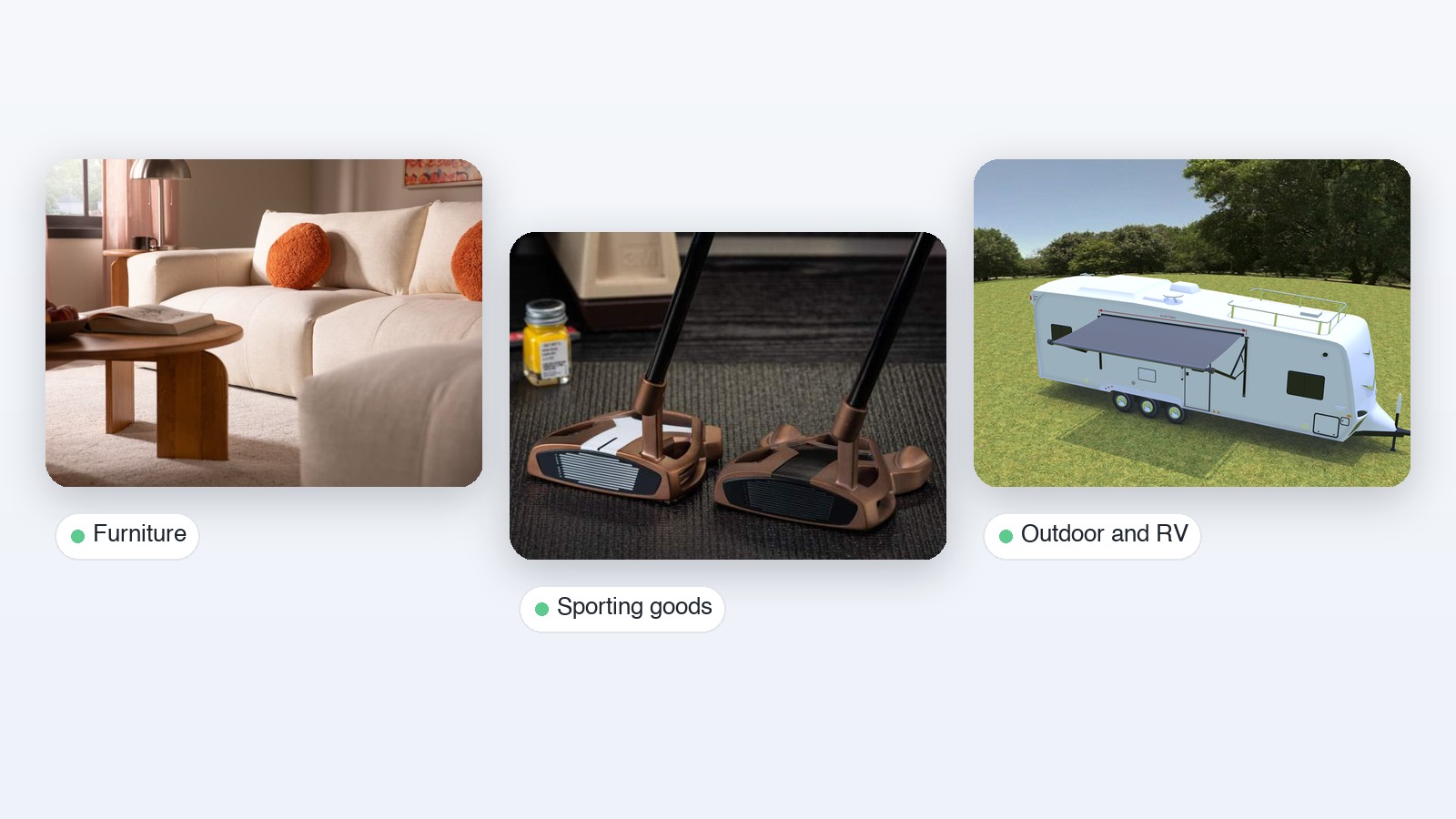
The balance shifts as soon as variants multiply. Furniture with dozens of fabrics, cabinets in several finishes and sizes, windows and doors with frame, glass and hardware options: each combination would need its own spin set. A 3D model covers them all from one asset.
3D is also the only option if you want the product to be configurable. A product configurator needs to show combinations nobody has photographed, often combinations that have never been built. Photos can't do that. A model with rules can.
A few other signals point to 3D:
- You already have CAD files from engineering, which means a big part of the modeling work is done.
- You want AR, so customers can place the product in their space. Our guide to augmented reality in ecommerce covers how that works.
- You need product images before samples exist, for pre-orders, catalogs or dealer portals.
- You want one asset to feed the product page, renders for marketing and lifestyle scenes.
The tradeoff is upfront work. A 3D model needs accurate geometry and well-prepared materials, or it will look worse than a good photo. Reflective and fabric materials in particular need care to look right in real time.
Using Both: A Hybrid Approach
Many retailers end up with both formats, split by product type. Simple, low-variant items get a 360 spin from the studio. Configurable or high-variant products get a 3D viewer. Shoppers don't care which technology sits behind the view, as long as it loads fast and looks right.
A hybrid catalog does need one rule to stay manageable: keep the experience consistent. The drag direction, zoom behavior and placement on the product page should feel the same whether the product is a spin or a model. If you're adding 3D to a site that already uses 360, our guide on how to embed 3D models in websites covers the technical side.
What to Look for in a 360 Product Viewer
Whatever the format, the viewer decides how the experience feels. A good 360 product viewer loads the first frame immediately and the rest in the background, so the page doesn't stall. It handles touch gestures on phones as well as mouse dragging on desktop, and it supports deep zoom without loading full-resolution frames for every angle upfront.
Check the details too. Can you add hotspots to point out features? Does it work inside your ecommerce platform's product gallery, or does it sit awkwardly below it? Can it show 3D models as well as spins, so you don't run two separate viewers if you go hybrid later?
For 3D, the same questions apply, plus a few more: material quality under real-time lighting, file size on mobile and whether the viewer supports AR on both iOS and Android. Vivid 3D's 3D product viewer is built for this, with models managed in one asset library and published to the product page, configurators and AR from the same source.
A 360 degree product view is a solid, proven way to show a product from every side. When variants, configuration or AR enter the picture, a 3D viewer is usually the better long-term investment.
Frequently Asked Questions
What does a 360-degree view mean?
In ecommerce, a 360-degree view is an interactive product image that rotates a full circle when the user drags or swipes. It lets shoppers see the product from every side instead of a few fixed angles.
What is a 360-degree view called?
It goes by several names: 360 spin, 360 product image, spin set, product spin or interactive rotation. Multi-row versions are sometimes called 3D spins, even though they are made of photos rather than a 3D model.
How do you make a 360 degree photo view of an object?
Place the object on a turntable with even lighting and a plain background, then take a photo every few degrees until it completes a full rotation. Typical spin sets use 24, 36 or 72 frames. After editing, the frames are uploaded to a 360 viewer that turns them into an interactive spin.
How can I see a 360-degree view of a product?
On product pages that support it, look for a 360 icon or a rotate hint on the main image, then drag or swipe across the product. On phones, some 3D product viewers also offer a "view in your space" button that opens the product in AR.
Is a 360 view the same as a 3D view?
No. A 360 view plays back photos taken from fixed angles, so you can only see what the camera captured. A 3D view renders a 3D model in real time, which allows any angle, material changes, configuration and AR.