Computer Vision as a Service

Computer vision as a service (CVaaS) means an external team builds and delivers a vision system for your task, so you don't have 
to assemble the data, training and evaluation work in-house. With Vivid 3D, you get a system that recognizes objects, detects 
defects or handles another agreed visual task, through an API or in your own infrastructure.
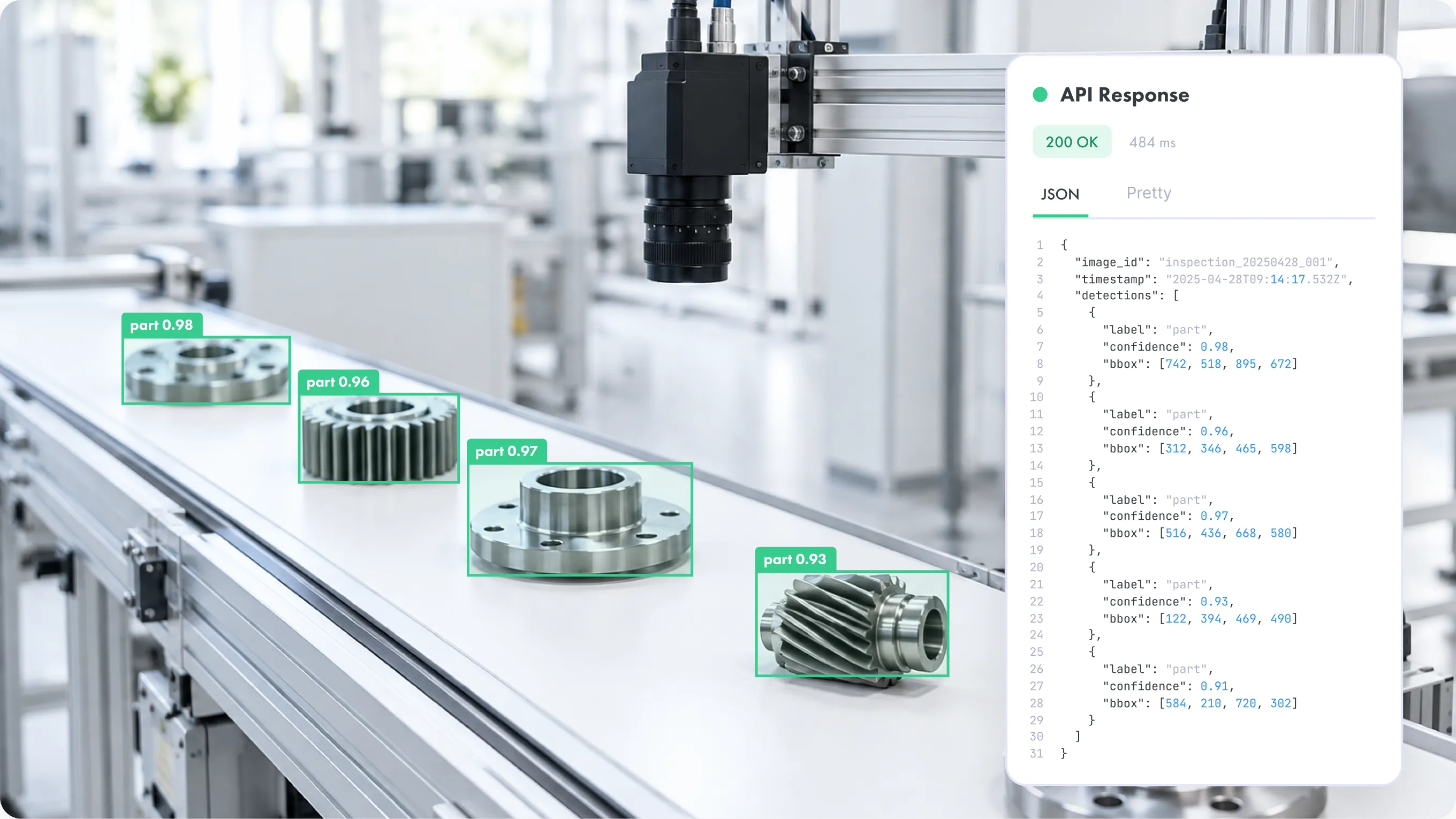
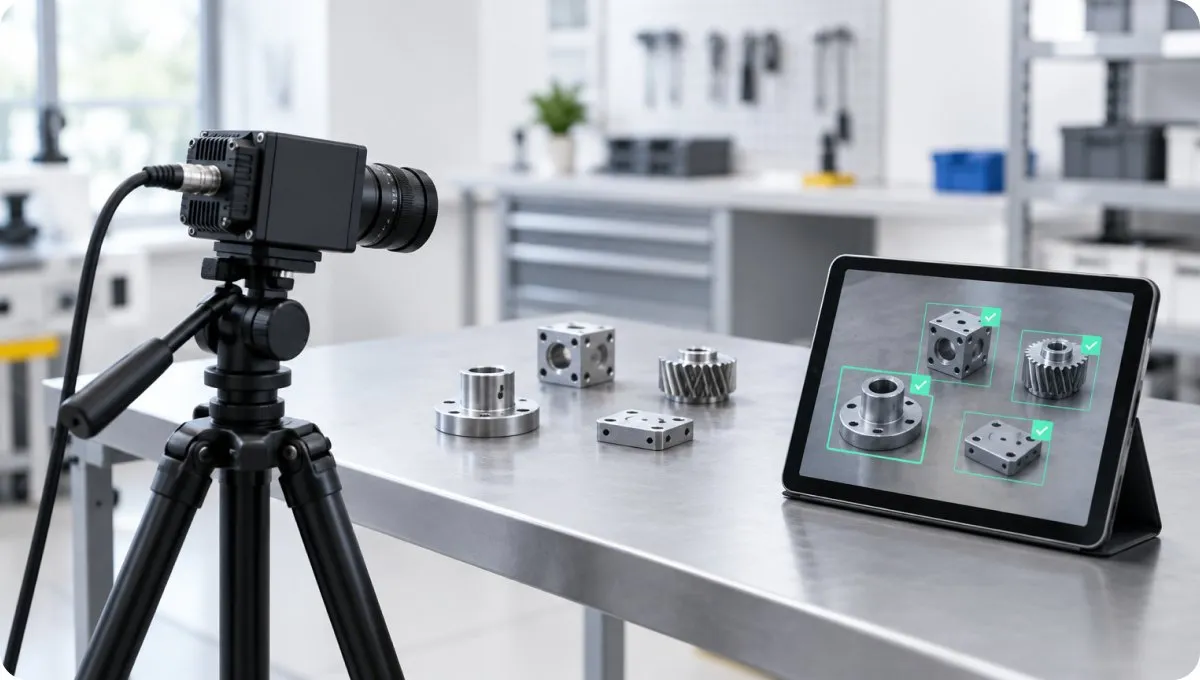
Inspection camera detecting machined parts on a conveyor with an API response panel

What You Get: A Working Vision System

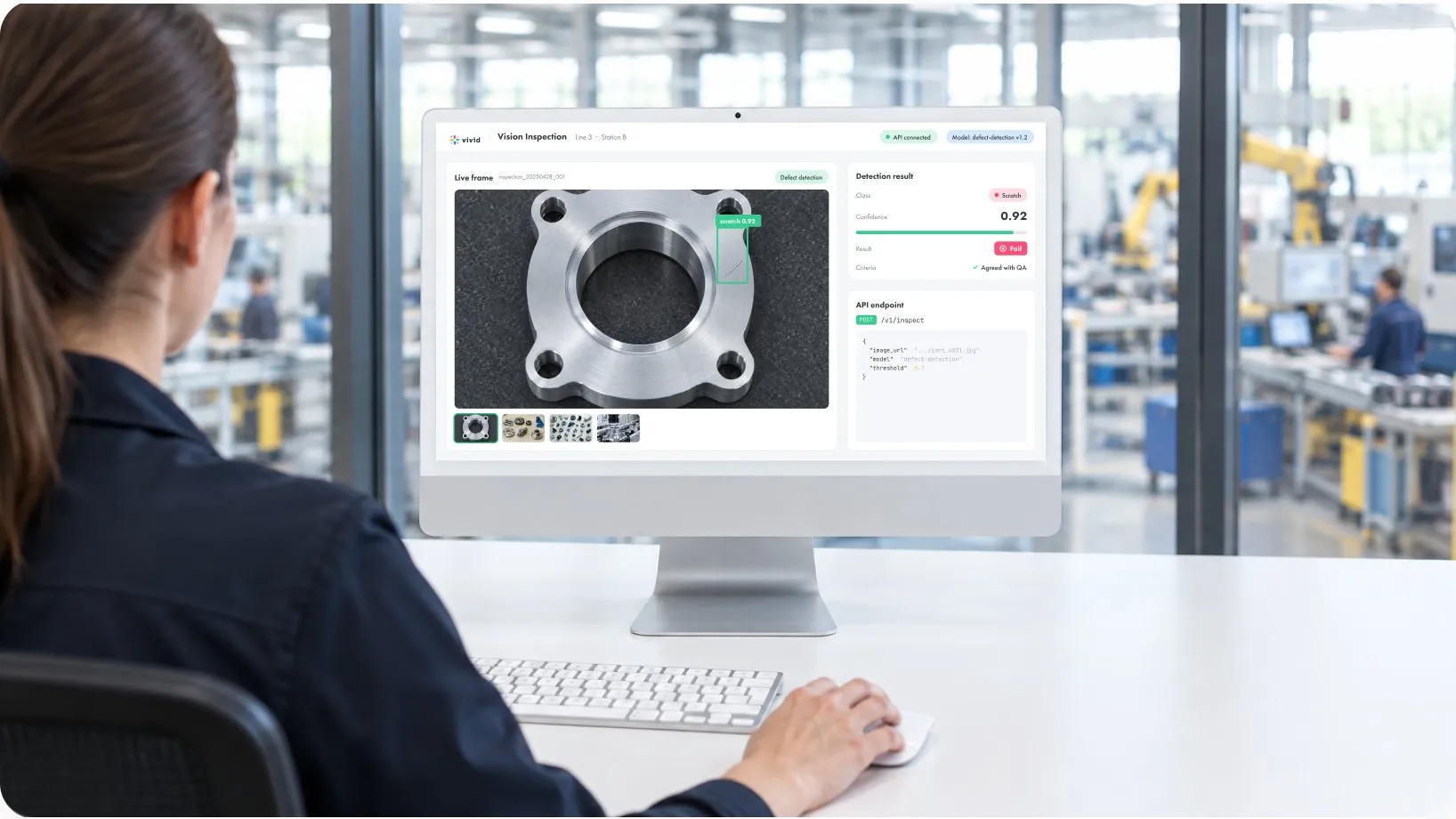
You come with a business task, such as finding a visible defect on a part or identifying an object in a robotic workspace. The result is a system that returns the outputs you need for that task, checked against criteria agreed before work begins.

You choose how to use it. Access the model through an API as a service, running on Vivid 3D infrastructure, or export it to your own environment when images need to stay in-house.
Inspector reviewing defect detection results from a vision system on a monitor

Synthetic Data or Computer Vision as a Service?

The difference is what you buy. If your team already trains its own models, you probably need synthetic data for computer vision. If you need the working result, CVaaS is the closer fit.
Synthetic Data
Computer Vision as a Service
What you buy
A labeled dataset
A working computer vision system
Who trains the model
Your team
Vivid 3D
What you receive
Images and annotations in COCO, KITTI, YOLO or an agreed format
Model access through an API, or an export to your environment
Best for
ML teams with a training pipeline
Teams that need the capability without building that pipeline

How It Works: Assess, Build, Operate

Step 1  Assess
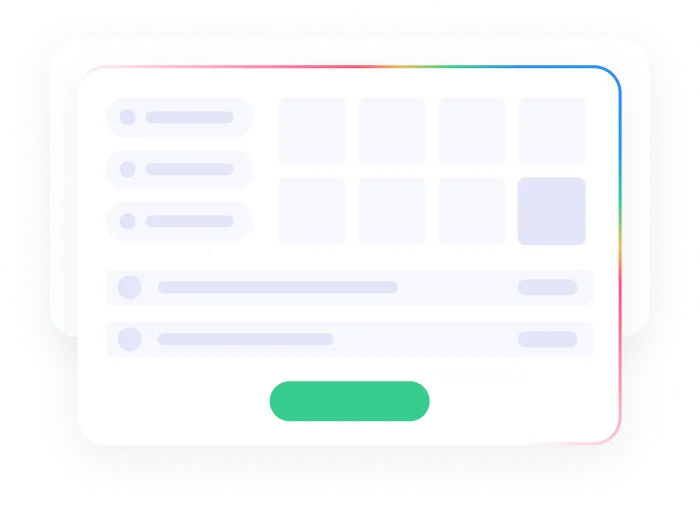
Start with the business task. Together we define the object classes, set aside a real-image test set and agree the acceptance criteria. If the task doesn't look feasible with the data available, you should learn that here, before a larger commitment.
Assess stage: task definition and acceptance criteria illustration
Step 2  Build
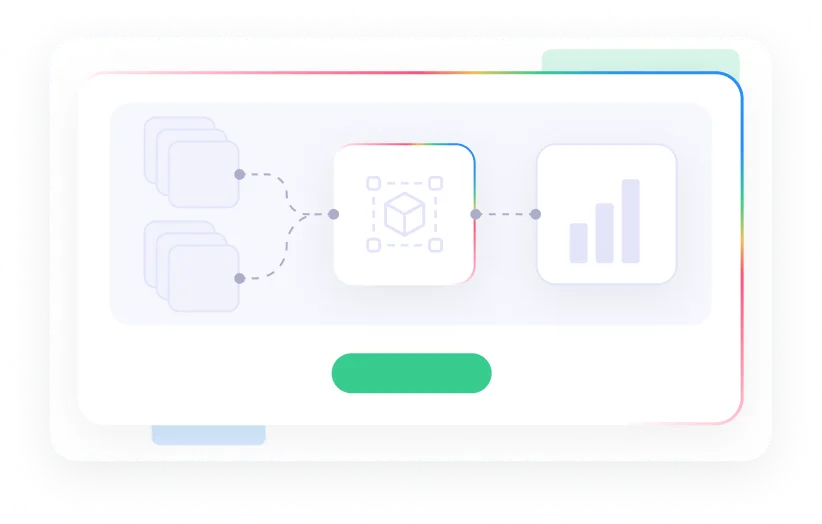
We combine your real images with synthetic data, prepare the annotations, then train and evaluate the model. Evaluation data stays separate from training, so results reflect images the model hasn't seen. Need deeper custom work? See our computer vision development services.
Build stage: combining real and synthetic data to train a model
Step 3  Operate
The model runs through an API on Vivid 3D infrastructure or is exported to your environment. As errors appear, they show which scenarios the dataset is missing and what to update next.
Operate stage: model running through an API with ongoing updates

When You Don't Have Enough Real Images

Rare defects, unusual lighting and partly hidden objects are hard to photograph in useful numbers. Vivid 3D 
approaches this gap from the 3D side.
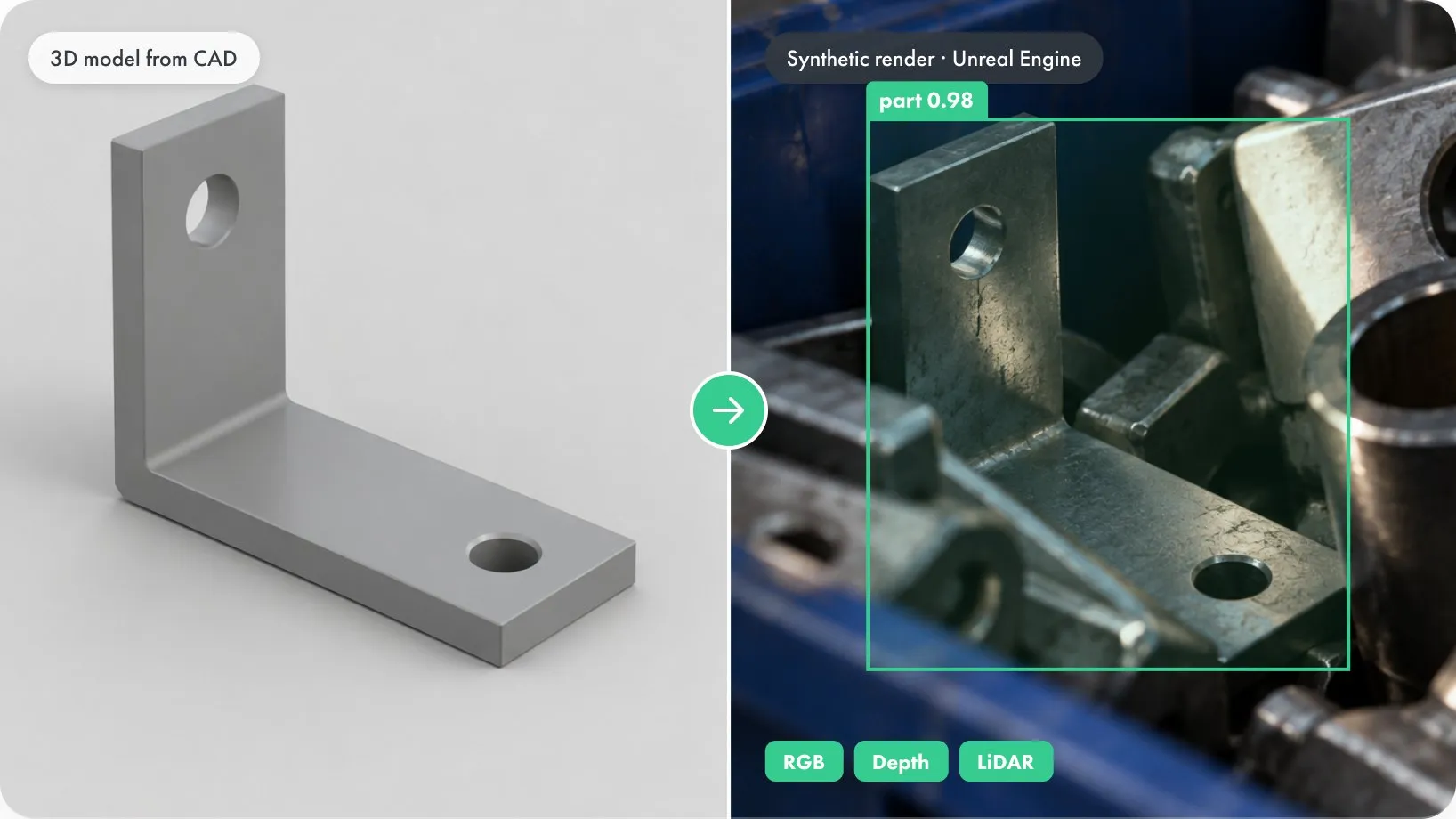
Our 3D team manually prepares polygonal models from your CAD files or references, and production is managed in Vivid Manage. Finished models go into Unreal Engine simulations that generate labeled training images for the scenarios you agree on, with RGB, depth and LiDAR data supported according to project scope.

Real images still matter: they are how we check whether the synthetic examples represent your task.
3D model from CAD next to a synthetic Unreal Engine render with detection labels

Where Teams Use Computer Vision as a Service

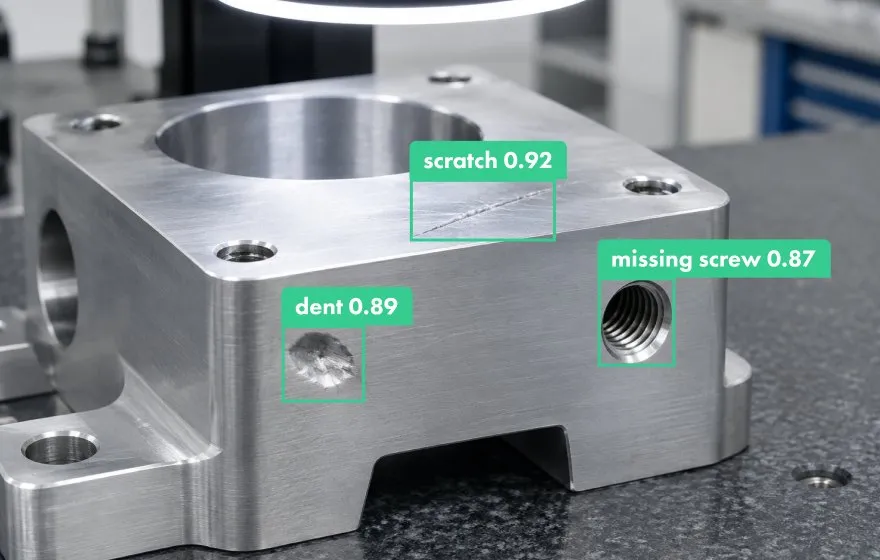
Machined metal part with detected scratch, dent and missing screw labels
Defect Detection
Find scratches, dents, missing parts or misalignment in manufacturing inspection, using defect definitions set with your quality team.
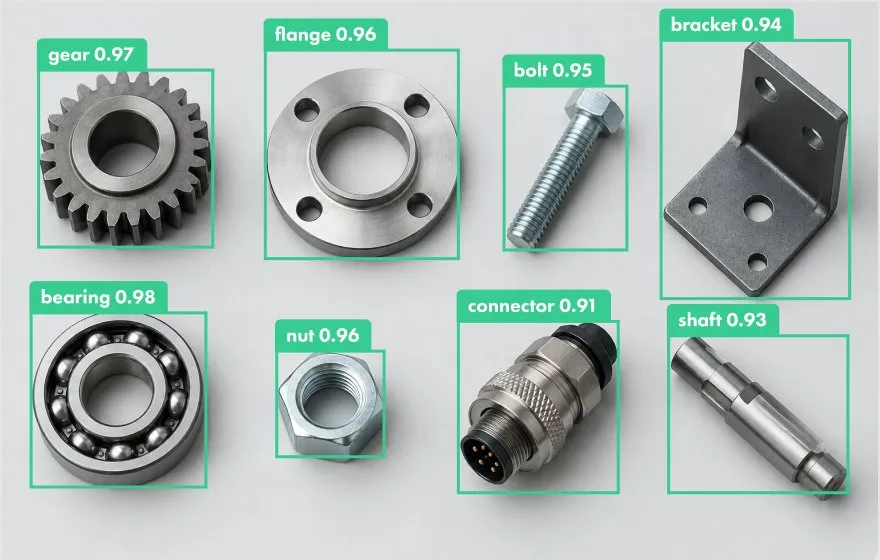
Industrial components recognized with labeled bounding boxes
Part Recognition
Identify components and product variants from images, including difficult angles and changing light.
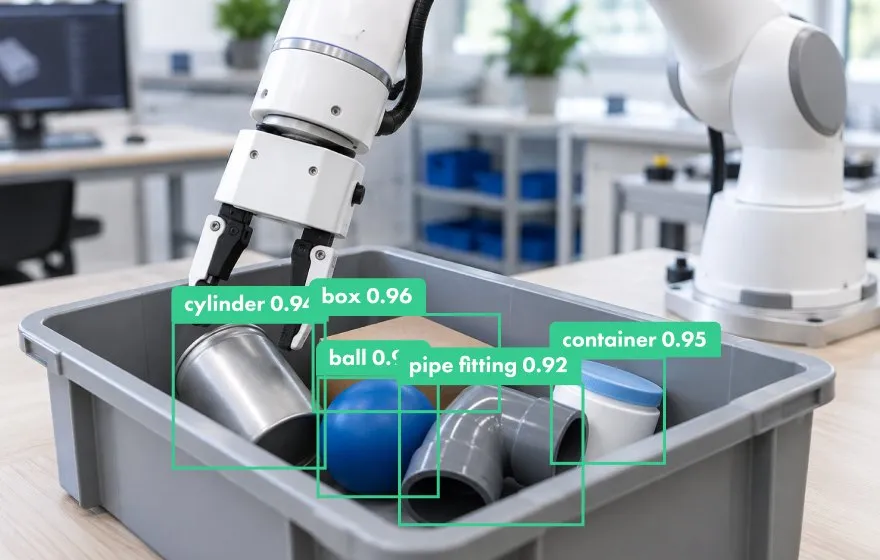
Robotic arm picking objects from a bin with detection labels
Robotic Perception
Detect and segment objects in robotic workspaces, where viewpoint and occlusion change from moment to moment.

What You Receive

Laptop showing a model quality report on a desk
The project scope sets the package. It typically covers a baseline, a quality report against the agreed criteria, representative errors and known limitations, the model delivery format and the boundaries of support.
You see where the system fails as well as where it works.

Evidence: A Measured Test on Real Photos

In an internal Vivid 3D study, fine-tuning a COCO-pretrained detector on 1,600 synthetic renders raised AP50:95 on real car photos from 80.42% to 84.87%. The test was small: 34 real photos with 43 annotated cars. Performance on the broader COCO car benchmark fell, which is why we treat this as evidence for task-specific adaptation and not a general uplift. Read the synthetic data case study for the setup and limits.

Mean bounding-box overlap
+1.52 percentage points
100%
75%
50%
25%
0%
90.76%
Original COCO
pretrained model
92.28%
After Vivid
fine-tuning
Detection AP50:95
+4.45 percentage points
100%
75%
50%
25%
0%
80.42%
Original COCO
pretrained model
84.87%
After Vivid
fine-tuning
Feasibility pilot: vision system checking a part on real images

Start with a Feasibility Pilot

Begin with one task, representative images and an agreed way to judge the result. Tell us what the system needs to recognize, what data or 3D files you already have, and where it will run. The pilot shows whether the approach holds up on your real images before you expand it.
Request a Feasibility Pilot

FAQ

What is the difference between CVaaS and computer vision development?

Development describes the engineering work of building and training a model. CVaaS is framed around the outcome: you get a working capability for your task and use it through an API or your own infrastructure.

How much does computer vision as a service cost?

It depends on data readiness, model complexity, required scenarios, the number of training iterations and how the system will be delivered. A pilot gives you a defined scope to price against.

Do we still need real-world data?

Usually, yes. Synthetic data can fill gaps in training, but representative real images are needed to test performance outside simulation.

Can we run the model in our own environment?

Yes. You can export the model to your own environment or access it through an API on Vivid 3D infrastructure. The runtime, inputs, outputs and integration responsibilities are agreed in the project scope.