There is no single best robot simulation software. Isaac Sim is strongest on photorealistic sensors and synthetic data, MuJoCo on fast and accurate contact physics, Gazebo on ROS 2 integration, and RoboDK on programming industrial arms offline. The right pick depends on what you are trying to get out of the simulator.
This guide sorts the main tools by the job they do best, compares licenses and strengths in one table, and covers two things most comparisons skip: industrial offline programming tools, and the 3D assets that decide how realistic any simulator can be.
Robot Simulation Software at a Glance
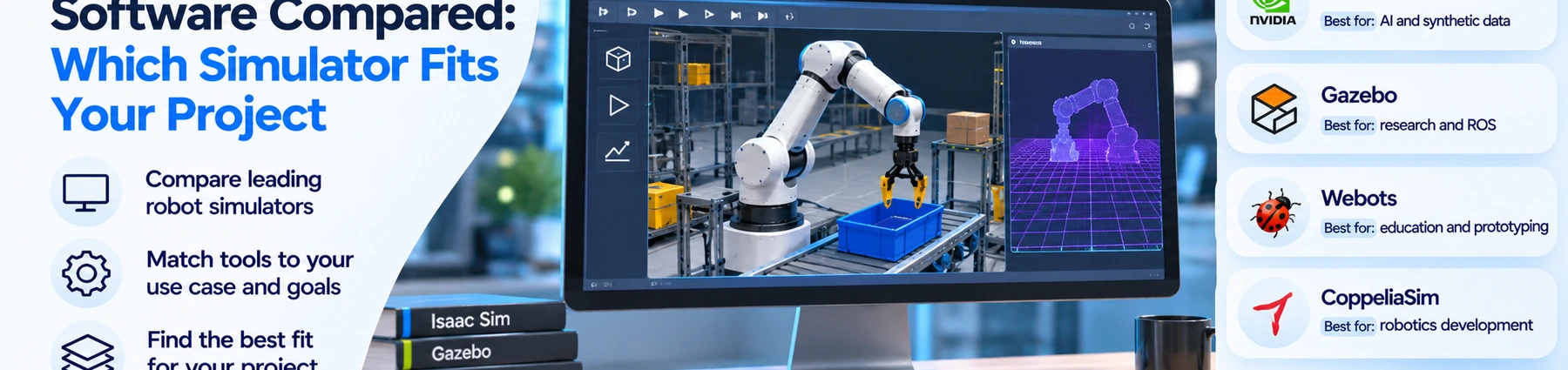
| Simulator | Best for | Physics | Rendering | License |
|---|
| NVIDIA Isaac Sim | Perception, synthetic data, digital twins | PhysX on GPU | Photorealistic (RTX) | Apache 2.0 for the GitHub code, other components under NVIDIA terms |
| NVIDIA Isaac Lab | Reinforcement learning at scale | PhysX via Isaac Sim, Newton integration in progress | Photorealistic | Open source (mostly BSD-3) |
| MuJoCo | Contact-rich manipulation, locomotion, RL research | Fast, accurate contact model | Basic | Open source (Apache 2.0) |
| Gazebo (Gazebo Sim) | ROS 2 robots, navigation, multi-robot | Pluggable engines | Moderate | Open source (Apache 2.0) |
| Webots | Education, mobile robots, quick prototypes | ODE-based | Moderate | Open source (Apache 2.0) |
| CoppeliaSim | Flexible research setups, many robot models | Several engines to choose from | Moderate | Free for education, paid for commercial use |
| Genesis | Python-first, GPU-parallel robot learning | Multi-solver, GPU | Optional ray tracing | Open source |
| PyBullet | Lightweight RL and research prototypes | Bullet | Basic | Open source |
| RoboDK | Offline programming of industrial arms | Kinematics focused | Moderate | Commercial |
| ABB RobotStudio, Siemens Process Simulate | Vendor-specific and plant-level cell simulation | Kinematics and process focused | Moderate | Commercial |
How to Choose: Match the Simulator to the Job
Most teams pick a simulator because a tutorial used it, then discover a year later that it can't do the one thing their project needs. Start from the output you want instead. Five jobs cover most robotics work.
Reinforcement learning and locomotion
RL needs millions of episodes, so throughput matters more than visuals. Isaac Lab runs thousands of robot instances in parallel on one GPU and is widely used for humanoid and quadruped training. MuJoCo, especially through its GPU-accelerated variants MJX and MuJoCo Warp, is a standard choice in research for contact-heavy tasks. Genesis is a newer Python-first option built for the same parallel workloads.
Physics engines in this space are converging. Newton, an open-source engine started by NVIDIA, Google DeepMind and Disney Research and now hosted by the Linux Foundation, uses MuJoCo Warp as one of its solvers and is being integrated into Isaac Lab. Choosing between these tools is becoming less of a one-way door.
ROS 2 navigation and multi-robot systems
If your robot runs ROS 2, Gazebo is the default. It is maintained alongside ROS, ships with sensor plugins for cameras, LiDAR and IMUs, and handles fleets of mobile robots well. One caution for older projects: Gazebo Classic reached end of life in January 2025, so anything still on it should move to the current Gazebo Sim releases. Webots is a lighter alternative with good ROS 2 support and a gentler learning curve.
Manipulation and research
Grasping, insertion and assembly live or die on contact physics. MuJoCo is strong here, and so is Drake, developed with major support from Toyota Research Institute, which adds rigorous tools for planning and control. CoppeliaSim and PyBullet remain popular for quick experiments because setting up a scene takes minutes rather than days.
Perception and synthetic data
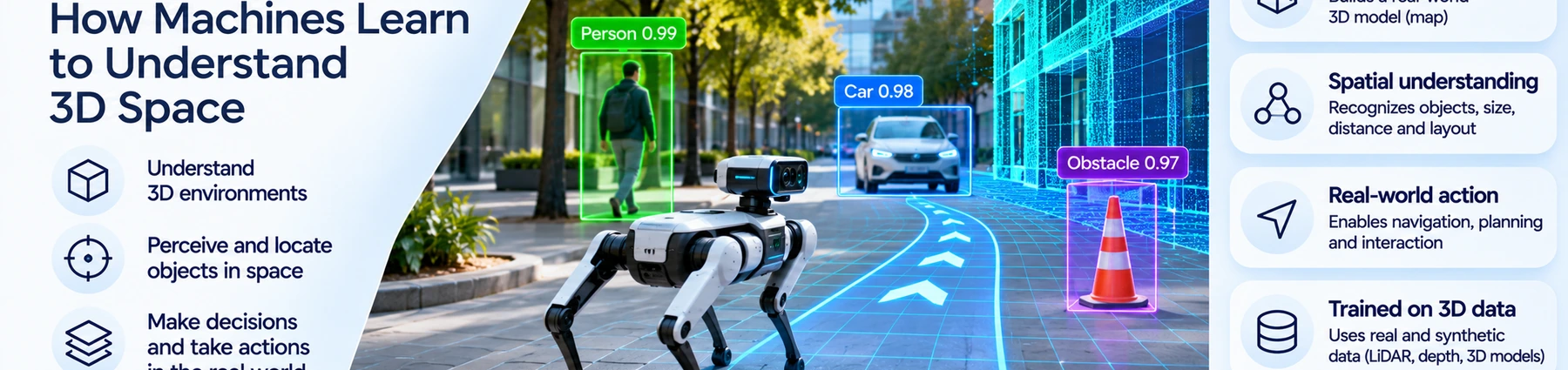
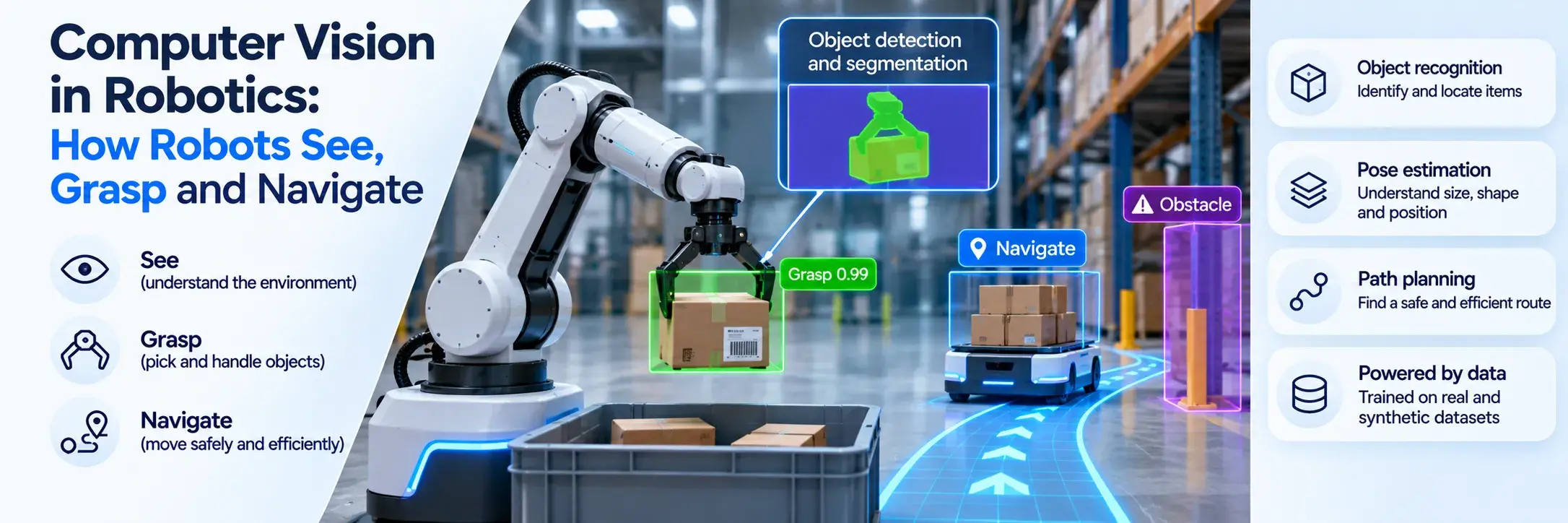
When the goal is training a vision model, the simulator becomes a camera. What matters now is rendering quality, sensor models (noise, lens distortion, LiDAR beam patterns) and automatic labels. Isaac Sim, built on Omniverse and OpenUSD, is the most complete option, with Replicator for generating labeled datasets. Unity and Unreal Engine based pipelines are the other common route, especially for teams that already have game-engine skills. Physics accuracy matters less here than how close the images look to what the real camera sees. Our guide to synthetic data generation methods compares these approaches.
Industrial cells and offline programming
This is a different world from robot learning, and most comparisons skip it. A manufacturer installing a welding or palletizing cell doesn't need RL. It needs to program a specific ABB, FANUC or KUKA arm, check reach and collisions, estimate cycle time and export a program the real controller will run.
That is offline programming. RoboDK is a widely used vendor-neutral tool, with a library of more than 1,200 robot models from about 80 manufacturers and post processors that generate native robot code. ABB RobotStudio runs a virtual copy of ABB's own controller software, so programs behave very close to how they will on the real arm. Siemens Process Simulate validates production lines and cells inside the Tecnomatix suite. None of these is built for training AI, and none of the AI simulators above replaces them for commissioning a cell.
The Simulators in Detail
NVIDIA Isaac Sim. The heavyweight. RTX rendering, physically based sensor models and native OpenUSD scenes make it the strongest choice for perception, synthetic data and digital twins. The cost is hardware: it needs a capable NVIDIA GPU, and the learning curve is steep. The Isaac Sim source code on GitHub is under Apache 2.0, while the Omniverse Kit SDK and other components it pulls in keep NVIDIA's own terms.
NVIDIA Isaac Lab. A robot learning framework on top of Isaac Sim rather than a separate simulator, now adding Newton as an alternative physics backend. Use it when you want GPU-parallel RL and imitation learning with Isaac's rendering available for vision-based policies.
MuJoCo. Acquired and open-sourced by Google DeepMind, MuJoCo is fast, stable and accurate for contacts. Robots are described in its own MJCF format. Visuals are deliberately simple, so teams that need photorealism often pair it with a separate renderer.
Gazebo. The ROS ecosystem's simulator. Strong on sensors, plugins and multi-robot scenarios, weaker on visual realism. Robots usually come in as URDF or SDF files, the same descriptions ROS uses on the real machine.
Webots. Open source since 2018, cross-platform and easy to start with. A common choice for teaching and for mobile robot prototypes.
CoppeliaSim. Very flexible, with several physics engines and a large model library. The licensing split (free for education, paid for commercial use) is worth checking before a company project depends on it.
Genesis. Released in late 2024, Genesis targets fast, GPU-parallel simulation from a Python API. Promising for robot learning, but younger than the others, so expect a smaller community and a moving API.
RoboDK. Commercial, vendor-neutral offline programming for industrial arms. Strong when you need to generate and verify real robot programs rather than train models.
Free and Open-Source Robot Simulation Software
Most of the AI-focused tools are free. MuJoCo, Gazebo, Webots, Genesis, PyBullet and Drake are open source, Isaac Lab is open source, and Isaac Sim's core code is on GitHub under Apache 2.0. CoppeliaSim is free for education. On the industrial side, RoboDK, RobotStudio and Process Simulate are commercial, though some offer trials or limited free tiers.
Free doesn't mean zero cost. Isaac Sim needs an RTX-class GPU, cloud GPU time adds up fast during RL training, and the real expense is usually engineering hours spent building scenes and robot models.
Assets Decide How Real Your Simulation Is
Every simulator on this list is limited by what you load into it. A physics engine can only be as accurate as the masses, friction values and collision shapes it is given. A renderer can only produce realistic images from realistic geometry and materials. Comparisons spend pages on engines and almost none on this.
There are two kinds of assets to think about. The robot itself is described in a format the simulator understands: URDF in the ROS world, MJCF for MuJoCo, USD for Isaac Sim. Converting between them is possible but rarely clean, because each format handles joints, actuators and materials differently.
The second kind is everything around the robot: the parts it picks, the shelves, pallets, tools, floors and lighting of the environment. For perception work this matters most. A model trained on a warehouse where every box is a flat-shaded cube will struggle with real cardboard, tape and labels. A grasping policy trained on objects with wrong mass or friction will drop the real thing.
Good simulation assets need correct real-world scale, clean geometry with sensible polygon counts, separate collision meshes, physically based materials and, for physics work, realistic mass and friction values. Building a library of them is slow work, and it is the part of a simulation project teams most often underestimate. Vivid 3D produces simulation-ready 3D assets and scenes for this purpose, delivered as FBX, GLB and 3ds Max files validated in Unreal Engine. Other format requirements are reviewed during scoping.
Closing the Sim-to-Real Gap
No simulator matches reality exactly, whichever you choose. Policies trained in simulation meet unmodeled friction, sensor noise and lighting on real hardware. The usual tools against this are domain randomization (varying textures, lighting, masses and friction during training so the real world looks like one more variation), system identification to tune simulator parameters to the real robot, and mixing real data into training. Some teams also validate a trained policy in a second simulator with a different physics engine before it touches hardware. We go through these methods in detail in our article on the sim-to-real gap.
Choosing Your Robot Simulation Software
Write down the one output your project can't do without: a trained policy, a validated ROS 2 stack, a labeled dataset or a robot program for a production cell. That choice narrows the field to two or three tools, and from there hardware, team skills and licensing usually settle it.
Whichever robot simulation software you pick, the assets inside it set the ceiling on realism. If your team needs objects, environments or full scenes built for simulation and synthetic data, see how Vivid 3D supports robotics and physical AI teams or book a demo to discuss your project.
Frequently Asked Questions
What is the best simulation software for robotics?
It depends on the job. Isaac Sim is the strongest for perception and synthetic data, MuJoCo and Isaac Lab for reinforcement learning and manipulation, Gazebo for ROS 2 robots and navigation, and RoboDK or ABB RobotStudio for programming industrial arms offline.
Is there any free software for robotic simulation?
Yes. MuJoCo, Gazebo, Webots, Genesis, PyBullet and Drake are open source, and Isaac Lab and Isaac Sim's core code are freely available. CoppeliaSim is free for education. Expect costs for GPUs and engineering time rather than licenses.
Is Isaac Sim better than Gazebo?
They are built for different things. Isaac Sim wins on rendering, sensor realism and synthetic data, but needs an NVIDIA RTX GPU. Gazebo is lighter, runs on ordinary hardware without an RTX GPU and integrates more directly with ROS 2. Many teams use Gazebo for navigation testing and Isaac Sim for perception.
What is the difference between MuJoCo and Isaac Sim?
MuJoCo is a physics engine focused on fast, accurate contact simulation, with simple visuals. Isaac Sim is a full simulation platform with photorealistic rendering, sensor models and synthetic data tools. MuJoCo suits control and RL research, while Isaac Sim suits perception and digital twin work.